I am writing a script, I am checking it twice, it’s gonna find out if doglegs are naughty or nice. Falcon Eye is coming to town
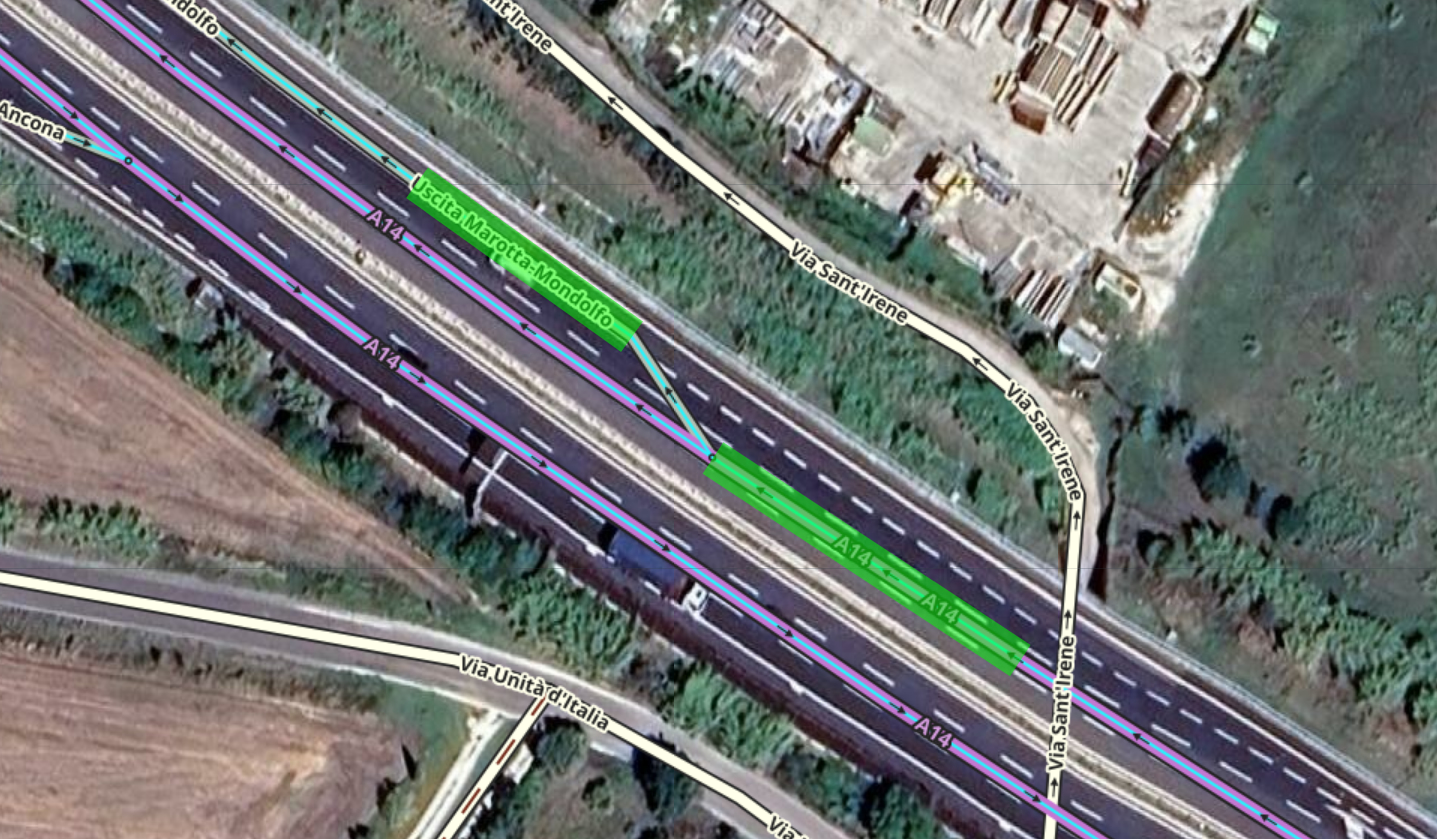
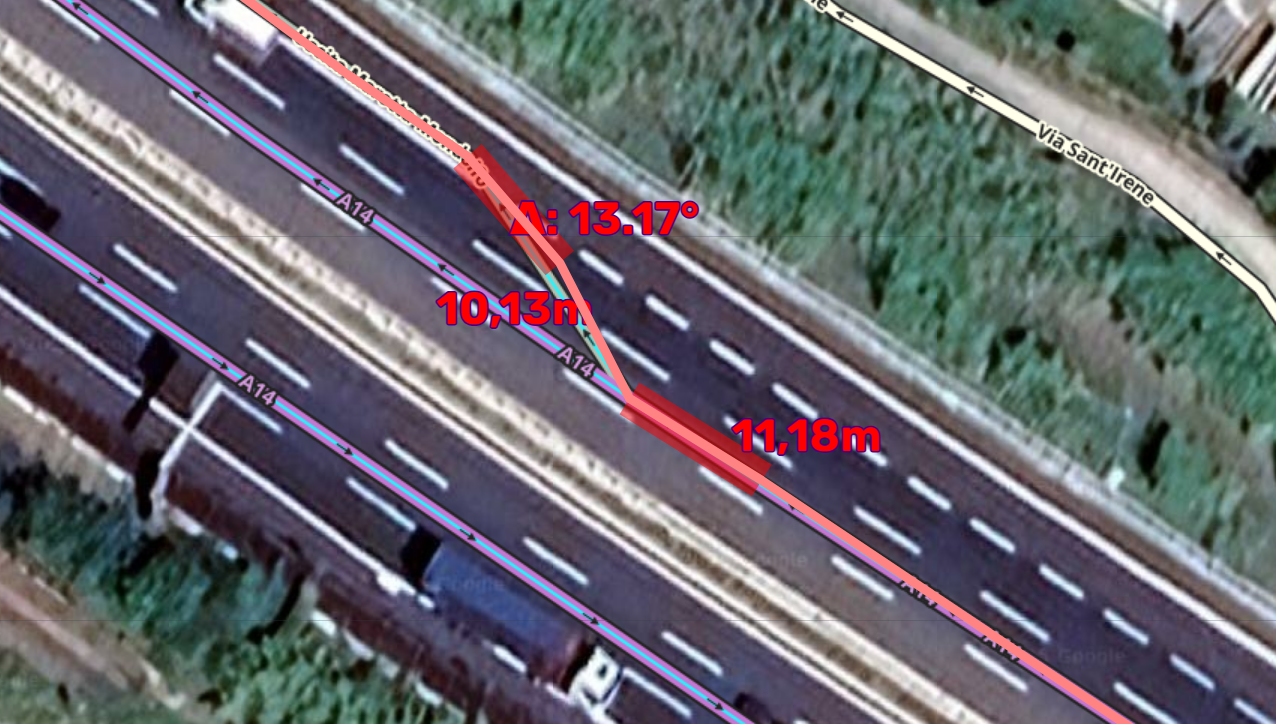
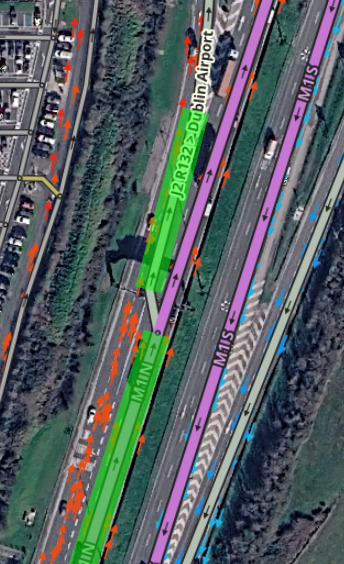
Based on Gil’s guide regarding mapping doglegs for Falcon and further information from the Devs, I made a script that checks that automatically (for performance reasons only on one-way streets, but Waze said that that applies also to two-way roads, fyi).
Great work! I have a suggestion: could there be an option to only highlight the “naughty” doglegs? Most of the time I don’t need to see the green highlights.
There might be, somewhen, but in that way there would be no way to know if these segments were even recognized at all as dogleg candidates or simply skipped.
It’s a very good script. Is there a way that an AGCs will be filtered out? The Falcon needs the special geometry only when the exit ramp continues more or less in parallel to the highway, and not when in diverges to a different direction.
An excellent job adapting to this new reality. The editor community is grateful.
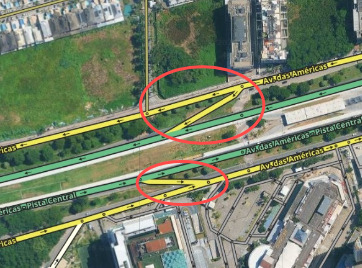
I would like to ask a question: is there any possibility of expanding this to highway access without using ramps? I tested it here and it only works with ramps. If that’s not possible, no worries, it’s already helping in most cases. But we’ll always find a minority of cases that don’t follow the rules lol
you can temporarily change them to ramps even without saving and then it might work (at least the lower one, the upper one probably not as you also have to change the primary to a highway type).
As Rickendude explained in one of the calls, Falcon needs “help” only when the exit road continues more or less in parallel to the highway. The “help” is by editing along the criteria he gave us. Whenever the exit road diverges into a different direction, there is no need to follow the guidelines. At least this what I understood. Of course the prioblem is how to differentiate between the exit types. Maybe someone has an good idea for it.