Hi there, after todays WME update I am not seeing the blue lines over roads when I drag the street view handle onto the map. I’m not seeing anything in the console. I tested this with only TB and WME Street View Availability running. Please let me know if you would like any more info. Thank you.
Hey, sorry for the late update. I somehow didn’t get any forum notification for your message, but G_W1Z was able to reach me on Discord to notify me.
Version 0.9.0 has been released, which should fix all issues that the latest WME release had introduced. I’m not sure how I was able to overlook this while testing my scripts in beta, but apparently I did :lol:
1 Like
Thanks! Hey, when I click update here
I get directed to here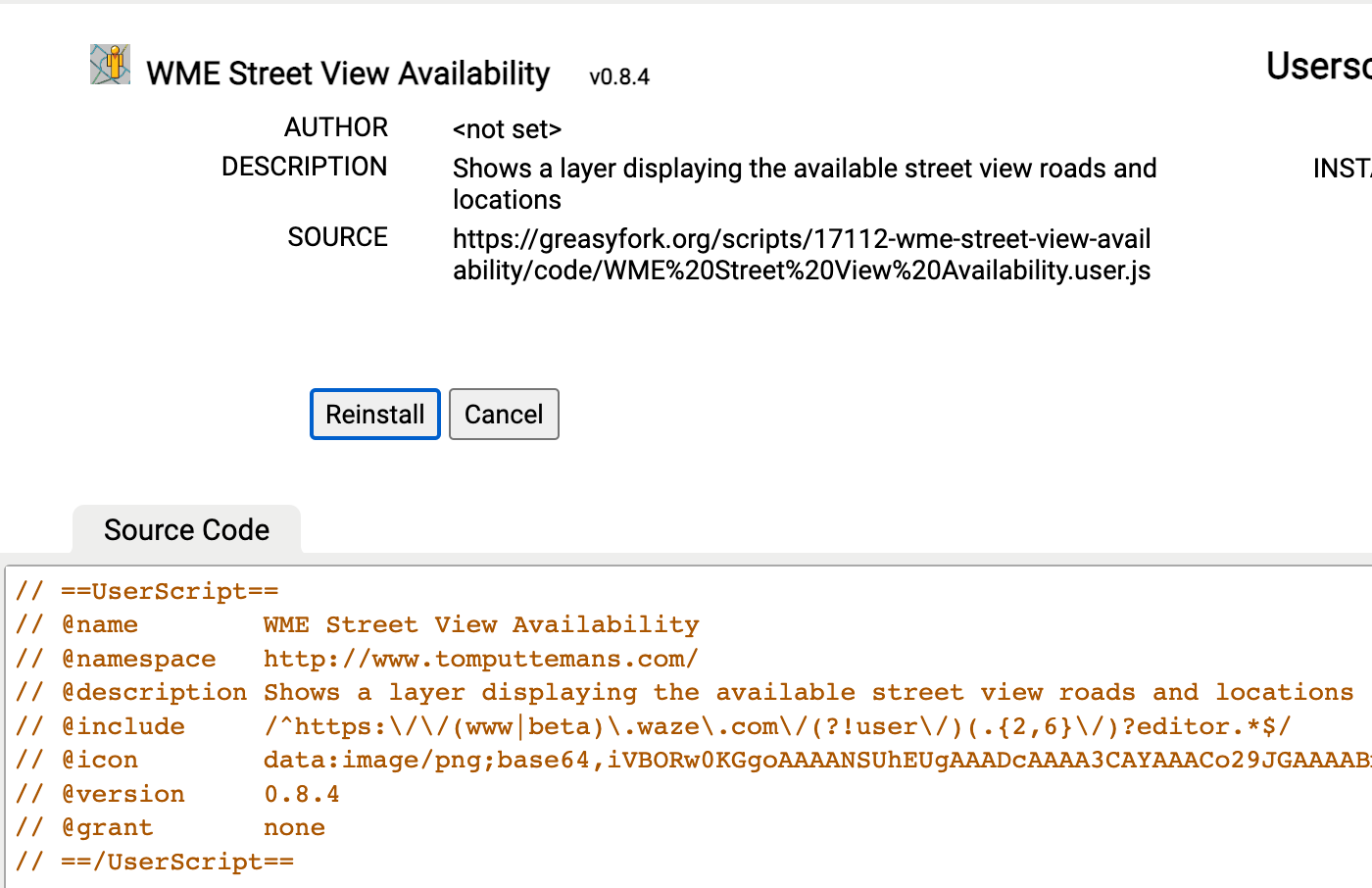
Any ideas what I am doing wrong? Thanks!
Weird, that seems like some caching issue at Greasyfork. It seems to be working fine for me, though.
Do you also not get the update when you click the “Last updated” date shown in the list of scripts in the TamperMonkey Dashboard?
working now, thanks!
It seems to be broken again @Glodenox
Can you give more information on what is broken? I’ve just tested it in both production and beta and both the “drag to get the lines” and “enable the layer to get the lines” seem to work just fine for me.
Works normally for me
I’ve just released version 1.0.0 to deal with some upcoming minor changes in the WME that would break the script. There are no big changes in the script, but I think this script can be seen as complete in functionality, deserving the increase in the major version number.
I did notice Greasy Fork is still providing the older 0.9.0 version code for some reason, so hopefully that won’t stay an issue for too long.
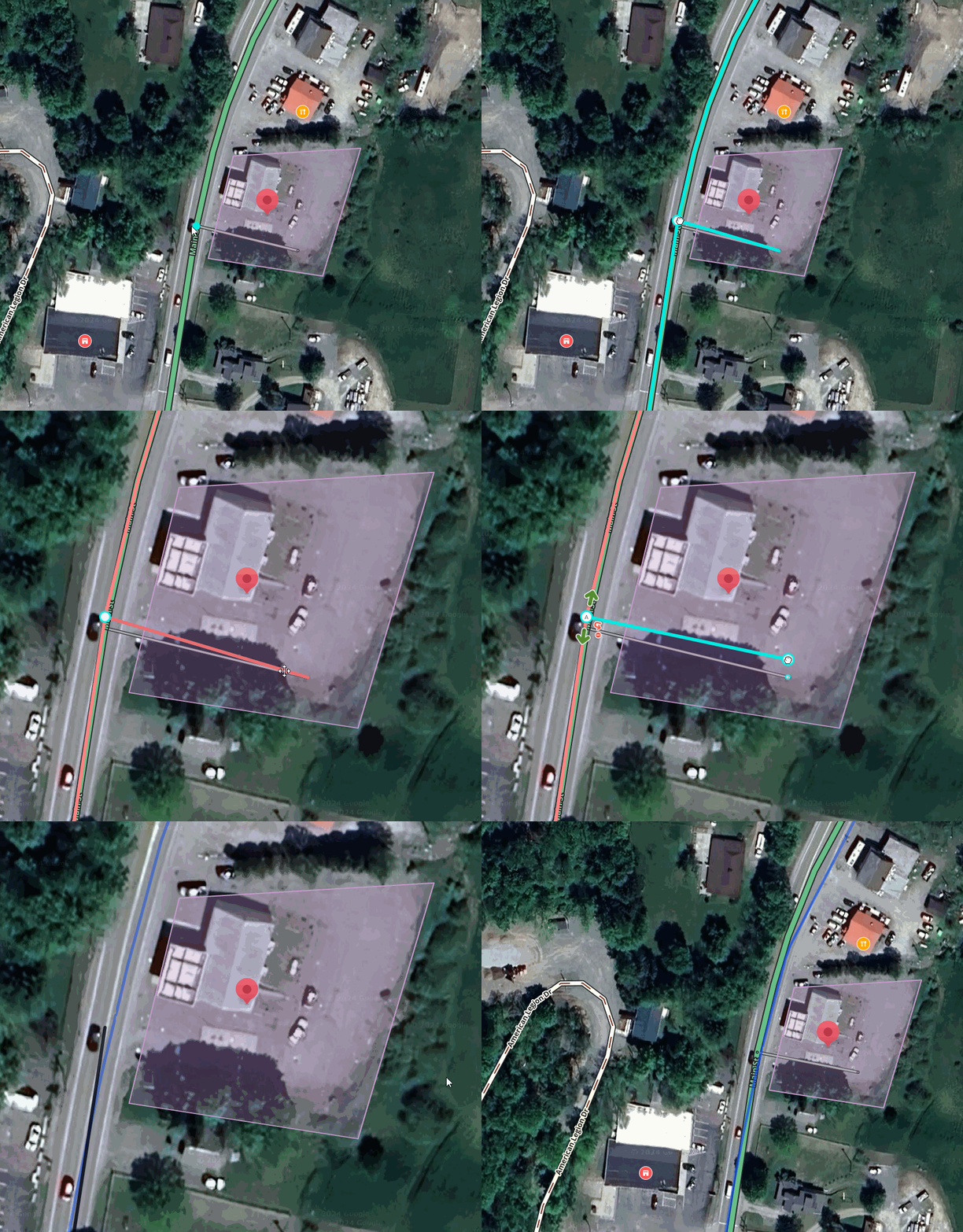
After this week’s WME prod release I am finding the blue GSV line is remaining on the map after a save is made.
See screen capture:
Coming straight to you from the EMEA meetup in Lisbon, Portugal: a new version of the script that detects Street View mode in a different way. Basically, whenever the Street View button is active ( = blue), the layer should activate automatically. I think I’ve covered all cases with this, but I didn’t get to do a very thorough testing here.
The issue you’ve encountered was caused by Waze removing and re-adding the control buttons on the right. Whenever that happened, the script assumed that the button was being dragged and that it had to display the Street View lines.
1 Like
Is it just me, or the issue returned after a few days of updating? On v1.0.1 and my hack is to turn on and off the script in the Layers menu.
I personally haven’t run into the bug again yet. It should now only trigger when the Street View button turns blue. So any issues should only happen if that button turns blue without Street View active.
If you can tell me how you’re able to trigger this issue, I’d love to investigate it further.
Just the same as before, happens after a save when GSV is on. Able to reproduce every time. Apologies, should’ve included this info in my initial post.
I’ve tried just about all combinations of enabling and disabling Street View, making changes to the map and saving and haven’t been able to find an issue, neither in Firefox or in Chrome. I only noticed that the checkbox in the map layer doesn’t always seem to properly reflect the Street View layer’s state, but that doesn’t seem like what you are reporting.
Can you explain in more detail which exact steps you take, what behaviour you see and what you expected?
I was able to reproduce it consistently this evening. Here are the steps:
- enter street view
- make edits
- save
- close street view
And the blue traces remain visible.
I see that too, the blue lines only remain visible if you save while street view is open. You can still toggle it off with Shift-T when they get stuck on after you close Street View window. It seems like saving resets whatever flag the script sets when you open Street View.
Yep exactly these two. I am using Microsoft Edge and the Vivaldi browser.
Any update on this being fixed?
No update yet. I’ve only had like 2 free evenings the past three weeks, which I wasn’t going to spend on doing more software development :lol:
Things have finally slowed down now and I’m working my way through the backlog of tasks, including this issue.