Hi Guys
Could it be possible to create a button to AutoFix phone numbers format as it exist in WME Color Errors to avoid clicking in each problem location to fix it ?
Regards
Phone number formats vary by country, and sometimes by regions within a country. It would be a fairly large time commitment to get that set up properly in Toolbox. Unfortunately, I likely won’t be able to do that any time soon, but I can add it to the feature request list as something to possibly look at in the future.
Ok i understand  no problem
2 posts were merged into an existing topic: Toolbox
I’ve noticed that filtering UR-s is not working properly.
Once you switch time to “Updated” and you put back “Reported” it still uses Updated, and I can no longer switch back to Reported…
Any workaround
Can you provide a video of what issue you are having? I have tried to duplicate with no luck, but I am not sure if I am missing anything.
Also, what version of TB do you have?
Hello,
Hopefully this will help:
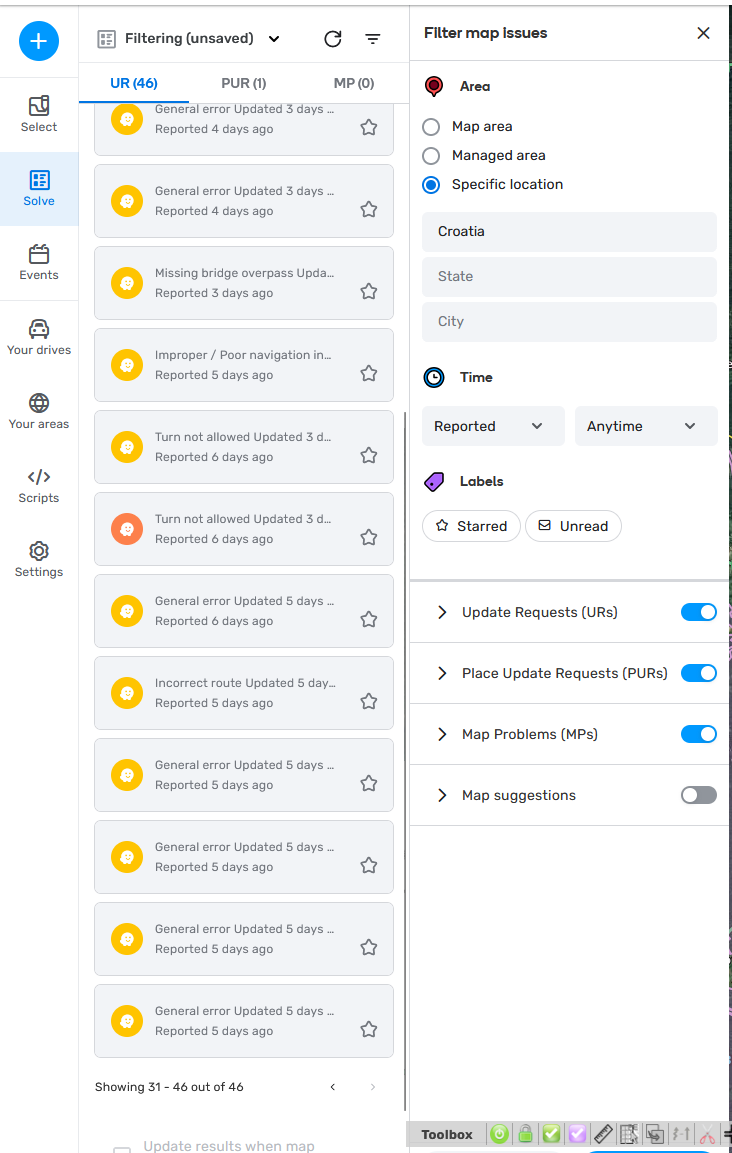
I got Reported, and as you can see I went to last page.
WME Toolbox v1.9.36
Just FYI, current production TB is v1.9.38
So far I have not been able to replicate in v1.9.38 (in either WME Production or WME Beta)
Sorry, forgot to post this here the other day.
1.9.39 2025-01-18
- FIXED: We’ve fixed some stuff you likely didn’t even know needed to be fixed, unless you’re a Beta WME user or a time traveler. If you’re a time traveler, you probably knew we already fixed it. But if you knew that, why are you here reading this? I think we’ve poked a hole in your time travel story.
The FF extension has also been updated to 1.9.39. The link to download that is in the original post (it is untested, though).
3 Likes
6 posts were split to a new topic: Toolbox - Croatia
Nudge HNs doesn’t work in latest WME 
Hi, setting a TIO instruction while hovering a turn is not working in prod/beta:
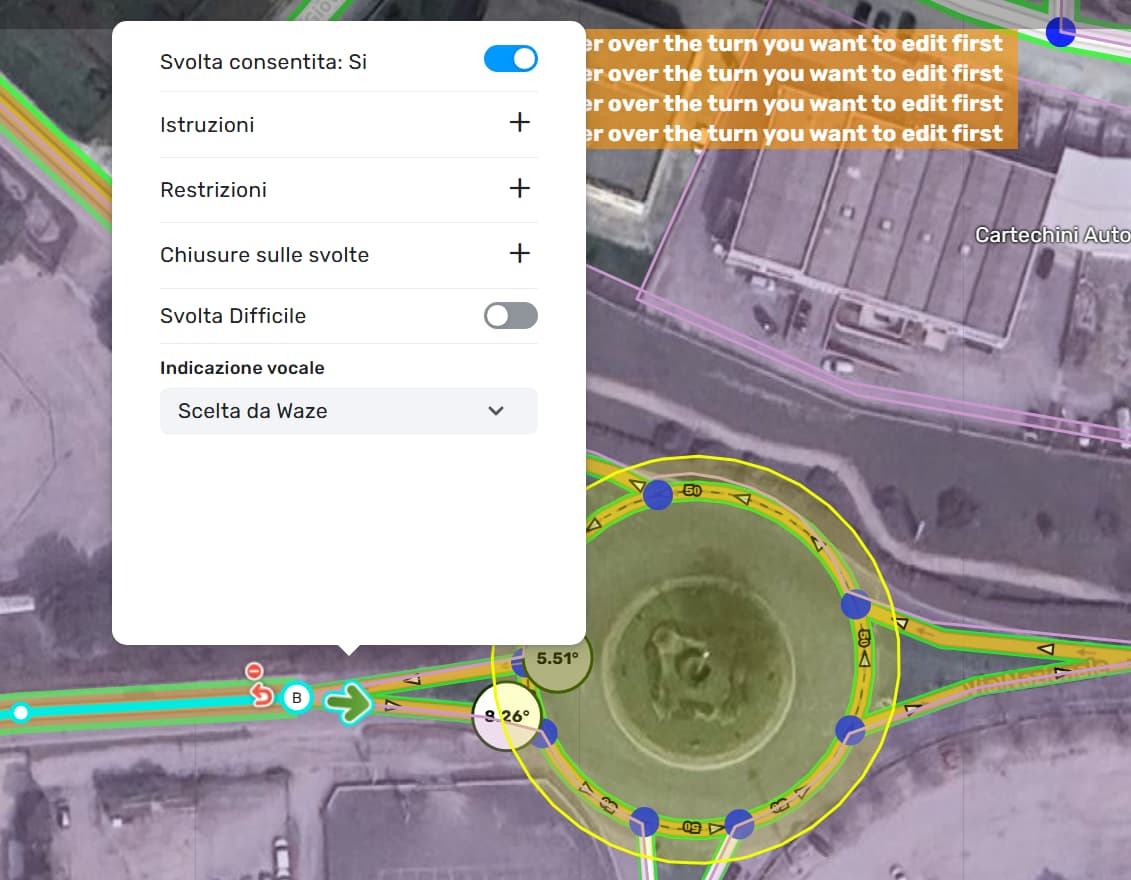
I set the following:
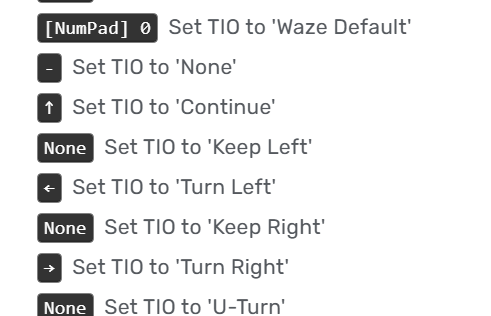
And another question, is this meant to be “let Waze count the number of exits?”

If it does, maybe it’s better to change its description.
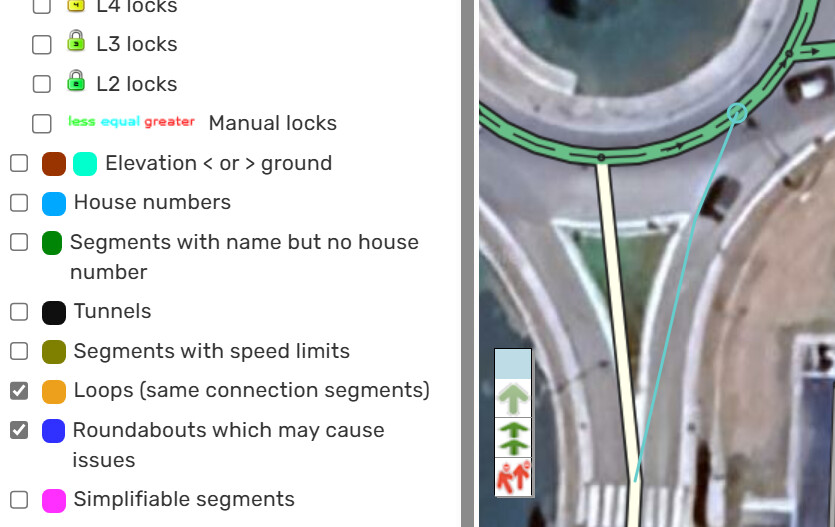
I found another issue, when the layer “Roundabouts which may cause issues” is enabled, cutting segments of a roundabout leads to a WME freeze.
I came across a bug/conflict that seems caused by Toolbox: with Toolbox enabled (FF 128.7.0 esr 64 bits) I can click the translate button on an MTE page, but it doesn’t do anything. As soon as I switch off Toolbox, it works again.
Hello,
Despite not being updated for a while, MAGIC continues to be a useful script to use (even when it makes WME to freeze 
 ). One of its features is the possibility to alert for “Geometry nodes too close”, like the case we see on this segment, where we have two nodes in B very close to each other.
It’s possible to implement in TOOLBOX the capability to clean such nodes by using the “Suppress unneeded geometry” feature?
Thanks in advance.
Thanks for the suggestion! I’ll look into it.
It’s a great idea. However, I wonder. Why does WME allow the creation of geometric nodes so close to the main node? I don’t see any reason for this. Perhaps it would be interesting to create a suggestion for WME not to allow the creation of geometric nodes so close together and when there is a segment cut, for example, they move away to the minimum limit defined.
1 Like
I could have it remove a node that falls within a minimum radius around A/B. One potential issue: microdoglegs still exist in some places. I believe, for that reason, the tool currently has a limit on the distance from the A/B nodes before a geometry node is removed. I know that mDL’s are not needed anymore, but the tool might remove them without warning and change the turn instruction.
Options to remove a node if it’s “too close” to A/B:
- Just remove it. It’s up to the user to be vigilant.
- Pop up a warning and ask the user to confirm removal.
- Check the turn angles and do #2 only if the turn instruction might be changed.
I think #3 would be ideal, but I’d need to do some extra work to figure out the angles to use (maybe looking at JAI?). #2 should be fairly simple. #1 would be the easiest, but could easily cause some unexpected turn instruction issues.
1 Like
In my editing experience, I see that these geometry nodes are mostly editing errors (it is easier to cause a wrong turn instruction than a correct one), and in some cases, editors use this to “force” a turn instruction, but I believe they did not do it so close to the node.
There are cases where we cannot select this geometry node and we need to move the main node and only then reposition the geometry node. Maybe a small radius (enough to cover the unselectable area) and delete without confirmation.
1 Like
In the example posted in the request, that node is selectable. And I’ve seen mDL’s that are about that size.
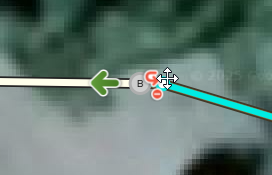
I like your suggestion and will likely add it, but it wouldn’t help in this scenario. I think I’d still need to do one of the options I listed – or something else if someone has a better idea.
1 Like