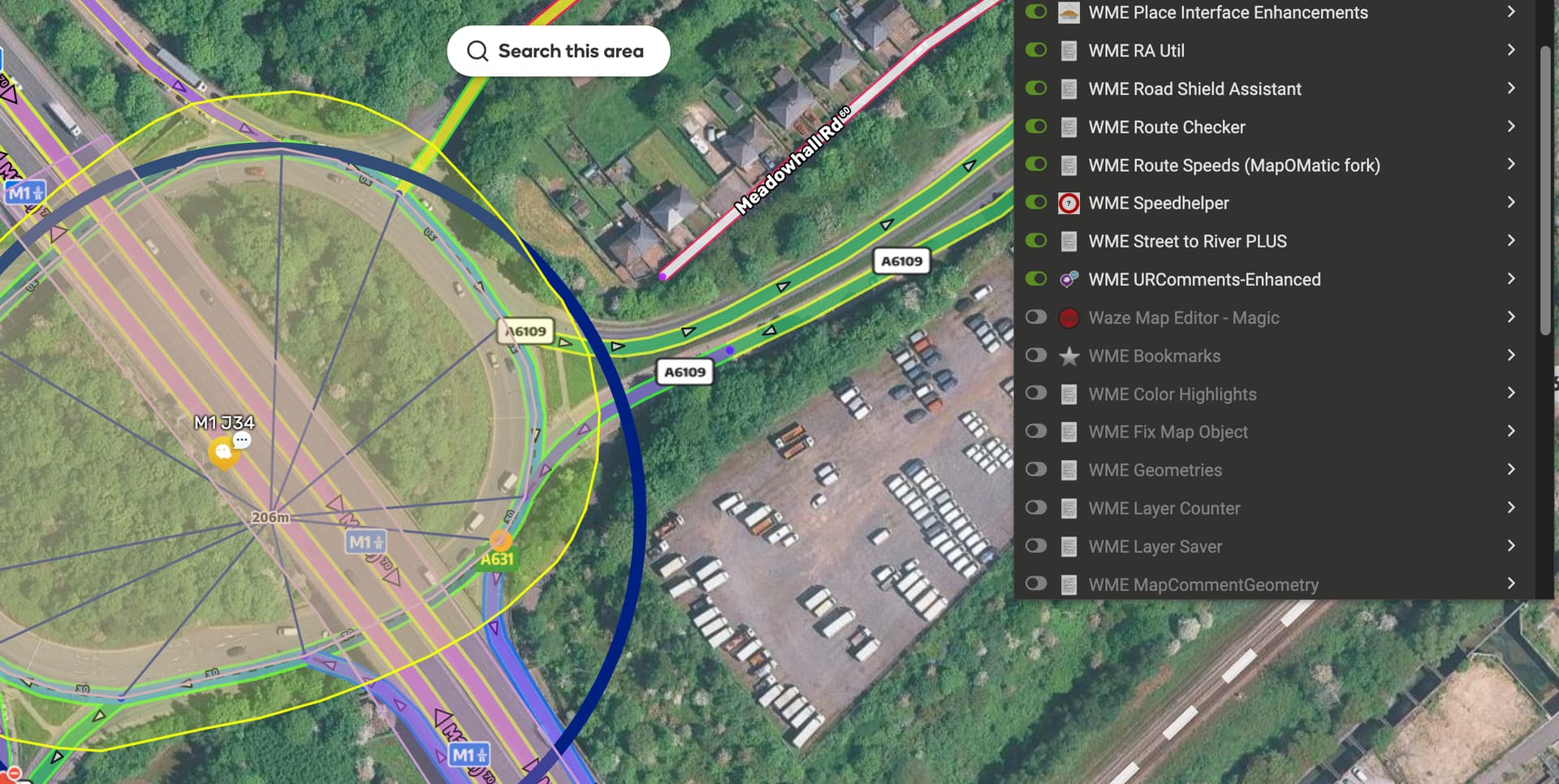
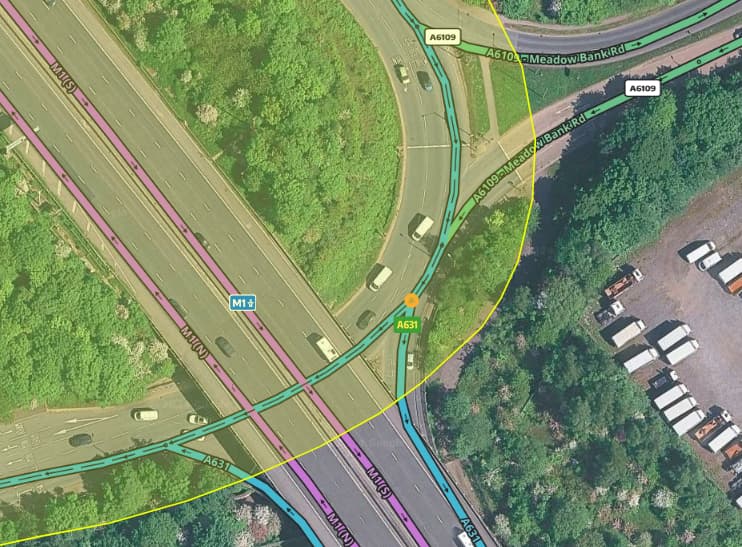
RSA has this highlight:

That ramp section coming out of that node has this TIO:
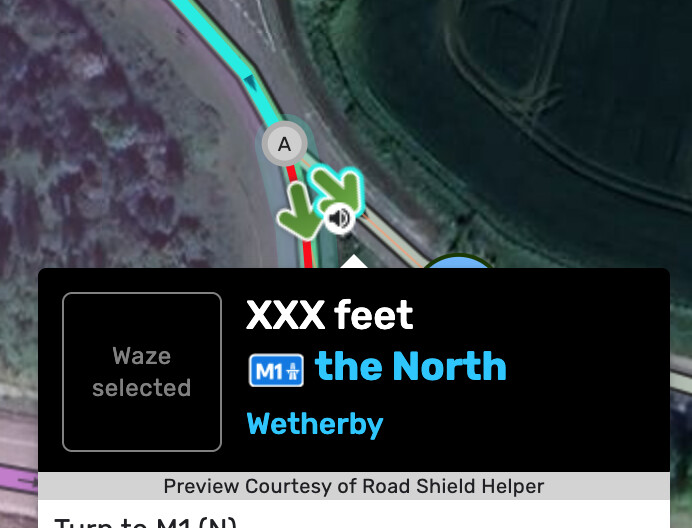
So RSA is telling you that “North” is not in small caps format.
RSA has this highlight:
That ramp section coming out of that node has this TIO:
So RSA is telling you that “North” is not in small caps format.
I’m not seeing that highlight option…
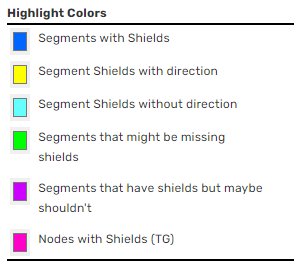
… oh wait, I see it in the US. So country-specific?
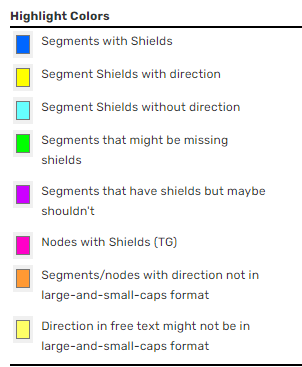
Can you reproduce that with Toolbox enabled and Tampermonkey disabled, just to confirm it is or is not exclusively Toolbox causing the issue?
Yes I don’t see that option in colour highlights and apologies I was looking at my other permalink!
Turning Tampermonkey off solves it but so does turning off colour highlights.
That is just… weird  Can you please send me the list of scripts you have running? Perhaps just export them to a ZIP file using the Utilities tab in Tampermonkey so I can duplicate exactly what you have.
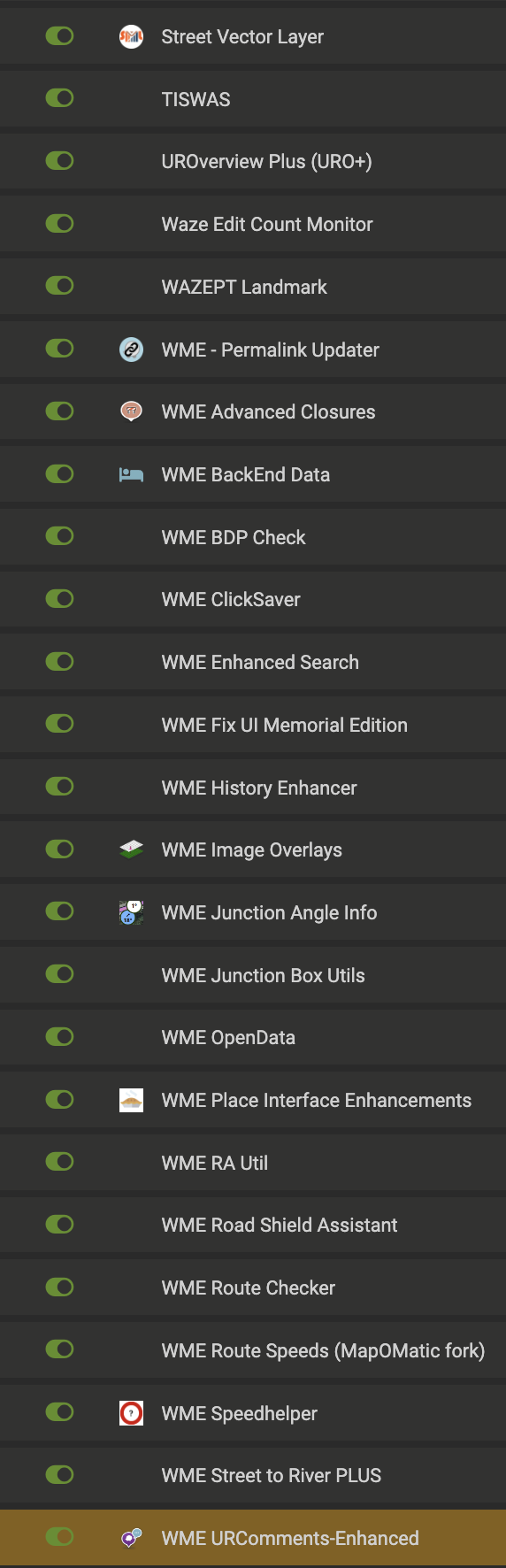
I’ve attached a screenshot showing the highlighted orange node while also showing colour highlights is turned off. I’ve also attached a screenshot showing my scripts. Looks like discuss won’t let me attach a zip file.
If you disable Road Shield Assistant, the orange highlight should go away.
discuss won’t let you attach zip but you can make a link to onedrive or link to google drive
Ok, I’m almost certain it’s an RSA issue. I can reproduce it if I edit the code.
Try jumping over to USA and refresh WME. Disable any USA-specific settings there, e.g. these:
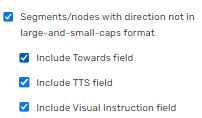
Yes I can confirm it disappears when I turn RSA off. Can’t make any settings changes on USA server. I just get a load of blanks, presumably because I can’t edit there.
Download Link for Firefox is broken. Can you help with updated toolbox for FF link? Thanks.
Apologies, there was an issue with the latest release of the FF version. I’ll try to get a new version posted soon.
The FF download link should work again. v1.9.37
Just tested, the link is still broken here 
My bad. Try again.
OK now, thanks 
Just got updated to 1.9.37 in Chrome.
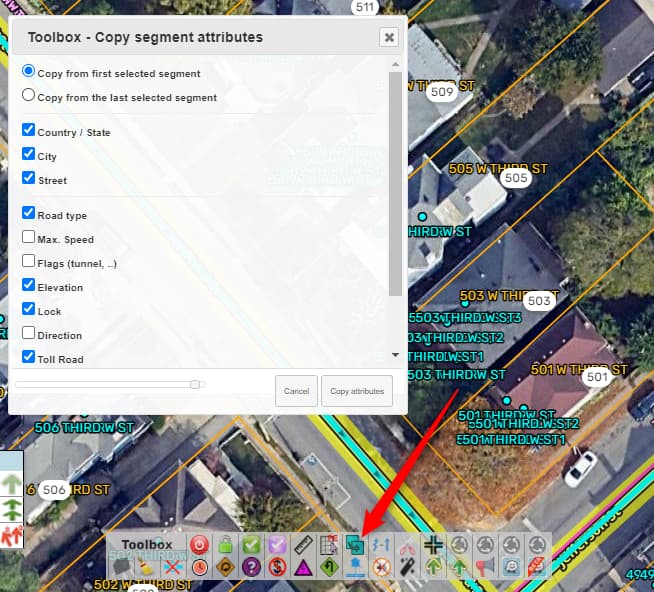
The ‘copy’ button is greyed.
Reloaded the page, disable/enabled copy in toolbar - still the same, in Beta & GA
You’re referring to this, I assume?
It’s working for me. I noticed if I have multiple segments selected when loading from a permalink, the button is disabled. But if I select/deselect segments, it enables. Could you send a permalink to where you’re seeing the issue?
It seems it was a false alarm.
It might have hapenned immediatelly after the upgrade - some caching maybe.
After refreshing/restarting the browser it worked like a charm.
Sorry for late reply.