Thanks a lot, I am going to try that quickly !
But there is allways a problem, if you have many closures on your segment, you have to apply to all, one by one because your “Apply to all” is only for one closure.

That would be a great suggestion to add to the WME!
If they don’t agree, I can look into adding something to Toolbox.
2 Likes
1.9.42 (pending Google Web Store review)
- FIXED: Give your scroll wheel a break! We’ve lowered the zoom requirement for house number nudging from “practically inside the digital chimney” (zoom 19) to the much more relaxed “peeking in the window” (zoom 18). Nudge away!
- FIXED: WME will no longer throw a tantrum and freeze when you dare to split a roundabout segment while the “uh-oh, this roundabout looks dodgy” highlight is active. Apparently, it was too much drama to handle at once. Crisis averted!
Firefox users: I’m curious if your versions automatically update to 1.9.42 (should be available now) or if you still have to click the install link in the original post. You would need to have 1.9.41 for the auto-update to possibly work. Let me know.
3 Likes
Thanks @MapOMatic
No automatic update 
I forgot that the autoupdate from 1.9.41 → 1.9.42 won’t work. It should, in theory, work for 1.9.42 → 1.9.43 though. We’ll have to wait and see…
I am experiencing a problem with assigning a persistent keyboard shortcut to the “Delete TIO on Node” action within the Waze Map Editor (WME). Despite successfully assigning a key combination, this shortcut is consistently removed whenever the WME is refreshed. Could you please explain why this occurs?
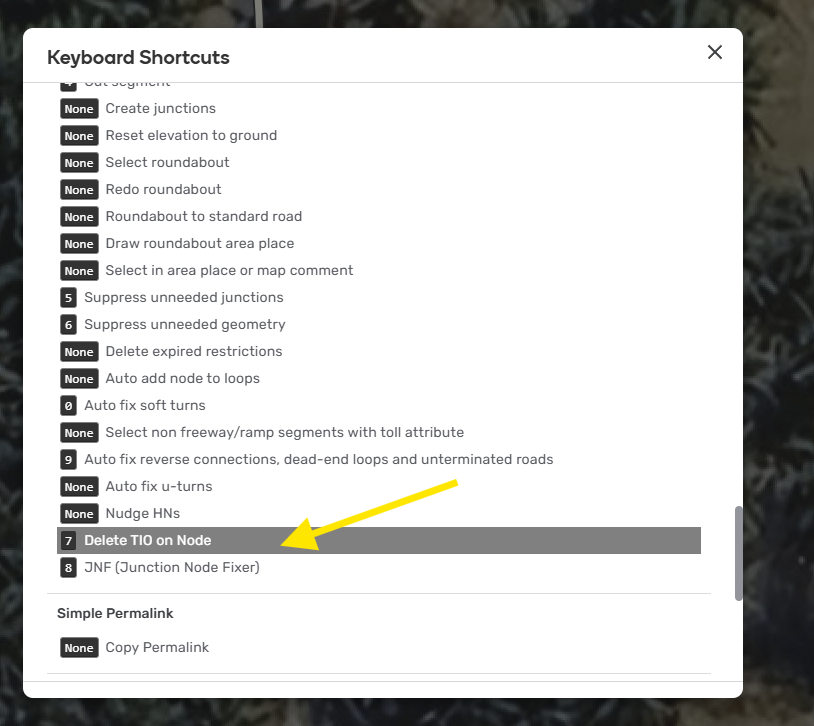
Thanks for flagging this. I’m not sure why it’s not saving but I’ll look into it.
1 Like
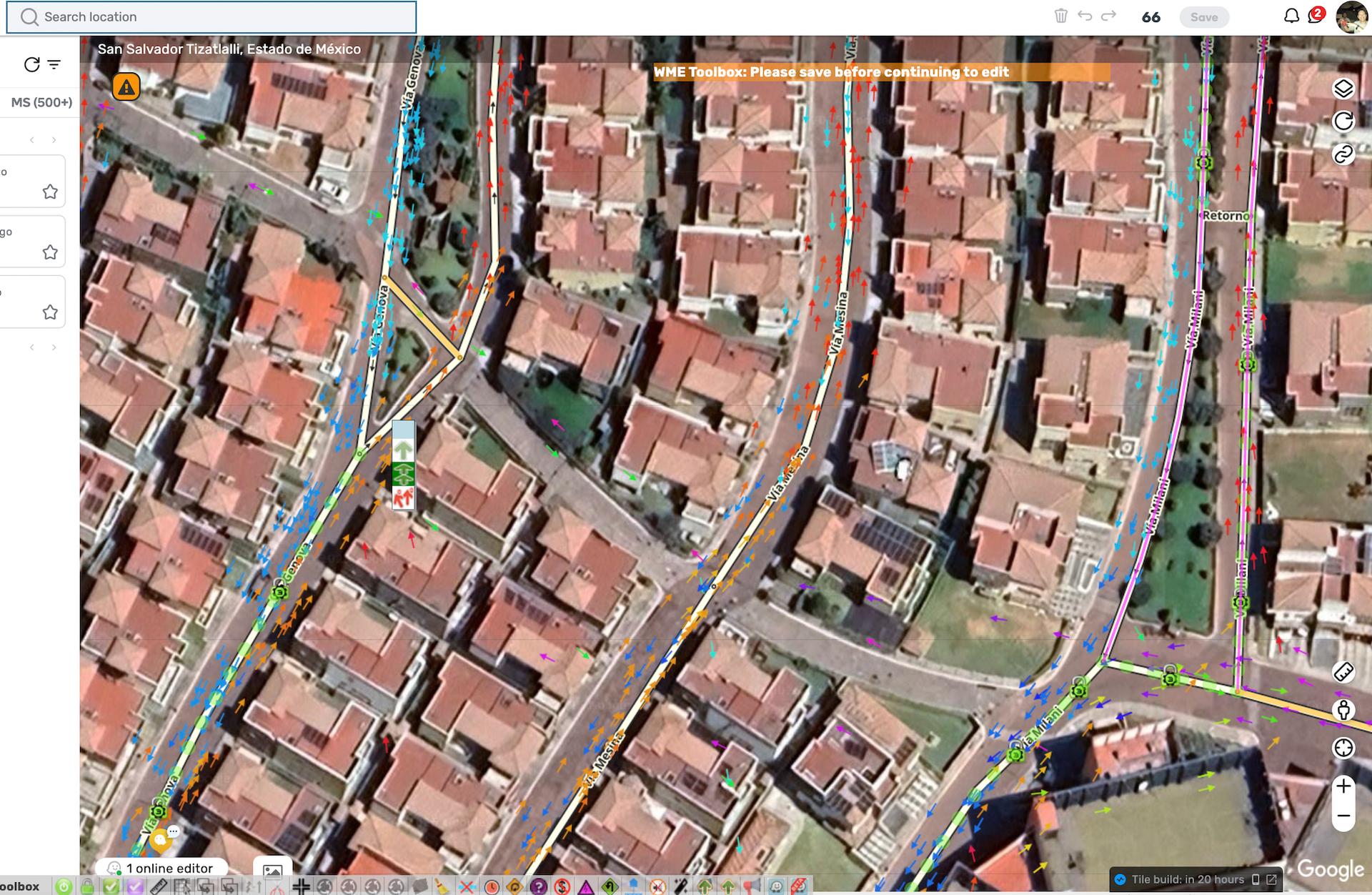
Hi Guy
Working on v1.9.36 i have an issue with the “draw roundabout area place” function
When i use it, it will draw the roundabout area place, but i can’t extend it, move it or even save it
It says “Failed to record : invalid shape” (or something similar)
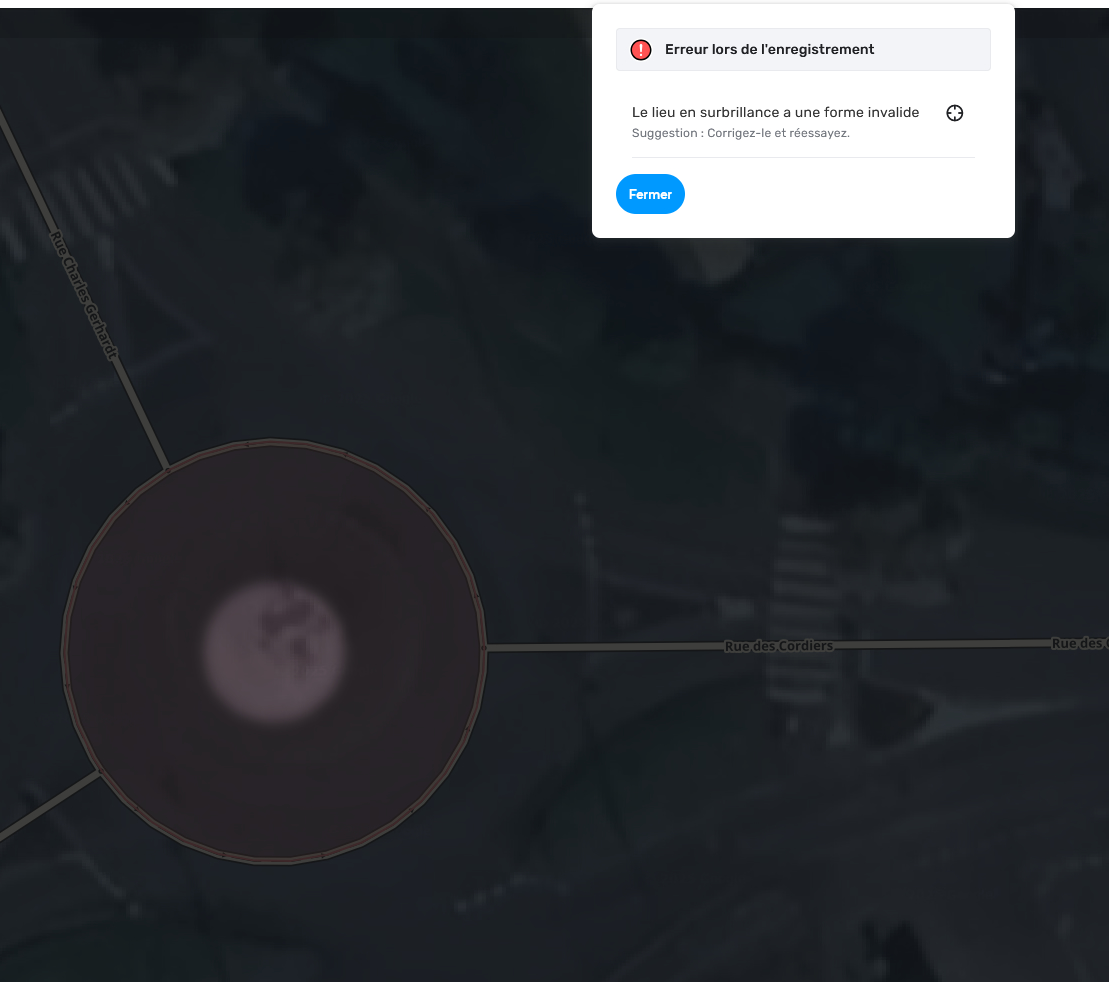
Any clue of what i’m doing wrong ?
Regards
[Edit]
Updated Toolbox to last version and same issue on v1.9.42
[/Edit]
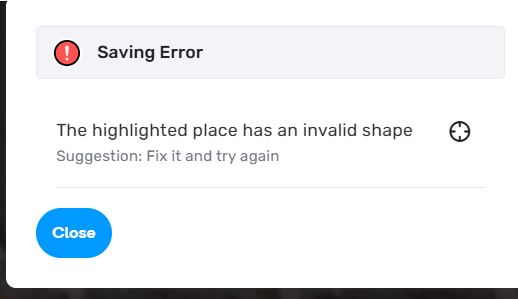
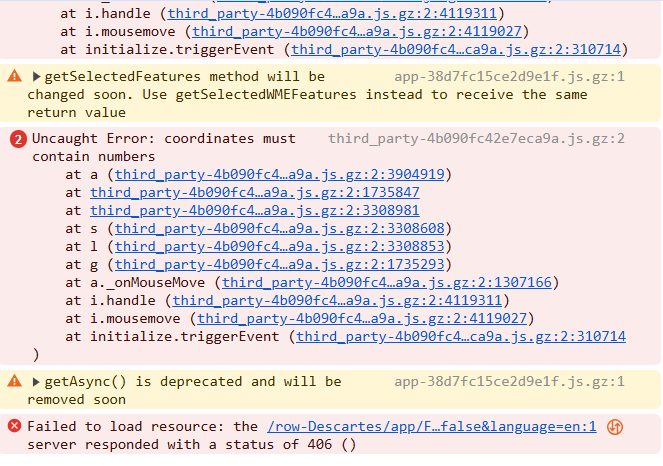
I confirm same problem, impossible to add POI on Round-about since many days.
Tested with Brave, Firefox and Chrome.
Tested without any script (tamperMonkey unvalided)
1 Like
Hi Guys
on v1.9.42 “Suppress unneeded geometry” is now disabled until a segment is selected whereas it was useful to use it without any segment selected as it acted on all affected segments on the screen in previous version v1.9.36
Any clue ?
Regards
1 Like
mine is working same as normal. whether the segment selected or not selected, the function still works
As you can see in those screenshot, in my case
-
While segment is not selected, “Suppress unneeded geometry” is disabled
-
While segment is selected, “Suppress unneeded geometry” is enabled
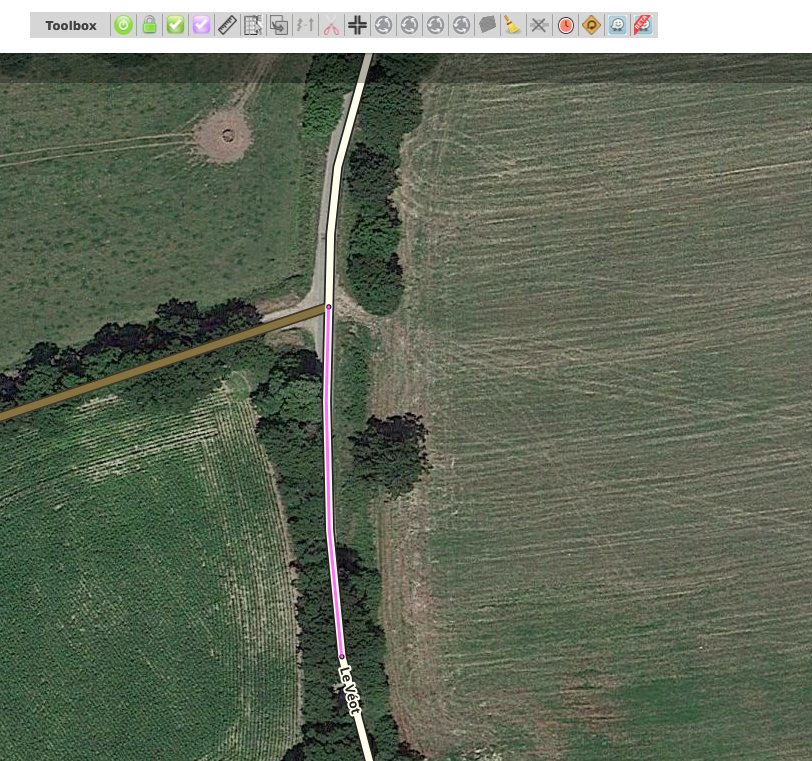
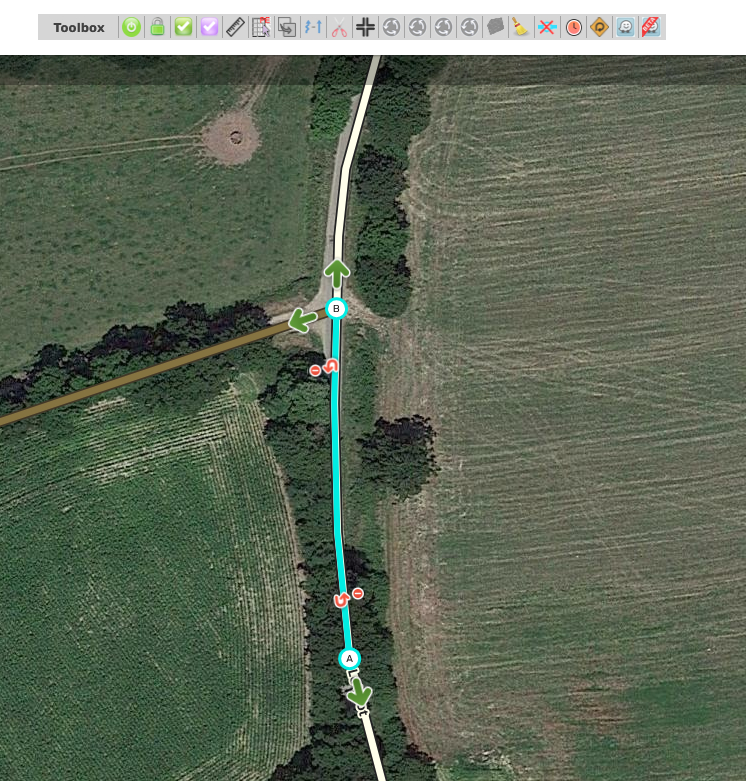
V1.9.42 on Firefox
this is what happened with my toolbox. without selecting, the function still works
could it be permission? who knows
Could you please tell me your ToolBox version ? and which navigator are you using ?
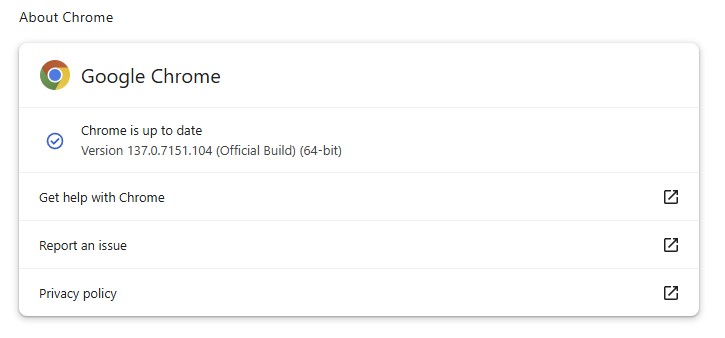
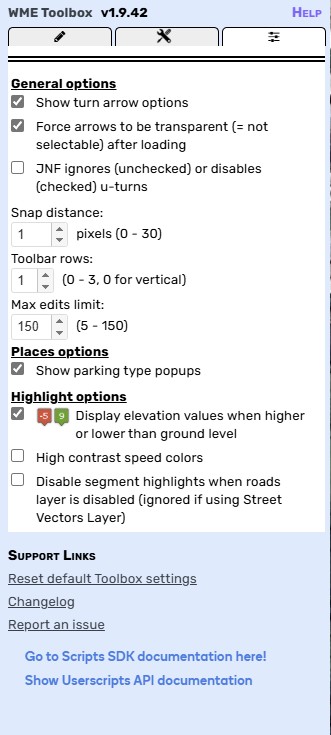
ok, i don’t get why even on chrome it still don’t works on mine…
(Same on toolbox config)
maybe a problem of right as you are L3 ?
I checked and for me (L5) it always works
Suppress geo on a segment requires AM+L3 permission.
Suppress geo on the whole screen requires higher permission in France.
1 Like