[SP] - [Campinas] - Deleting Area Location (Eudora) to then create Mitratech

https://waze.com/pt-BR/editor?env=row&lat=-22.89488&lon=-47.06587&zoomLevel=20&venueUpdateRequest=205063715.2050833759.36344640

coordinates: -22.89488, -47.06587

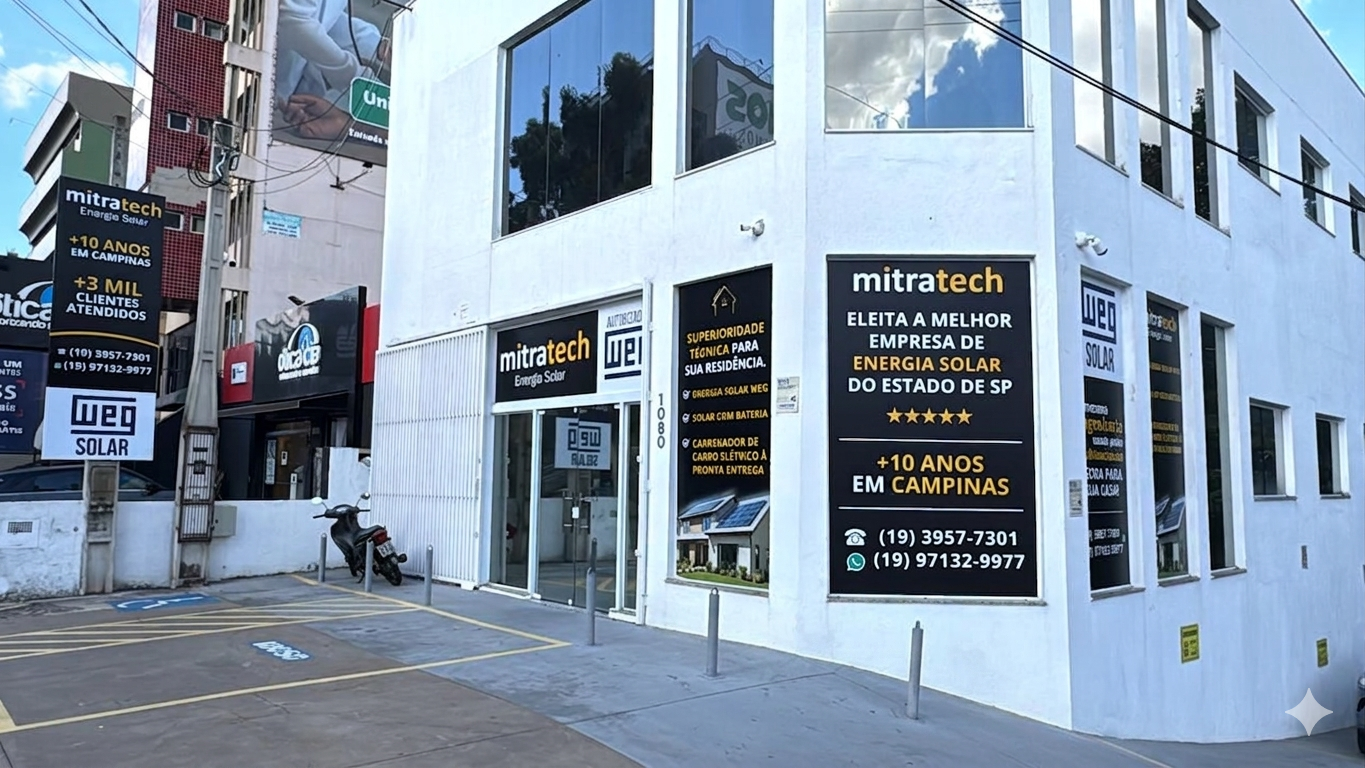
Hello, I am the owner of the “Mitratech” store, which has been at the address Av Barão de Itapura, 1080 Campinas/SP since last year, but the old store “Eudora,” which moved a long time ago, is still listed at the location.

I requested the deletion of “Eudora,” but it needs someone at Level 3 to approve it. Please approve the deletion of the Eudora (old) polygon so I can create the new “Mitratech” point.

Thank you very much in advance,

Luis

I’ve accepted your request to delete the old place.
You can create the new place yourself.
For your suggestion to be accepted, it needs to follow the editing rules.
See how to edit places HERE

Thanks MauricioCGB!

I’ve already created my store and need approval, if someone could check it:

https://waze.com/pt-BR/editor?env=row&lat=-22.89484&lon=-47.06588&zoomLevel=20&venues=205063715.2050833759.42158771

Coordinates: -22.89484, -47.06588

Thanks in advance!

@LRBGJ

With the way the description is currently written, the location will be rejected.
In the description, just put a summary of what it does, like: Solar energy specialist.
It’s not meant for advertising.
See if you can edit what’s written.

Hello! Understood. Since I’ve already submitted the request, the fields are now locked (grayed out) for me and I can’t edit anything.

Please, could you change the description to: “Solar Energy Specialist and authorized WEG dealer.”

Could you adjust this for me and approve it? Thank you very much for the guidance!

Suggestion approved and corrections made.

https://waze.com/pt-BR/editor?env=row&lat=-22.89484&lon=-47.06588&zoomLevel=20&venues=205063715.2050833759.42158771

Coordinates: -22.89484, -47.06588

Good morning Wazers!

I tried, but I can’t upload any photos.

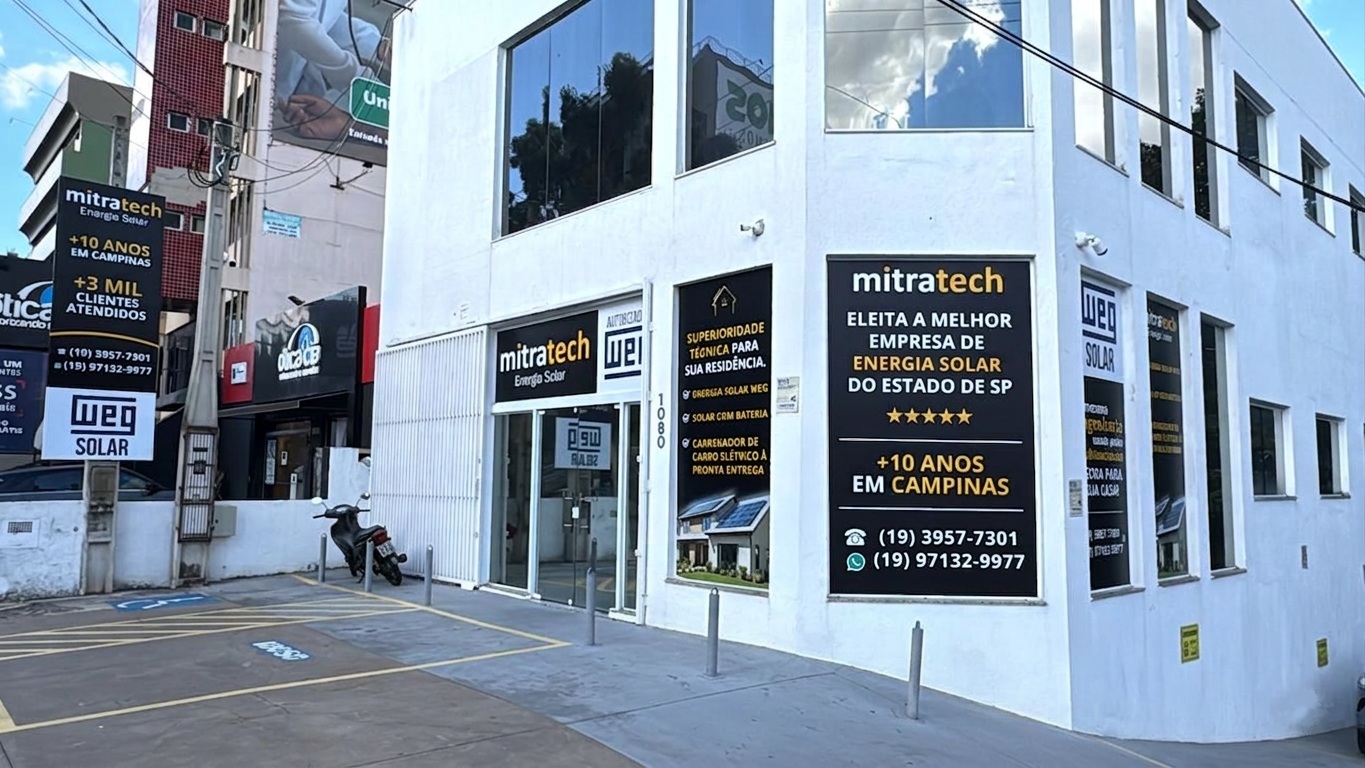
Can someone upload this storefront photo for me, please?

Thanks in advance!

Good afternoon, @LRBGJ!
Try adding the photo using the app itself; with Waze active, click on Reports → Place → take a photo of the storefront (similar to the one you posted here), then link it to your shop.
Let us know here if you succeeded!
Best.