Is this a…:
Standard bug Steps to reproduce this issue:
Duplicate MTE with segments that have underdone changes wince the date of the last event.
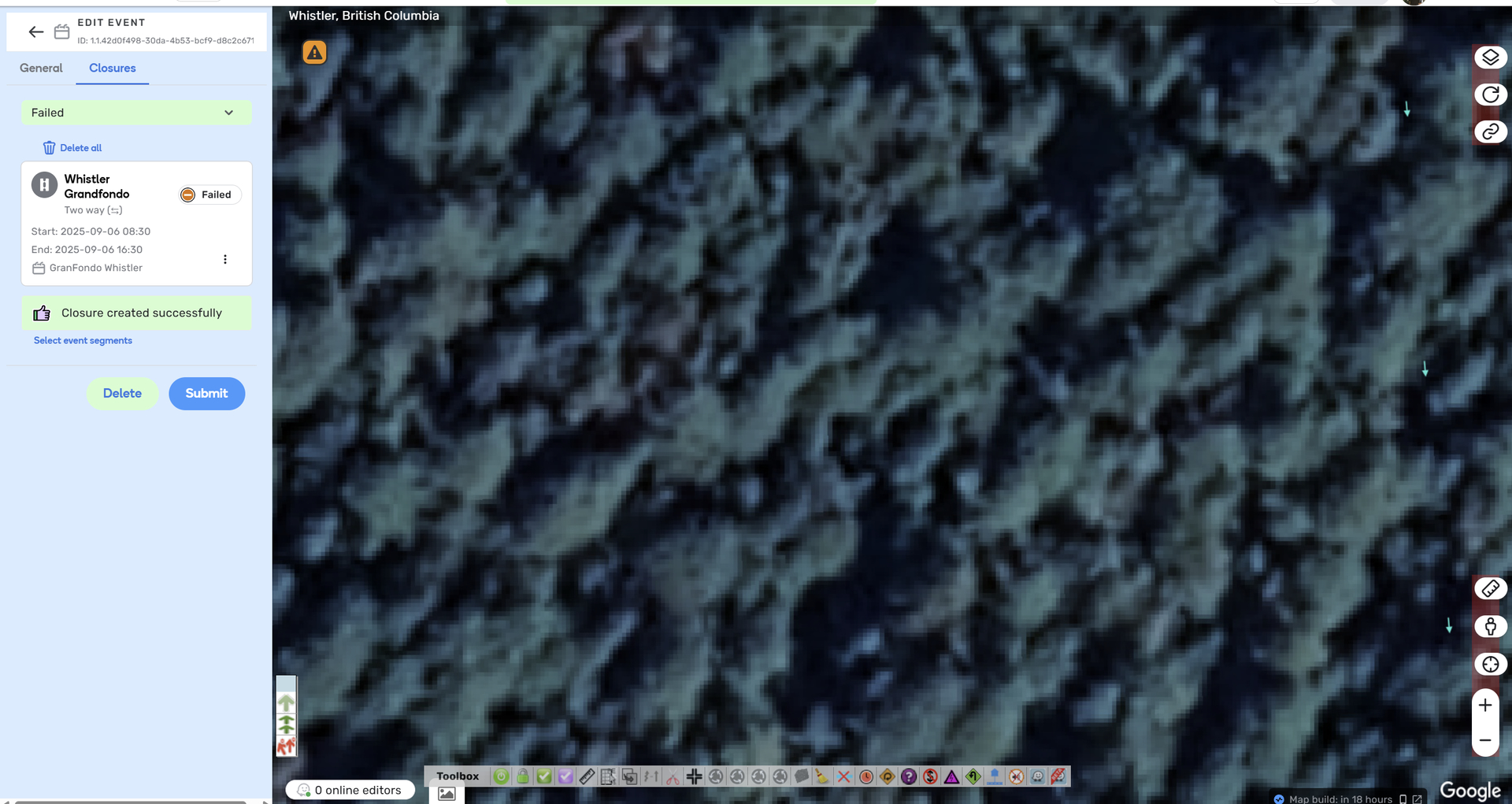
Select Closures on that duplicated event
Select “Failed” from the drop down menu
Clock the three dots beside a closure
Select “Locate”
Once locate is selected the screen does not move nor show the location of the failed closure.
The locate should move the map to where the failed closure’s location.
Reviewed Hot to Guide.
This is not a known issue
"In this case, the segment needs to be updated, you can locate it and update it accordingly. "
Environment where the bug occurs…:
NA Permalink:
Browser name and version:
Chrome Version 138.0.7204.101 (Official Build) (64-bit) Are you using scripts? Please detail which ones.:
Disabled them all and issue still recurs.
I’d just like to follow-up on this case and check whether the issue is still occurring on your end. We’ve already had a fix implemented to fix this bug.
Fortunately there are a lot of events coming up so I had a chance to try out the MTE duplication for 4 events where there were failed closures. My experience suggests I can now use the MTE duplication feature to duplicate events since I can pinpoint the failure locations.
I was able to localize to the failed location on all events.
I did have one failed closure localize to a location with no road segments.
Many thanks for your response. That’s my bad, I’d let you know a little too early, I have checked again and it appears that the fix has not been rolled out yet. I will provide you with an update once the fix is fully deployed.