Is this a…:
Standard bug
Steps to reproduce this issue:
Hi,
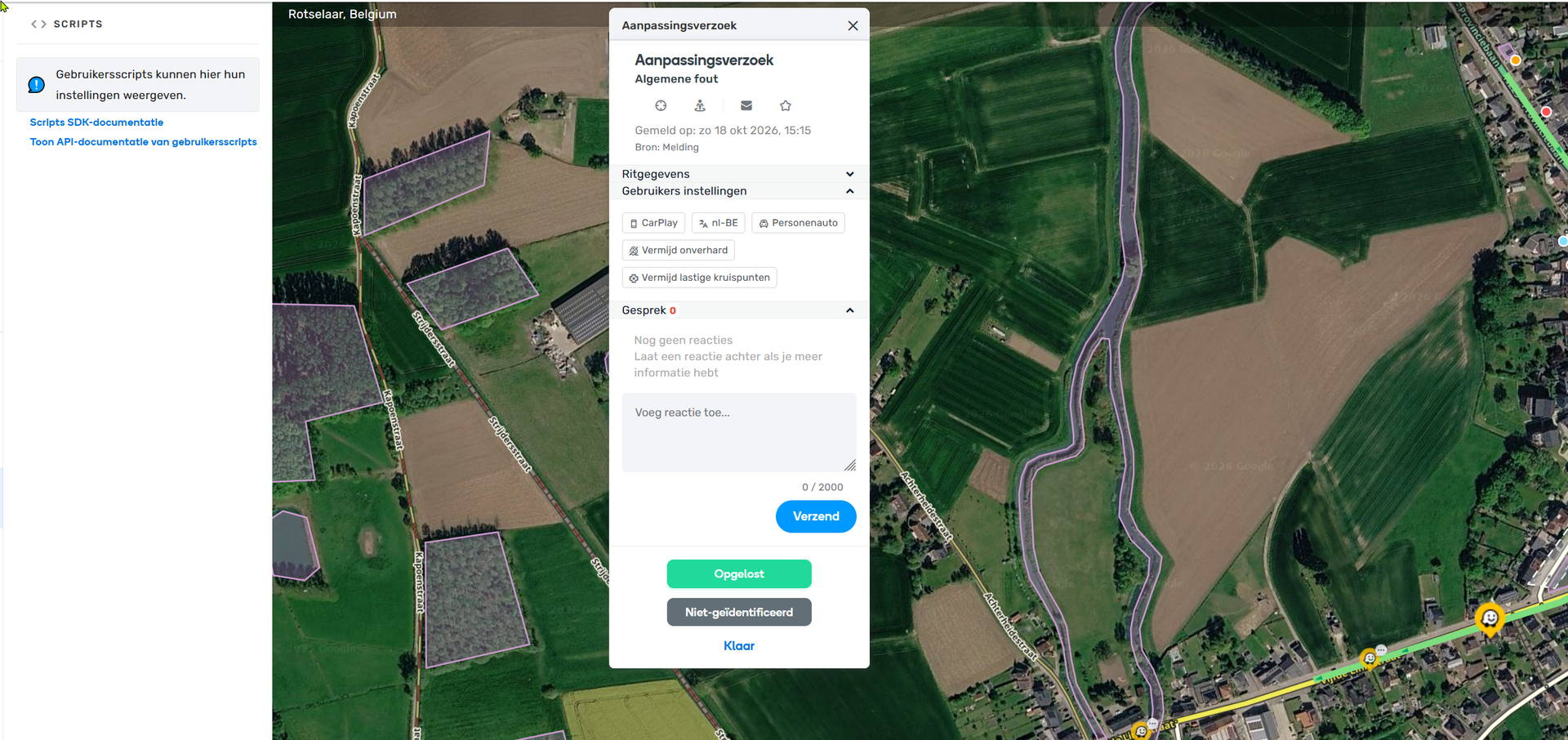
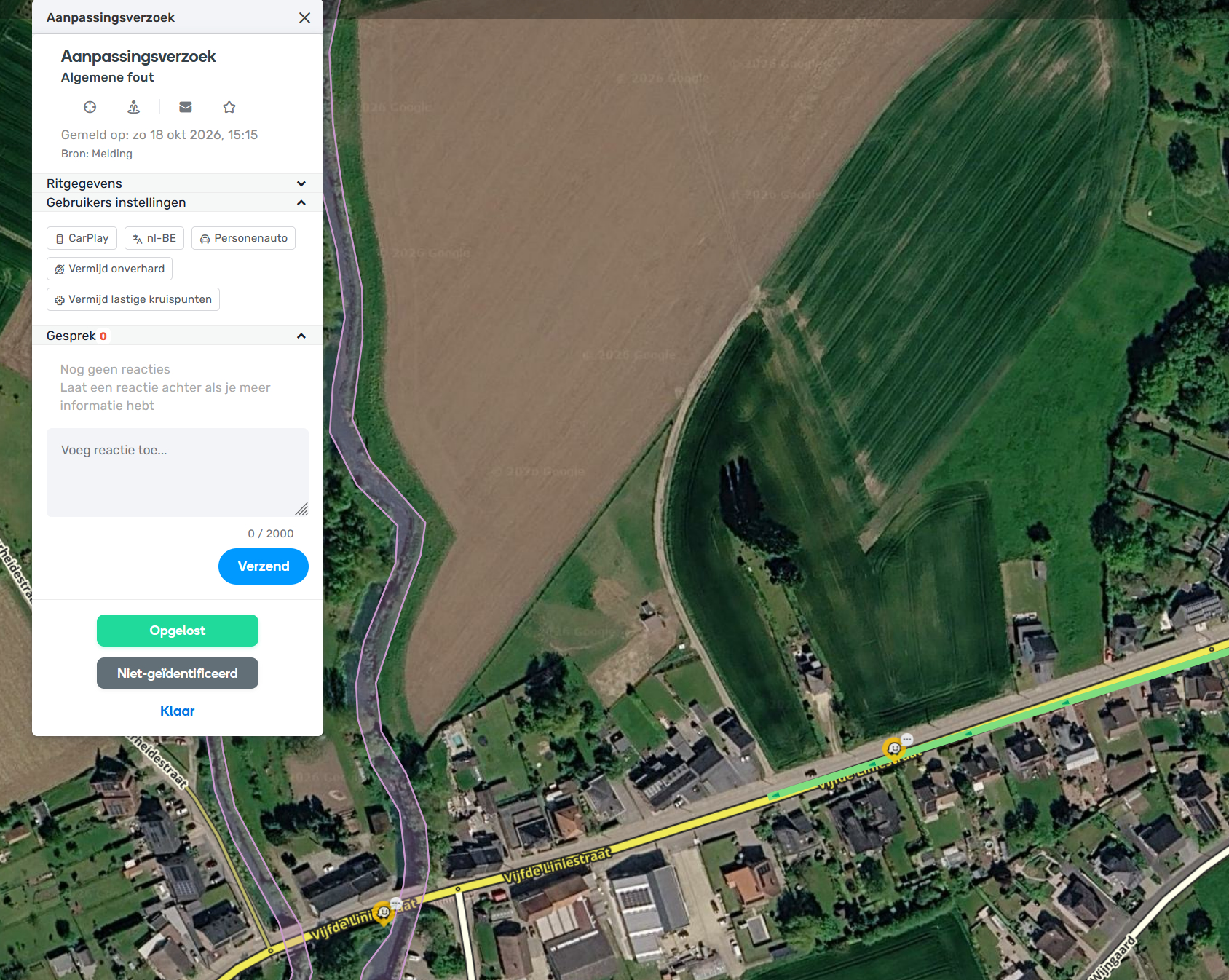
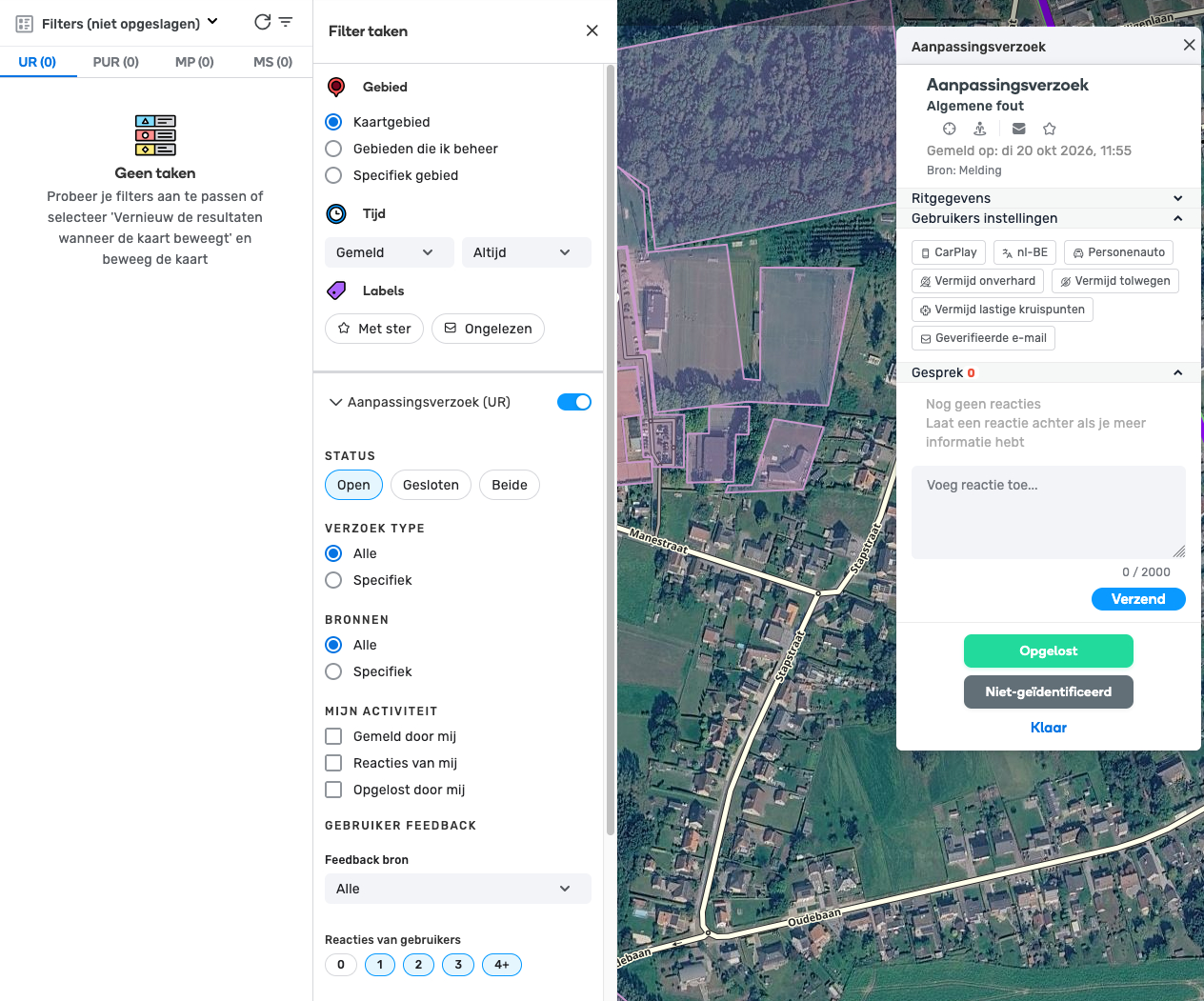
URs without responses just vanish from the map if one zooms in or move the map. The PL shows the UR (see UR1.png) but once you does something with map (zoom or scroll), it vanishes (UR2.png). As you can see in UR1.png, no scripts influence this behavior. In fact, TM isn’t active.
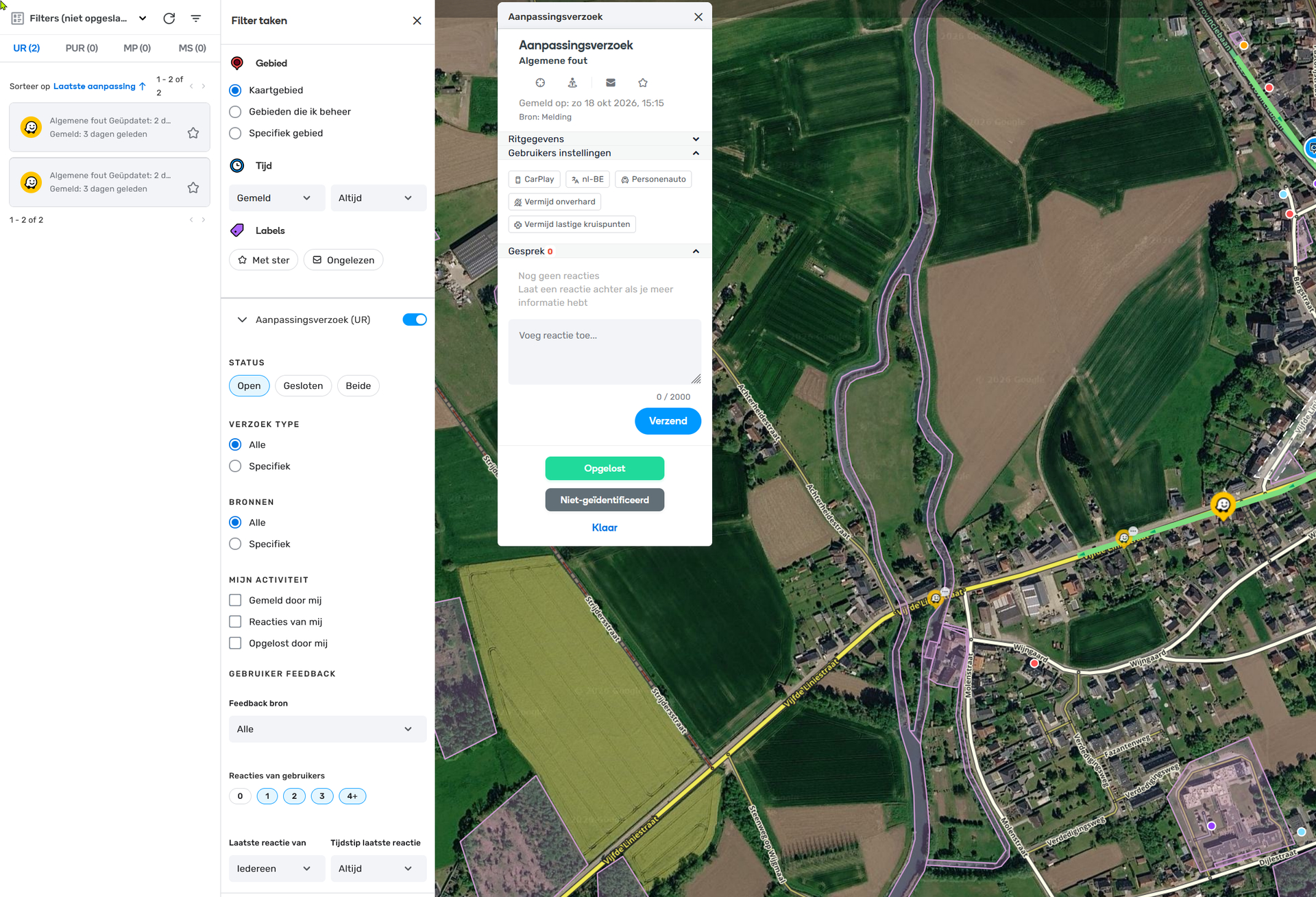
Additionally, the Issue Tracker doesn’t even show the UR, despite that the filter should show it in the result (see UR3.png).
Pls look at PL asap as I don’t want to leave the UR open too long. If further investigation is needed, I can provide other PLs if needed.
Cheers,
Eddy
Environment where the bug occurs…:
ROW
Permalink:
https://www.waze.com/nl/editor?env=row&lon=4.707498&lat=50.948654&zoomLevel=17&mapUpdateRequest=27380584
Browser name and version:
NA
Are you using scripts? Please detail which ones.:
none, TM isn’t even active
1 Like
Hi @searchjaunt,
Thank you for reporting this case.
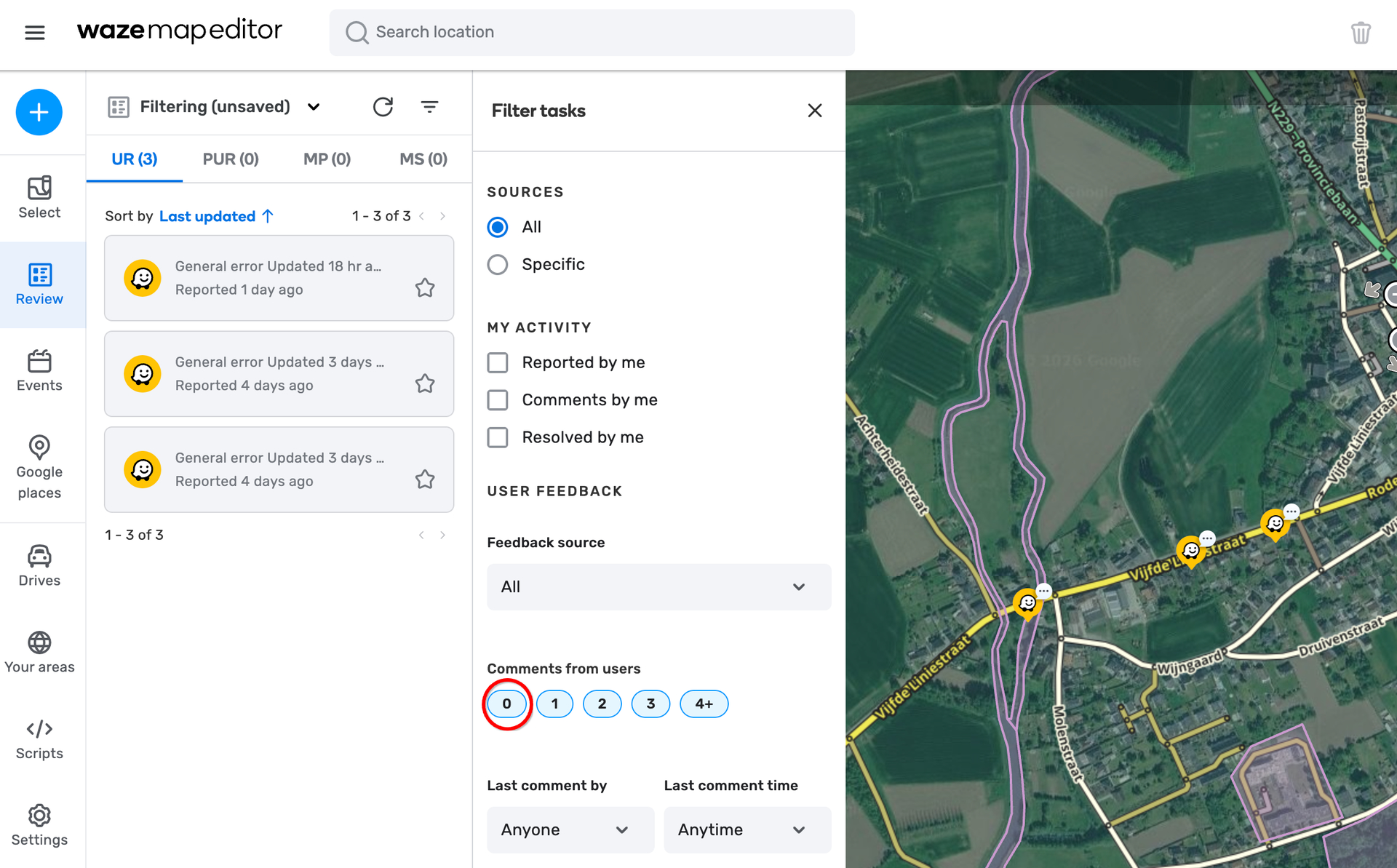
I see in picture #1 that you didn’t select URs with zero comments in the issue tracker.
I also noticed that you added a comment to this UR link just yesterday, probably after reporting this case.
This might be why you didn’t see that UR after zooming in or scrolling.
Could you please recheck the behavior in your area with ‘zero’ comments selected and let me know the results?
Thank you,
Nataliia
1 Like
That’s odd. I didn’t set it this way and today it’s selected again and things works as one expects. It’s seems that some days things do get properly loaded in async and some days it doesn’t. The machine, browser and scripts aren’t changed. I’ll monitor the next days and keep you in touch.
1 Like
And it happens again. The 0 comments switch turns off and on randomly.
This behaviour is not script related as it TM is completely switched off for testing.
So I’m wondering what is happening
1 Like
Hi @searchjaunt,
We have existing report open for this behaviour, please check this topic: Issue Tracker is broken [Unsaved filter returns incorrect results].
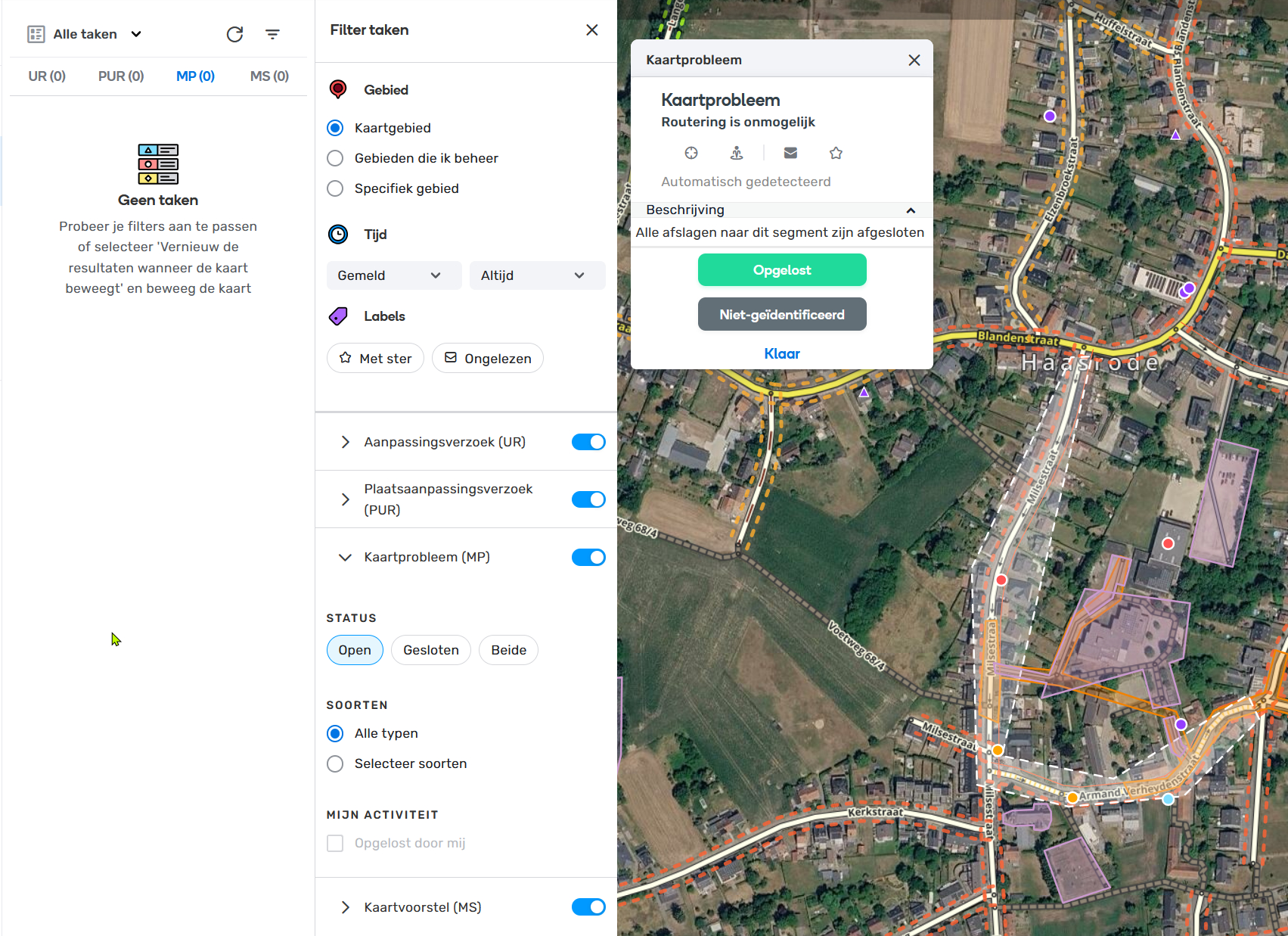
Could you please send the link to this Map Problem? I checked in a few areas and couldn’t spot such behaviour.
Thank you,
Nataliia
When I saw the preview of this post in the forum thread list, I figured this might be the cause of it. I have the same problem - it seems to randomly turn off the “0” option when I open WME, even though I never turned it off myself.