Waze Academy: Become a Waze Map Editor Master and get a Badge! šŸ˜Ž

Hey Wazer,

Learn new skills! Explore Waze Academy and become a Waze Map Editor expert.

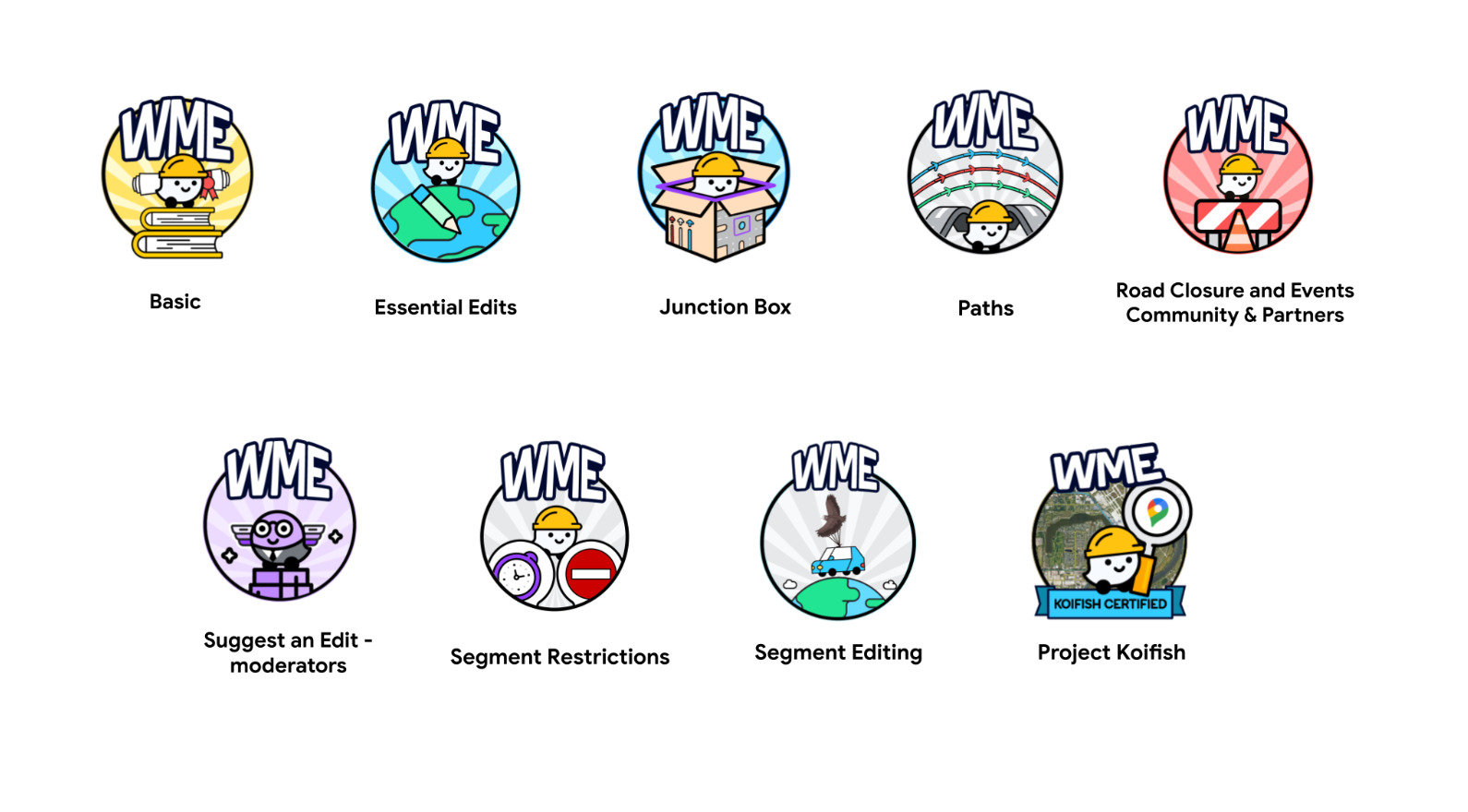
Check out Waze Academy and get a badge to display on your Discuss profile for your achievements!

Why boost your WME skills?

  • Make the map better: Help make Waze even more accurate and efficient for everyone.
  • Become a pro: Learn everything from the basics to advanced techniques.
  • Make a real difference: Help Wazers everywhere get where they need to go safely and smoothly.

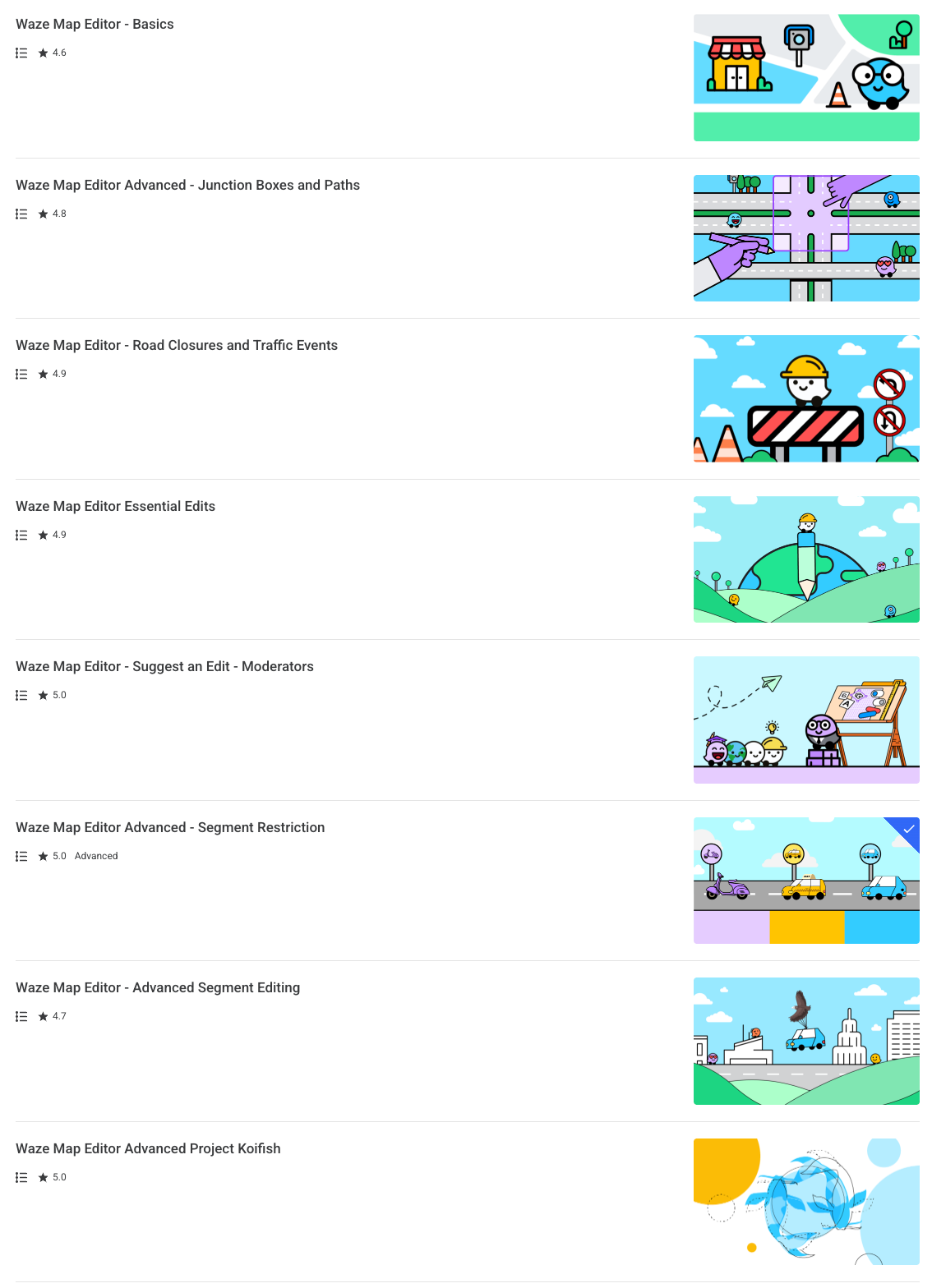
Check out the courses that you can take:

Learn at your own pace, anytime, anywhere!

Ready to become a Waze Map Editor master? Start learning today
and once you finish you will get a new badge:

Shira on behalf of the Communities Team

9 Likes

Hi @shirapashu,

How can we request these badges?

Hey,

After the course completion, you will get an email with a form to request the badge.

In case you didn’t get the email, please send me an email (shira@waze.com) and I’ll look into it.

Thank you,
Shira

1 Like

Thanks, Will send you the email.

1 Like

Hi, I would suggest updating the form to include checkboxes rather than radio buttons, so we can apply for multiple badges at once.

6 Likes

I love the continued learning, which is so helpful for new editors. I’ve earned a few badges lately and hope to see this expand further.

Robby

2 Likes

Love this feedback, @robtyresay!

So glad the learning content is helping new editors. Great news: we’re already working on expanding the program for more course for 2026, stay tuned :wazerlove:

Shira

4 Likes

Thanks for this, just got back into editing and its a great refresher

2 Likes

One of our new editors has pointed out that it is not currently possible to draw a segment in Practice Mode (message ā€œThat change isn’t allowed at this time and won’t be sent for reviewā€). This has made it impossible to complete an exercise in the WME Basics module.

2 Likes

Hello @shirapashu, I have completed 5 of the 6 courses over the last two months and haven’t received credit on my account for completing the courses. Didn’t know if you had any ideas why it hasn’t appeared on my account.

Thanks!

Did you request the badge for Waze Discuss forum via form submission?

Note: The course congratulation email has the form link.

3 Likes

Thanks for the advice! Just checked my email and noticed the request form! Thanks for the help.

3 Likes

I too had this same issue :slight_smile:

2 Likes

Hi @shirapashu - I appreciate the huge effort that has gone into the Waze Academy courses!

Just wanted to offer a little bit of feedback as an L1 from Australia:

  • As mentioned by @mudge42 - when trying to do the JB course there is an error that appears in practise mode: ā€œThat change isn’t allowed at this time and won’t be sent for reviewā€.
  • The course for JBs is great for left-hand drive markets, but it’s super confusing for right-hand drive markets. You can invert the segments so they match driving on the opposite side of the road, but it then becomes confusing to try and follow the requested steps because the directions don’t match when the roads are on opposite sides.
  • Due to the issue with permissions in Practise Mode, you then need to do the JB course on the live map in a greenfield area, but it appears you then can’t progress to the lane guidance part of the course because the lane guidance prompts aren’t available for L1s on the live map.

Anyway - just thought I’d offer some of that feedback. Keep up the great work!

4 Likes

Hi, @shirapashu!

I just checked the Community Hub Wazeopedia and this post isn’t updated with all courses available.
Could you please check it?

Thank you in advance!

1 Like

Thank you!

I have updated the post.

2 Likes

Hi, @shirapashu!

I just checked and it has now all the available courses.
:clap:
Thank you for the update!

By the way, I tried to open the Academy links and it seems they direct to an incorrect page.
I don’t know if it changes based on location, but I think it should be this link.
Could you please check it too?

Thank you in advance!

1 Like

Thank you very much for the feedback!

I have changed the link :slight_smile:

2 Likes

I just checked and all links are working fine now!
:clap: :clap: :clap:

You’re welcome!
Thank you for the quick reply and update!

2 Likes