WME - JB Geometry
Version 0.2.3
Stable release - Download Here
Description
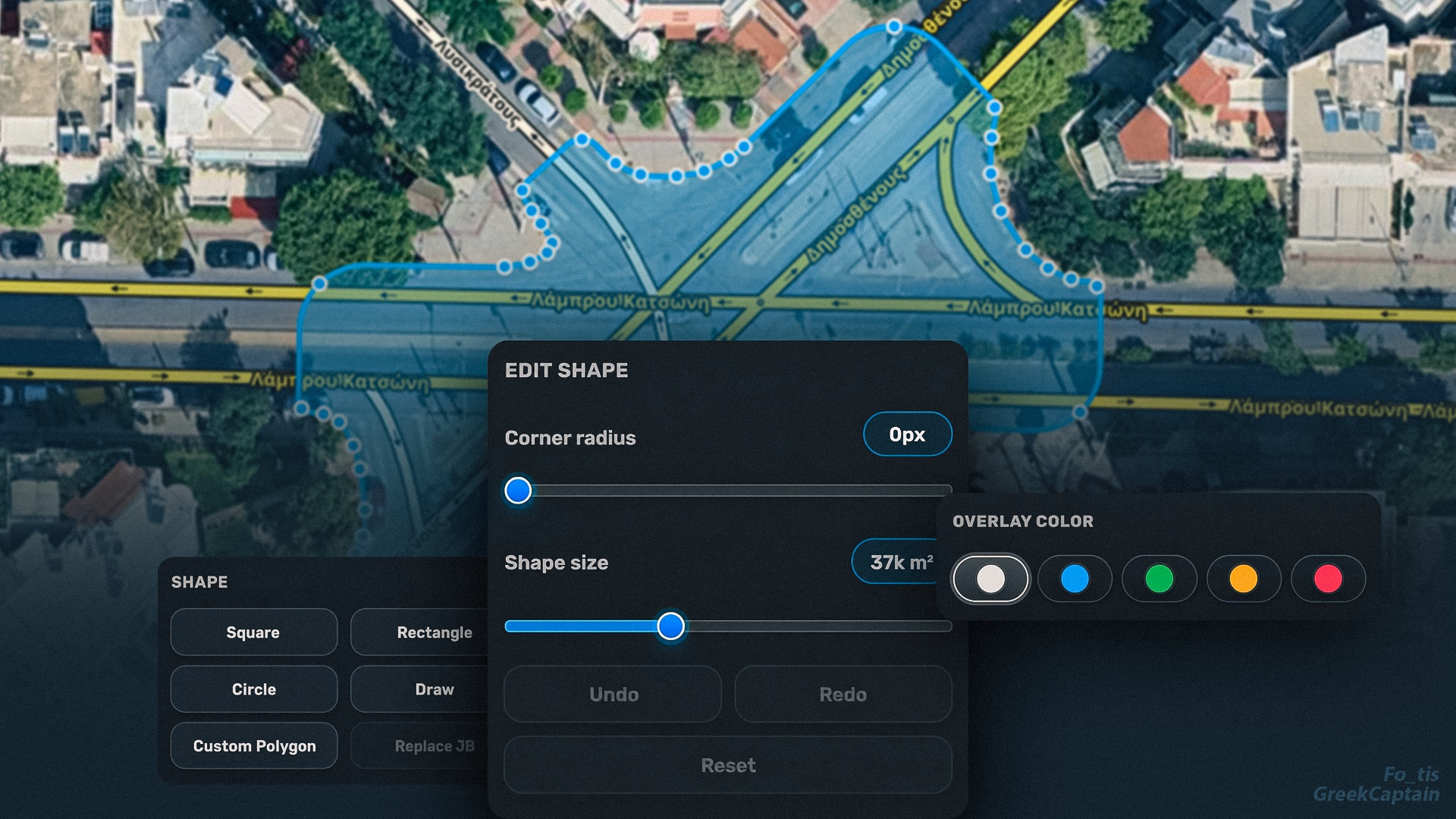
JB Geometry is a Waze Map Editor userscript for creating, editing, and recreating Junction Box geometry directly on the map.
It provides a cleaner workflow for building custom Junction Box shapes, adjusting geometry, previewing overlays, and preparing the final shape before creation.
Main features
- Create custom Junction Box polygons directly on the map.
- Edit shape geometry with visual handles.
- Preview the Junction Box overlay before creating it.
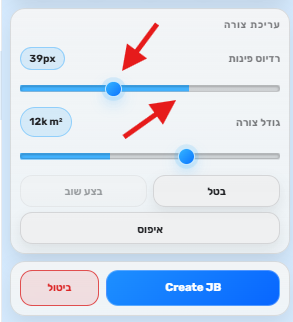
- Adjust shape size and corner smoothing.
- Use light and dark theme compatible UI based on WME.
- Modern compact interface built for Waze Map Editor.
- Multiple language support.
Changelog (v0.2.3)
- Fixed: 'replace JB' function it would not capture the turn instructions
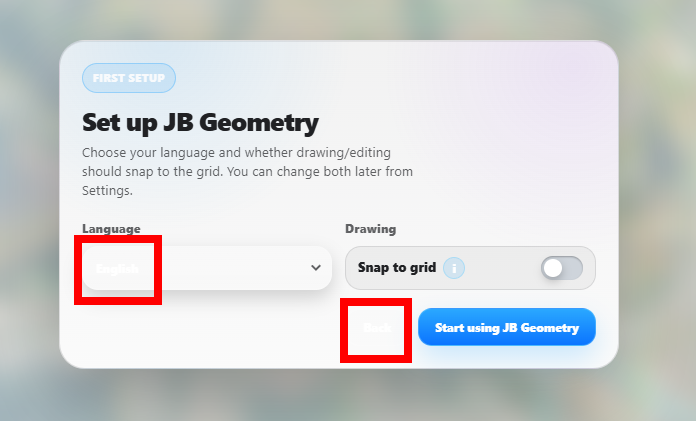
- Fixed: some text in the 'first setup' modal were not visible for some users
- Added: Changelog
- Issue: Map Notes are treated as a JB which they can be used to created a JB based on their geometry
Created by Fo_tis (4) & GreekCaptain (5)