I just got a ticket for passing a stop SIGN, not light. There is a video camera. The location is 1st St (south bound) at N St NW.
Please add to the map.
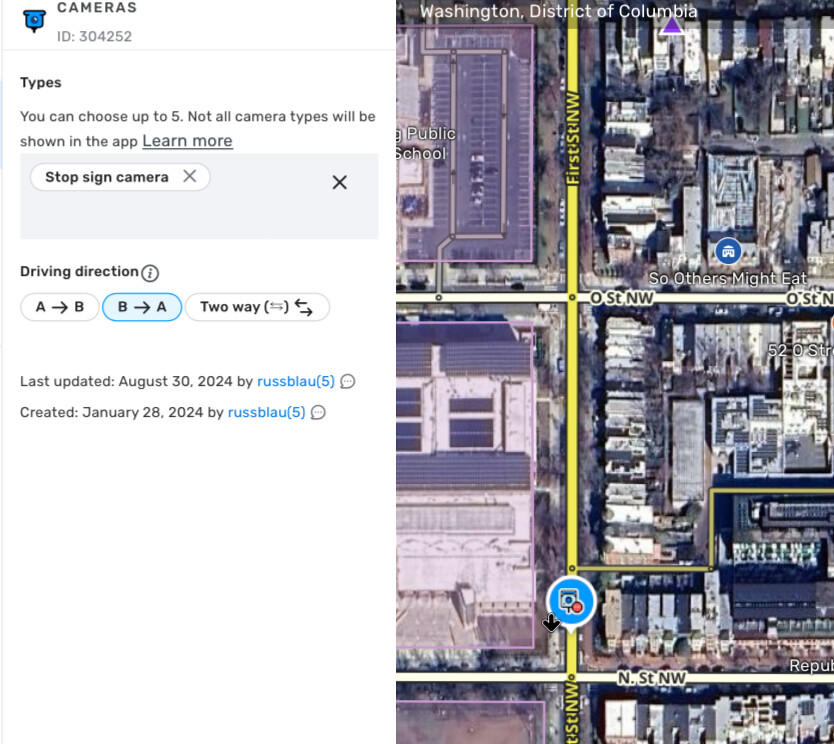
This camera is already on the map. https://waze.com/en-US/editor?env=usa&lat=38.90704&lon=-77.01101&marker=true&zoomLevel=18&permanentHazards=304252
Please double-check that you haven’t accidentally turned off camera alerts. From the main menu, go to Settings > Alerts and Reports > Reports, then under “Cameras,” check the settings for each of the many camera types.
Yup. I just double checked too, and it’s there. Added last summer by @russblau.
Another important note: some cameras only appear and alert when Waze is navigating to a destination. If your route doesn’t pass through the camera, it won’t appear.
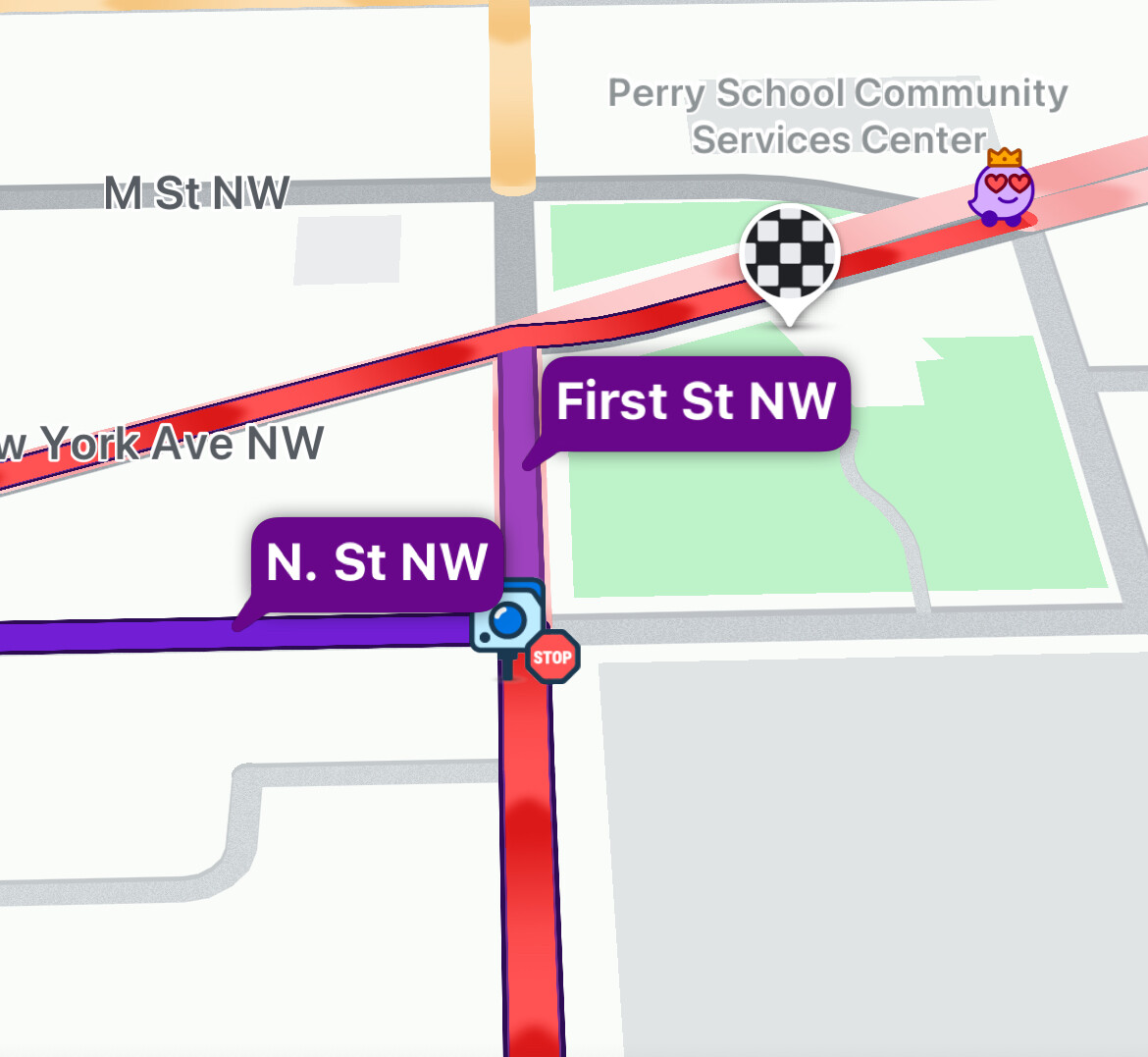
I just checked, all camera types are set to show on map and alert while driving.
Were you driving with a route active? Also, have you been past this stop signs multiple times in the last month?
Also yes. idk if I go past the sign every time, waze takes me on the best traffic pattern. I heard that sometimes you have to update the maps inside the app, but it’s been years since I’ve done it. certainly versions have changed.
Okay, thanks for the reply.
Now for the bad news: with the new camera types, Waze HQ introduced something called “Familiarity Capping” to try and prevent alert fatigue. Basically, for certain types of hazards/cameras, you’ll receive an alert 2-3x, then alerts at that location will be muted for 21 days.
In my opinion, it doesn’t do drivers a service to mute the cams even temporarily, but its a decision above our paygrade. They are eventually looking at displaying the “capped” alerts, even when muted, but I don’t have an ETA on that enhancement.