Is this a…:
Standard bug
Steps to reproduce this issue:
Clear Steps to Reproduce
- Open WME
- Click on the Events button
- Select any event from the list
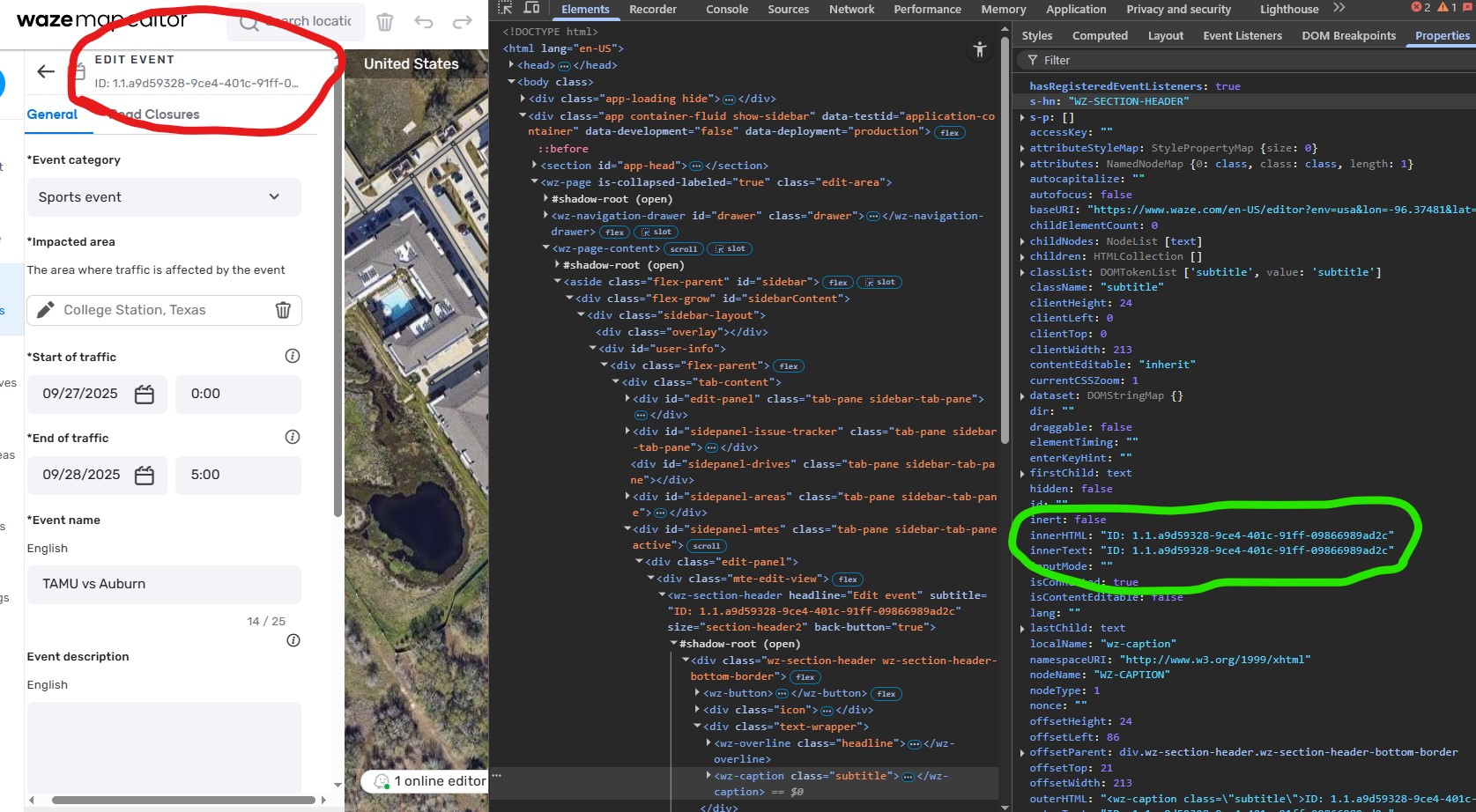
- Look at the top left of the Event details panel.
- Notice it is incomplete, with … at the end.
Expected Behavior:
The full Event ID should be displayed and easily visible to the editor, so it can be copied and used for scripts or other bulk operations. I would presume that since you display it (or at least part of it) you saw value in doing so, but since it’s cut off, it doesn’t help editors.
Actual Behavior:
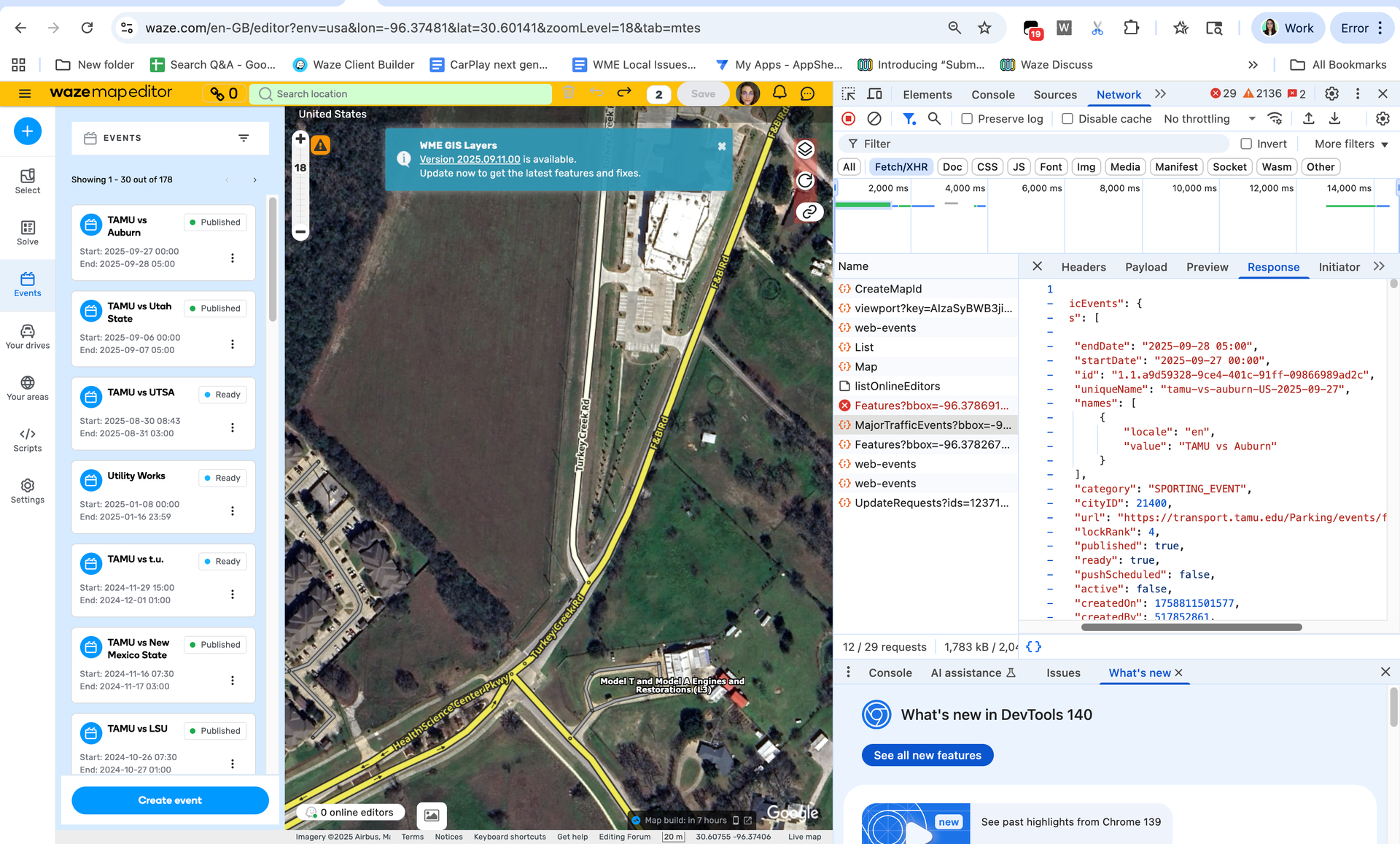
The displayed Event ID is truncated or cut off (partially obscured) and cannot be read entirely without opening the browser’s developer console. This forces editors who need the full ID to perform extra steps, such as using the console. This significantly slows down tasks like mass-entry of closures (in this case, for approximately 188 closures). It should be fully visible, allowing a simple select and copy.
For the example event, you only show
1.1.a9d59328-9ce4-401c-91ff-09866…
The actual event ID is
1.1.a9d59328-9ce4-401c-91ff-09866989ad2c
When using WME FU Memorial Edition script I can see a few more characters but still not all.
1.1.a9d59328-9ce4-401c-91ff-09866989
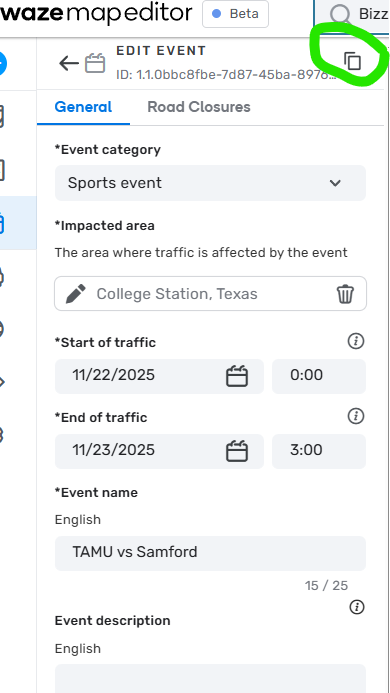
Recommend fixing the bug to display the full event ID, or allowing a way to click it and select the entire event ID without having to go into console.
Environment where the bug occurs…:
NA
Permalink:
Browser name and version:
Chrome
Are you using scripts? Please detail which ones.:
Occurs with and without scripts.