Incorrectly displayed editor's own Level in Dashboard

Thank you Kasia

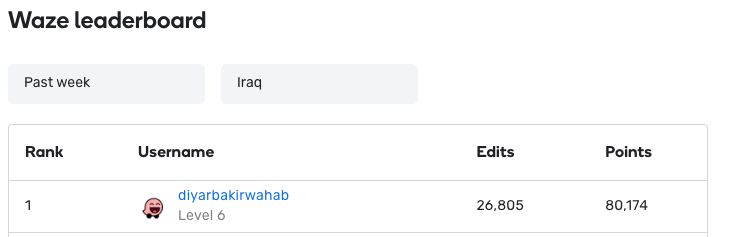
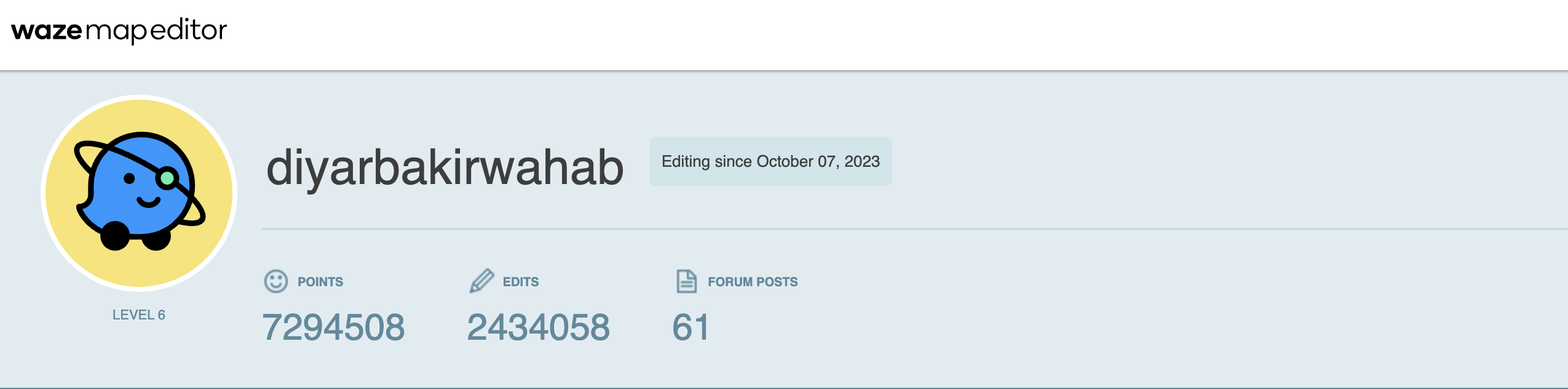
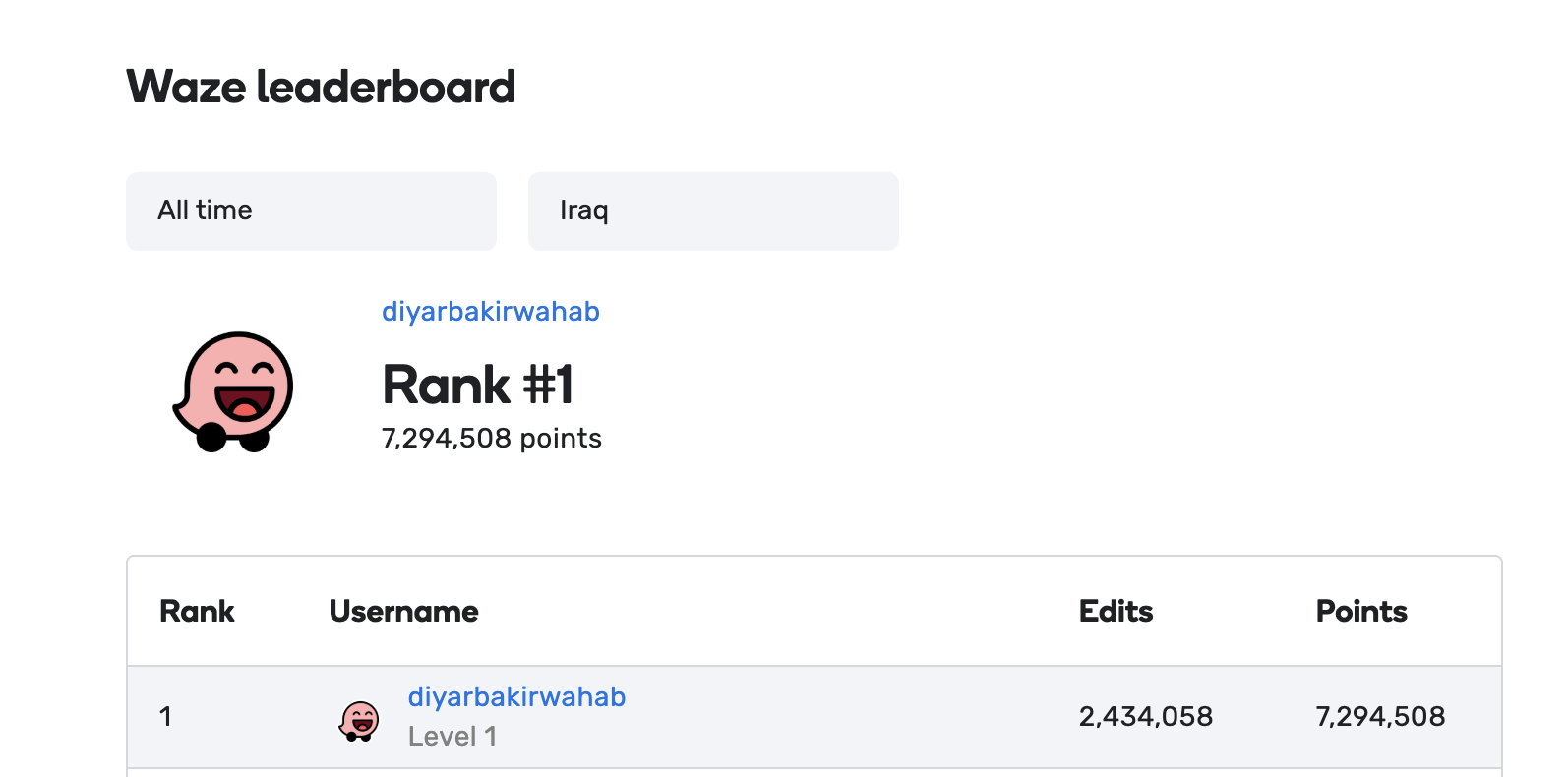
Upon reviewing the Waze discussion forum, I did not discover any recent posts regarding the Waze Leaderboard. Today, I received an update on the new Waze Leaderboard. My level is displayed as Level 1, but I am actually Level 6. Attached is an image of the leaderboard.

Best

Diyar

3 Likes

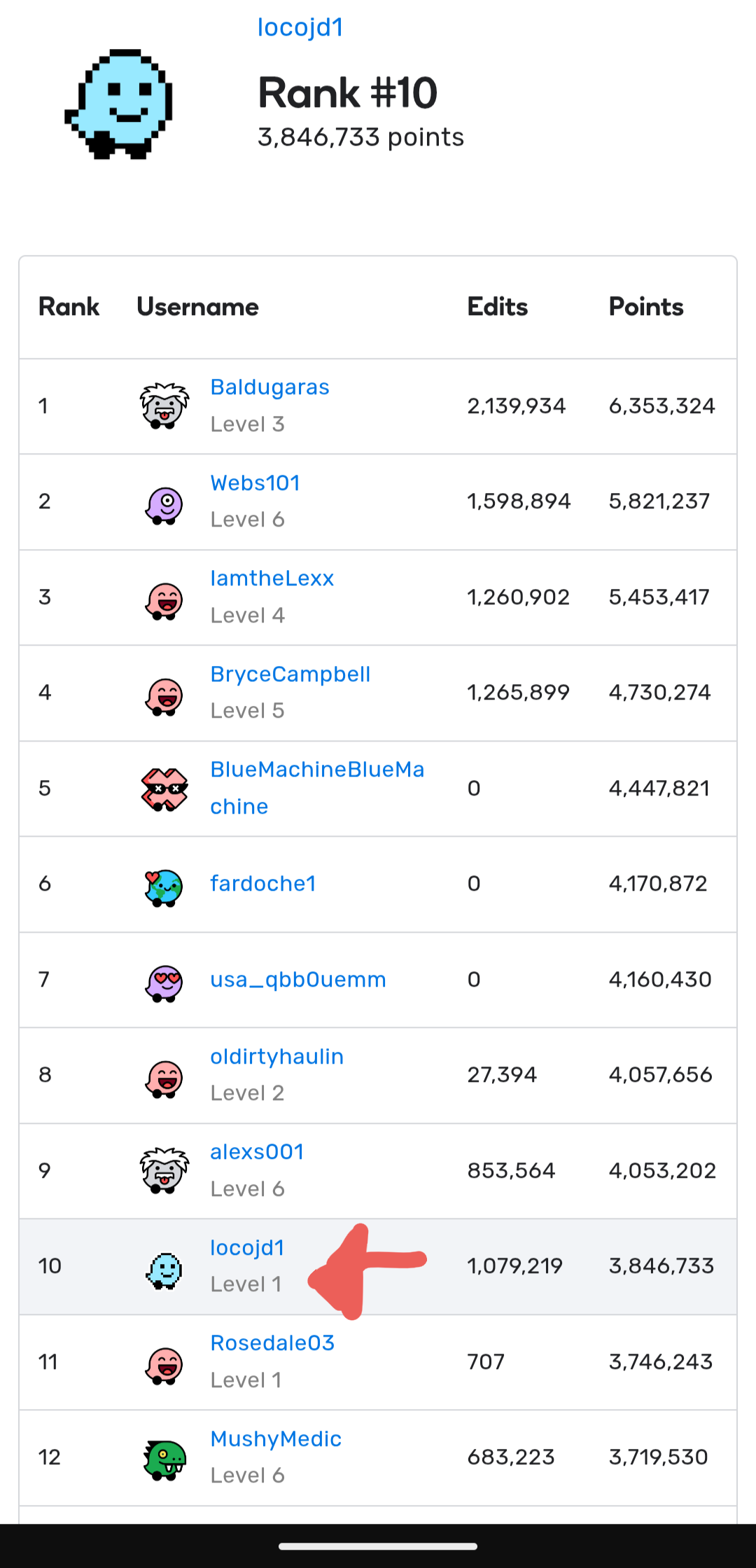
@Kasia-staff Im having the same issue as @diyarbakirwahab in the leaderboard it shows im Level 1, when im actually R4. thank you

4 Likes

Hi @diyarbakirwahab,
Hi @locojd1,

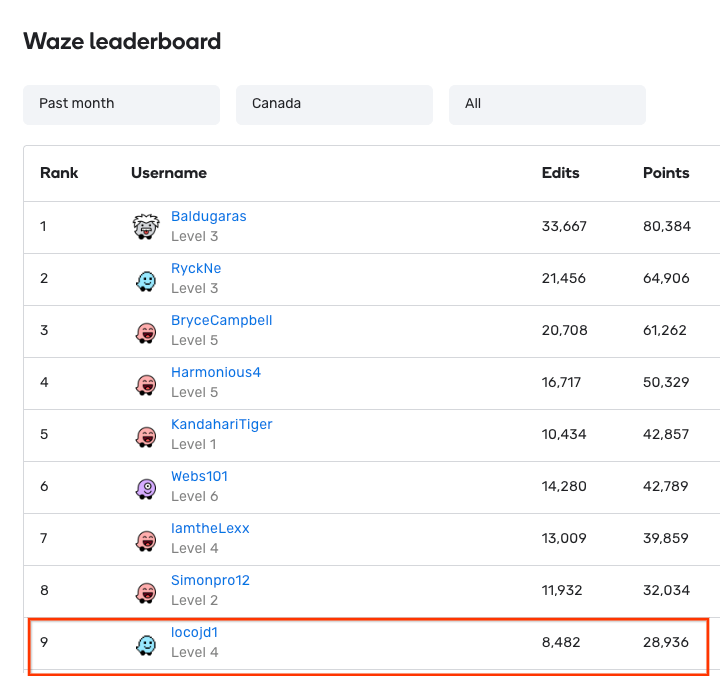
Thank you for raising this topic. I have checked on my side your data in the Waze new Leaderboard and information about your editor’s level is displayed correctly for me (see attached screenshots).

Am I missing something here? Could you please check once again?

Thank you in advance!
Nataliia


4 Likes

Hi @Nataliia_Staff i just check and the issue still the same is showing as L1. thank you

3 Likes

It seems the issue is that your own level always shows as Level 1, but is correct when viewed from a different account. I’m seeing the same.

7 Likes

Hi, Nataliia!

I would say what we are missing is that the problem probably manifests itself only for your own user. I see the same issue for my account, whereas other accounts are correctly shown.

image

Country is set to Bulgaria. Hope this helps.

Regards!

6 Likes

Hi @tbrks,

Thank you for sharing this observation.

I will move all comments to a separate bug report to keep everything in one place and file an internal issue for the team to check.

Regards,
Nataliia

1 Like

Thank you for checking @locojd1, @EloheiYishi.

We are checking this misbehaviour with the team.

Regards,
Nataliia

2 Likes

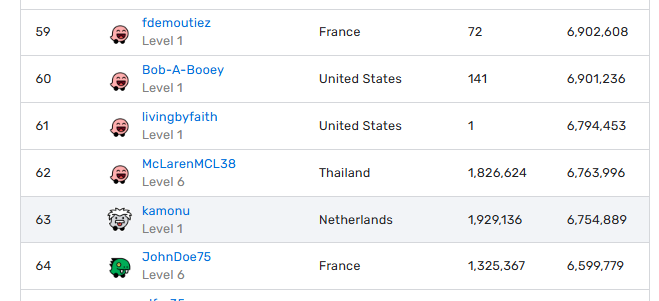
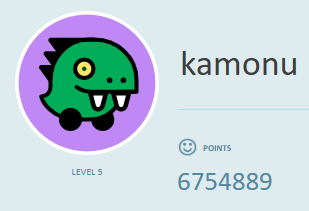
Leader board level Level 1 while it should be level 5.

[moved from New WME v.2.354 - #13 by IP4883]

1 Like

Hey @kamonu,

Thank you for the report. We already have an open bug for this issue, and the team is currently addressing it. I will keep you updated on further developments.

Regards,
Nataliia

2 Likes

Hi everyone,

I wanted to update you that the team has resolved this problem. All information should now be displayed correctly, so I will go ahead and mark this report as fixed.

Please feel free to leave a comment if you encounter any new instances or have additional questions.
Thank you once again for flagging this problem.

Regards,
Nataliia

2 Likes

thank you @Nataliia_Staff resolved.

2 Likes

Thank you @diyarbakirwahab!

Regards,
Nataliia