That is what I get for trying to read the forum so early in the morning :lol:
I can’t find any event id’s that are truncated to confirm, but the double clicking and copying still seems to work.
That is what I get for trying to read the forum so early in the morning :lol:
I can’t find any event id’s that are truncated to confirm, but the double clicking and copying still seems to work.
Hello Nataliia,
403 “Forbidden” HTTP Error happened today again.
Attached 2 Screenshots.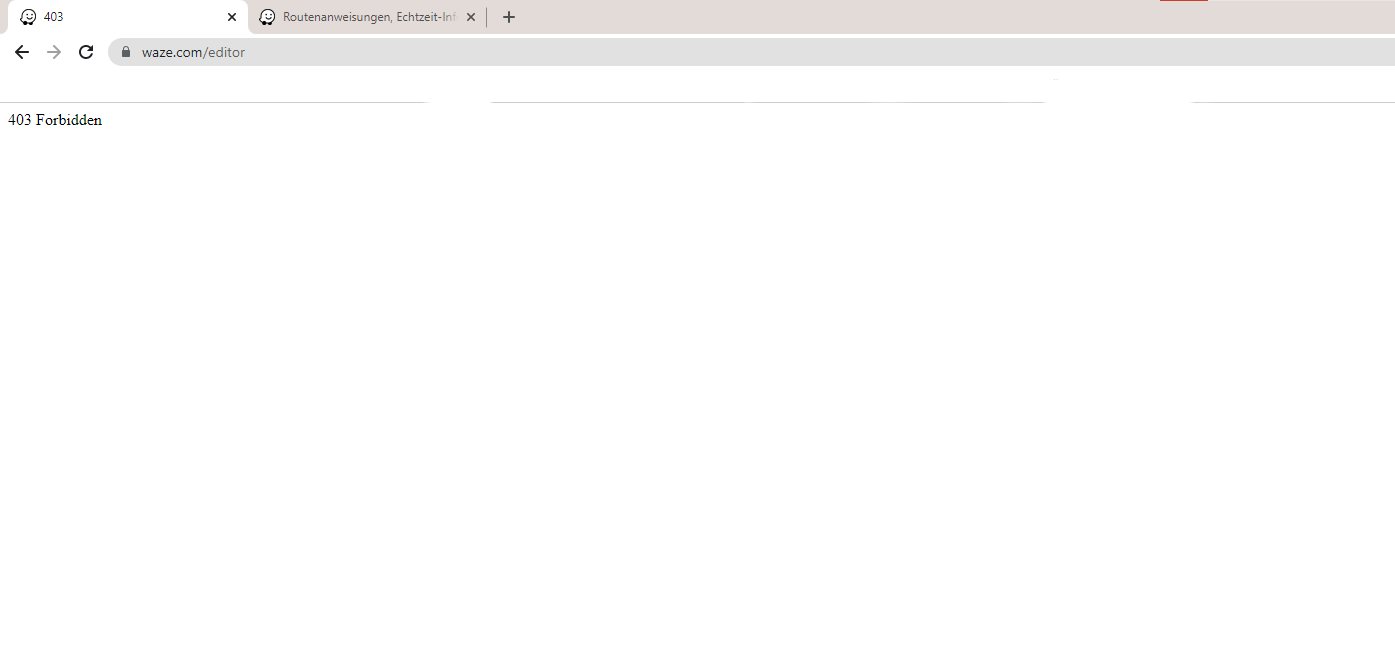
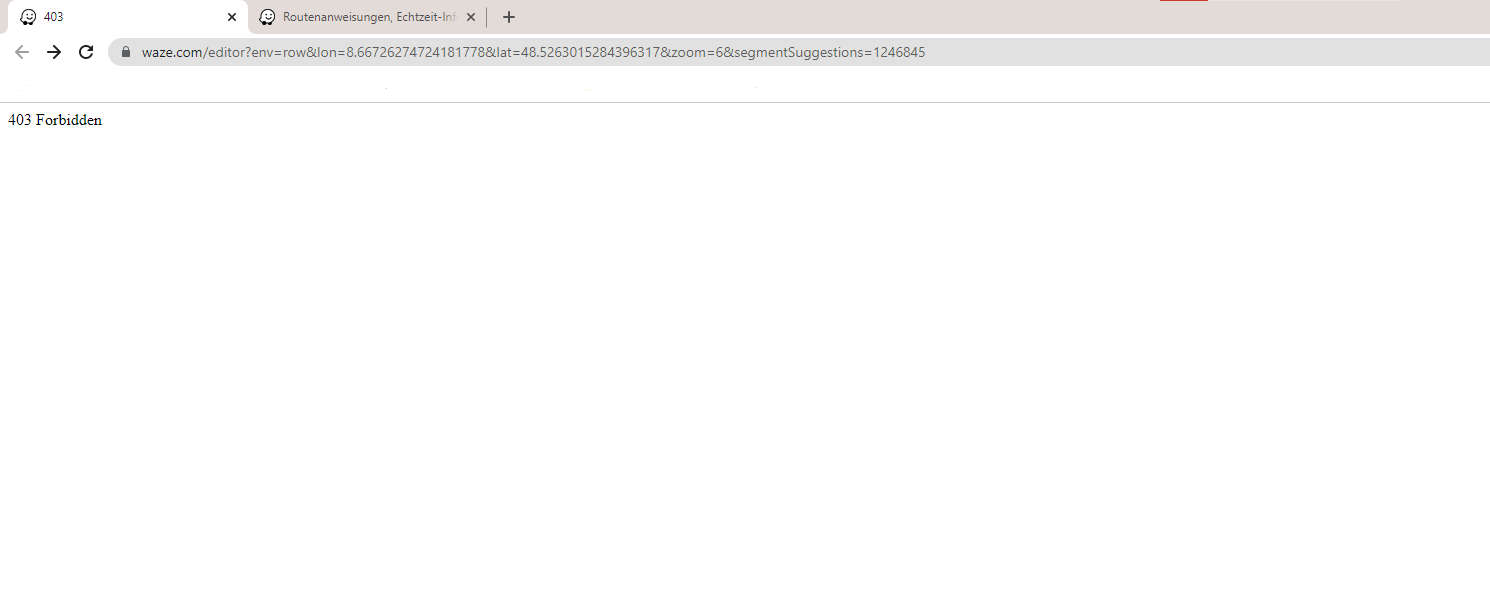
It is independent whether a permalink is selected or not.
I have recently noticed that deleting website data and cookies is no longer necessary.
I only have to log out and log in again in the forum or in the livemap. Then the error in the WME disappears.
Regards
Christoph
https://www.waze.com/fr/editor?env=row&lat=44.66347&lon=-1.16354&zoomLevel=19
If you want to try ^^
Missing 51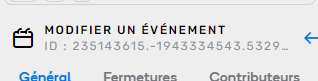
Full : 235143615.-1943334543.532951
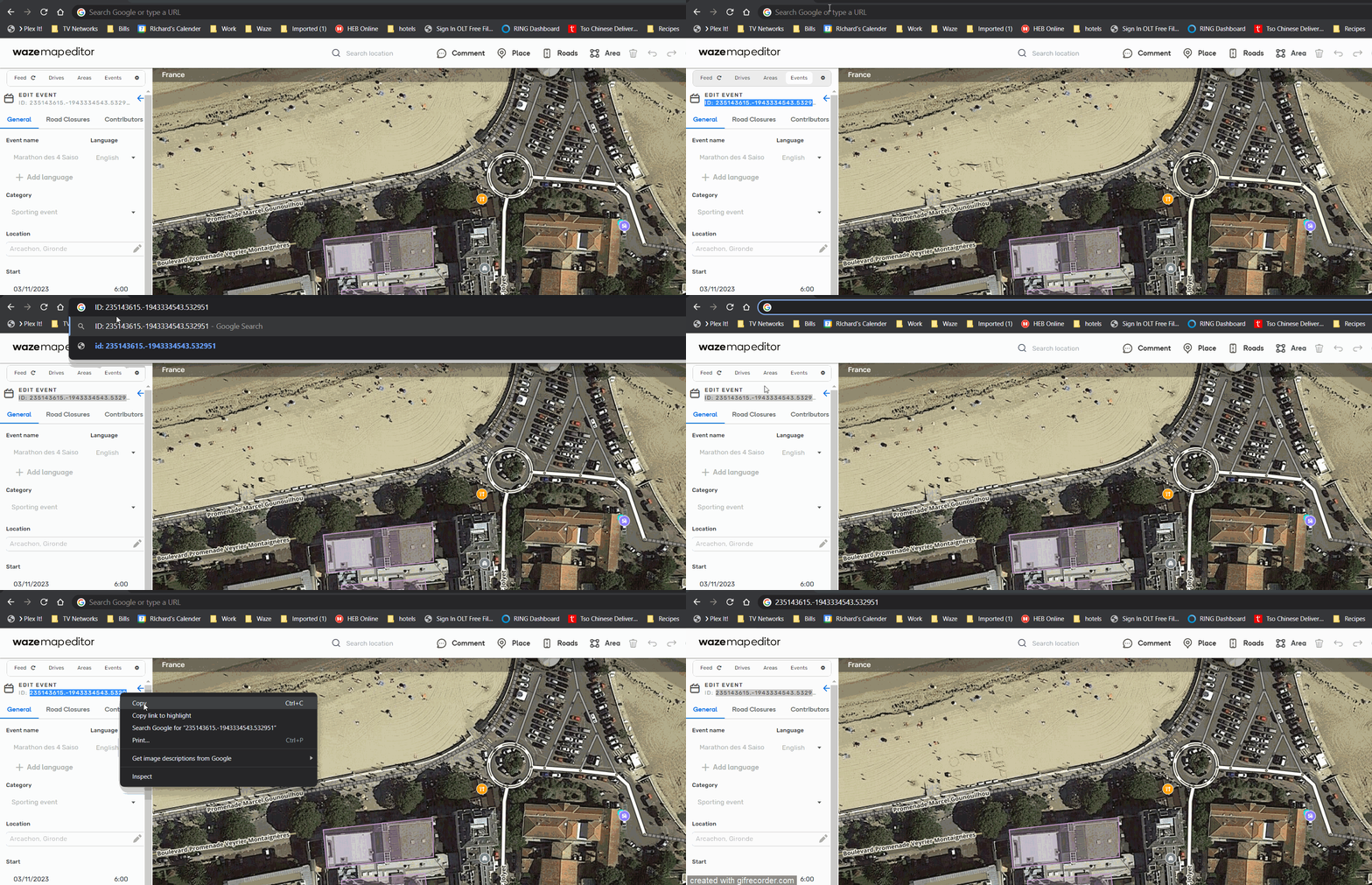
In this GIF, the first thing I did was triple click which selected everything including the “ID”
The second time I just started at the beginning of the number and click dragged to the right which selected just the number.
You can see what I copied when I paste in the address bar.
One thing to note is that you have to right click and copy in order for it to work, you can’t use ctrl-c
For me there is an error in the classification of EVCS Private and Restricted, Restricted should be for customers, Visitors, etc… and Private for Employees, Residents, etc… like Parking lot settings and not vice versa
This is a known issue
Bug report -
In WME prod, it is impossible to add/move/delete nodes of an area place until you slightly pan the map. Once you pan, the 4-way arrow pointer shows up indicating it’s ready for you to select or add a node to the area place. You can then add/move/delete a node, but you cannot do that again until you once again pan the map.
I recorded a short video which can be seen here demonstrating the issue.
The same thing applies when trying to move a place point - you must first pan the map slightly in order to get the correct cursor (4-way arrow) indicating you can now move the place point object.
The workaround for updating area place geometries, until a fix is released, is to remove the stop point, pan the map slightly, modify the nodes as you see fit, and then re-add the stop point when done.
Please let me know if there are any questions. This happens on all area and point places in both prod and beta - no scripts, toolbox disabled.
Wrong thread. Latest version is 2.140. Thread is: https://www.waze.com/forum/viewtopic.php?t=375359
Sorry - was thinking the one at the top of my page was the most recent. Will re-post there.