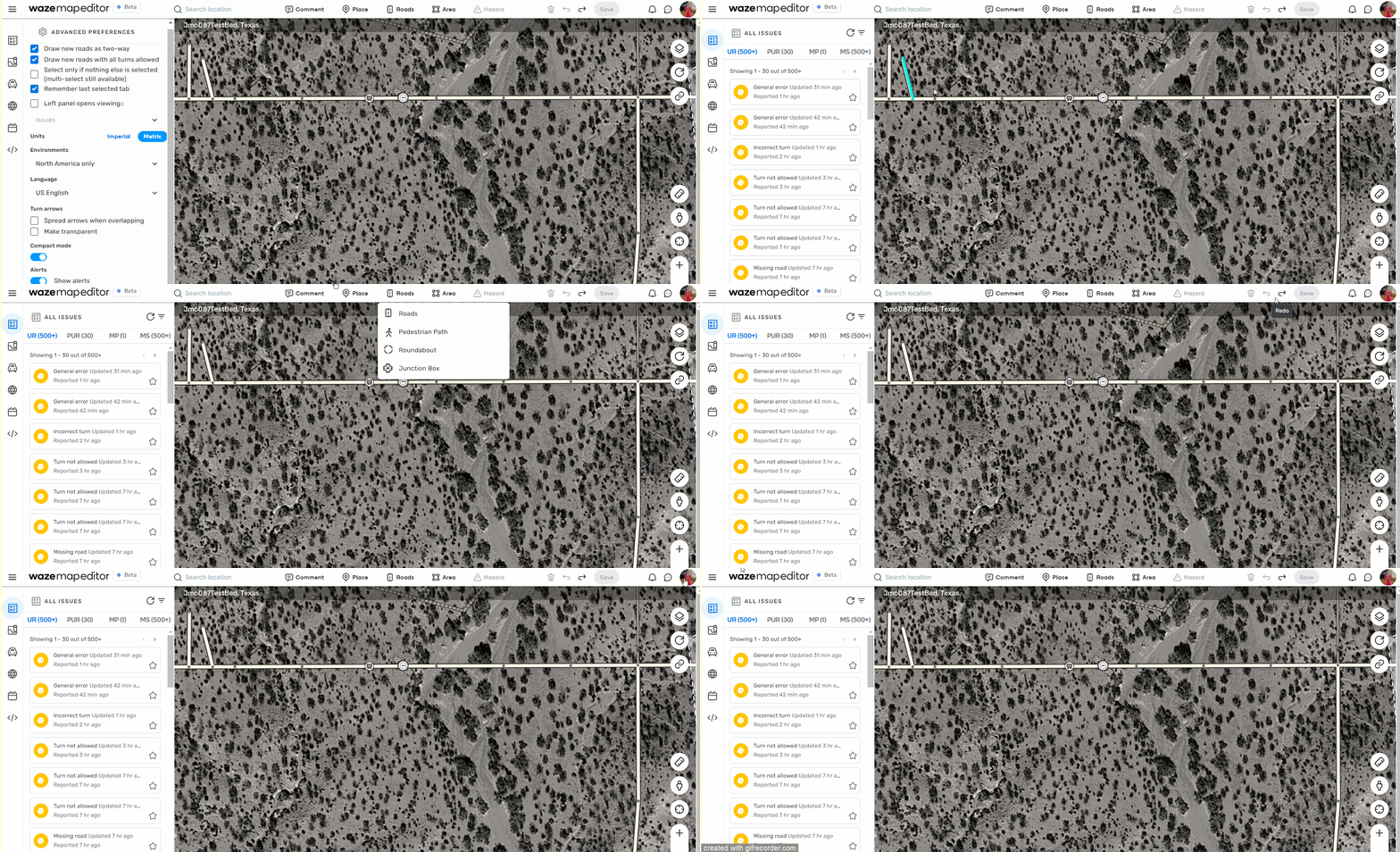
Venues: Entry points names randomly disappear and cannot be saved. New features/enhancements:
Permanent Hazards, one of the longest community-requested features in Waze history, is now open for you. It provides the ability to add alerts to the map, giving drivers a heads up to navigate more safely than ever. Read more information about it in this Forum post.
Issue tracker - Map Problems: Update the issue type title on the card to align with the new issue types.
Section title: Scripts tab alert and added an explanation text.
Additional UI changes added to WME tabs in order make the interface consistent.
Snap avoidance for segments with Closures.
Online editors: updated the status icon.
Bug fixes:
We’ve released 10 bug fixes.
Street View handle drag doesn’t work smoothly - fixed.
Cannot select segments at certain zoom levels - fixed.
Turn arrows on Junction Boxes still appear slanted - fixed.
Only able to add one path per save - fixed.
Issues Tracker: ‘Search this area’ doesn’t work properly - fixed.
Issues Thacker: It is possible to disable all issue types in filter - fixed
Parking lots: List of Prices not sorted logically - fixed.
The WME still has many problems, moving around on the map when releasing the mouse button the map returns to the previous point or moves randomly, also the movement is not smooth it moves jerkily, also after some changes it becomes very slow and unusable and I have to reload the page, https://app.screencastify.com/v3/watch/Xzs5OQwA0w0RBxwdq2ub
This evening the search window seems to be missing from the top bar. This is on a Mac with Chrome incognito, no extensions/ scripts.(unavailable attachment: Screenshot 2024-02-12 at 6.47.11 PM.png)
(unavailable attachment: Screenshot 2024-02-12 at 6.47.04 PM.png)
Did you click on the magnifying glass? When the top bar does not have any words, that is usually because there is not enough space to display them all, so it changes to images only.
The questions for the developers-
Should I have to click the magnifying glass when there is 550px between the the ‘r’ in Waze Map Editor and the magnifying glass? That’s a ton of empty space that the search bar could use.
Why did it happen to me tonight for the first time ever? I’ve been using the same computer for years and this has never happened. It didn’t even start right after the most recent WME release, this morning as I have been in WME several times today and using the search bar. I really shouldn’t have to click the magnifying glass when there is all that space for a search bar.
I feel the Permanent Hazards button should show a tooltip like Area if you’re not the right level to be able to edit it otherwise editors may think it’s an error that it’s greyed out. Something like “Permanent Hazards are currently set to L4+ in your country”.
Still having saving issues with house numbers. If a house number entry point is changed to a different segment than the one it automatically gets locked on to the following pops up when saving. “Error saving, please try again later”.
Example here
Try and move the entry point for number 16 from the segment directly below to the segment to the left as show in the picture.
@Bedo advised me to clear the site cache and reload the page it only works for a few minutes, after a few edits the memory occupied by the site exceeds one gigabyte and slows everything down considerably.
If I open other tabs with other sites everything works normally, it’s only the WME that is slowed down.
my spec:
Intel 12 Processore N95 (4C/4T, until 2.9Ghz), 16G DDR4 500G PCIe SSD W11 Pro
1 GB fiber network
Chrome or Edge latest build
Wme or WME beta.
Other editors I find have the same problem.
A bug I’ve been encountering since the latest WME update: when editing Turn Guidance, changing one thing in a row, like a route number or a text box, causes the preview to mistakenly copy that change to every box in that row.
But I notice that when I click Save afterwards, everything is fine.
I encounter the same kind of performance issues as described by m4rc072.
I’m used to end and start again Chrome completely say each 15 minutes of editing.
Starting a clean Chrome session with only WME active, within 15 minutes the internal memomry usage raises above 2,5 GB.
Intel(R) Core™ i5-10400 CPU @ 2.90GHz 2.90 GHz
8 GB internal memory
Windows 11 Pro 23H2
Chrome latest version
Connection 1000/1000 (Mbps)