Indicate restriction regardless to time frame-FIXED
Turn restrictions not appearing in WME-FIXED
Headlights: Everyone will see headlight checkbox, but it’s only enabled for editing if the user has the right rank/is in a country where the feature is enabled.
OK - I have to ask. According to the Support page, headlight reminders are enabled in exactly 2 countries in the world: Brazil and Italy.
So why is it suddenly cluttering up the display of every country in the world?
Once upon a time, I can remember complaining about WME hiding information that was relevant to junior editors, simply because they didn’t have permission to change it. But this is just ridiculous - this is irrelevant to almost everyone!
I certainly can’t disagree that you and others find it annoying to see in a country that doesn’t have headlight reminders enabled.
However, that support page is incorrect. I know that headlight reminders are enabled in the United States. And poking through old threads, there are several other countries that have them enabled but are not listed on the support page (but certainly not every country). Perhaps staff could give you a full list?
Thanks for that. It won’t surprise you to hear that I’m already crafting an extension for WME FixUI to remove the checkbox. In pursuit of that I’ve been talking to the other GCs and they’ve already told me it is enabled in Romania, the US and Israel - at the very least. I’ve sent some feedback on that article to point out how badly wrong it is.
As for a list - I wouldn’t want it. It would only become out of date, if it wasn’t when I got it. The reason I was chatting to GCs was to get help identifying where in the Waze data model I can find the setting that tells me whether the current county has the reminders enabled. I think I’ve now found that, so the hiding can be done automatically. :mrgreen:
After a short while of editing I loose visability of road segements.
Clicking Refresh, reloading the page from the permalink button or reloading the tab doesn’t bring back visability. Toggleing the Roads layer on/off has no effect. The segments are still selectable though.
Sometimes changing zoom level, or clicking the permalink button brings back a partial view.
Browser: Google Chrome Version 85.0.4183.121 (Official Build) (64-bit)
I’ve been experiencing that from time to time as well. Nowadays it mostly seems to be the XYZ grid for street imagery that fails for certain periods of time. I haven’t been able to find a recurring time for this yet, but it does seem to happen to everybody at the same time when it happens.
The vector data still loads fine though, so we can still click the segments when needed.
A permalink with date and time, even if you encounter the issue intermittently, would be greatly appreciated so we can direct our development team to an example.
Screenshots are also welcome (thanks jonv-uk)
A screenshot is attached, you can see that the street vector is loaded because the script show the entered speedlimit, but the street as segment is not shown.
(unavailable attachment: wme_streetnotloading.png)
It is possible to mouseover the segment and it wille be marked.
EDIT: Problem stopped at 4:42 CEST (2:42 UTC)
Regards
Peter
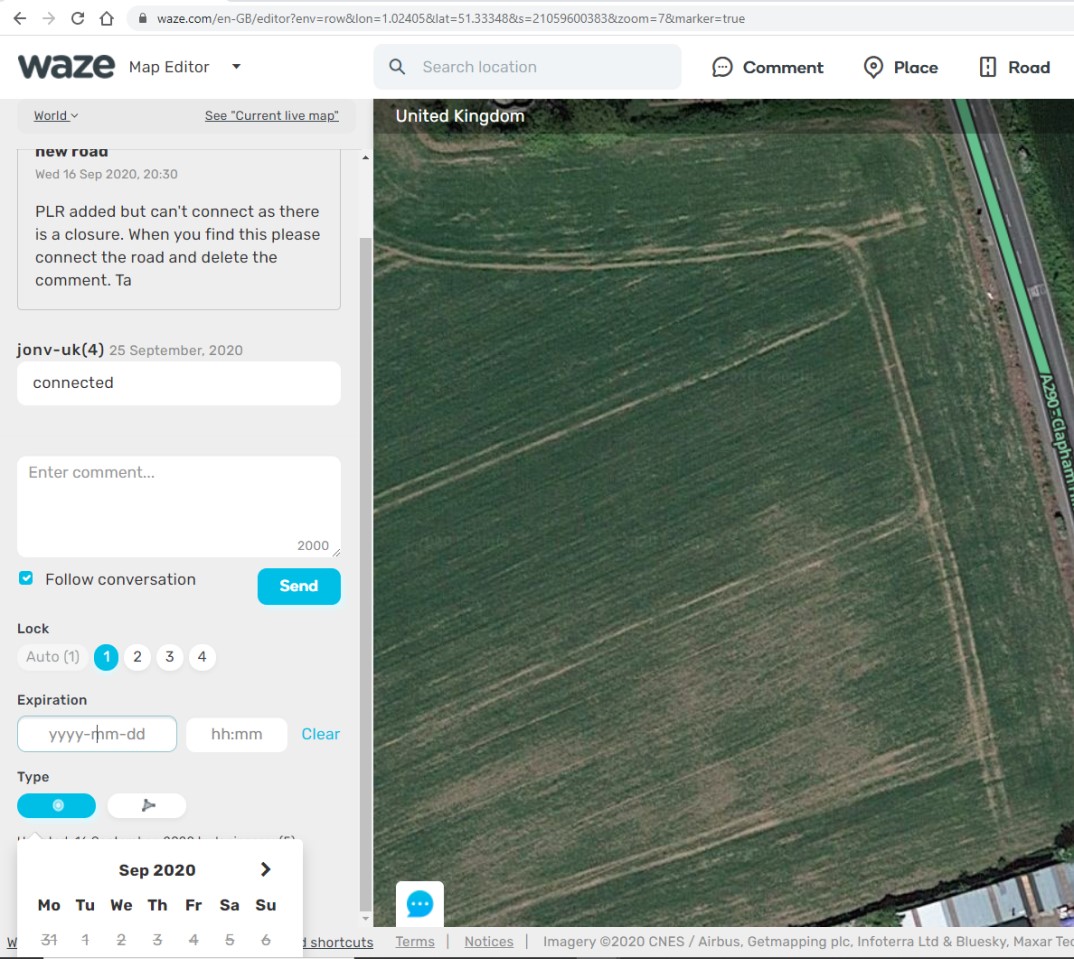
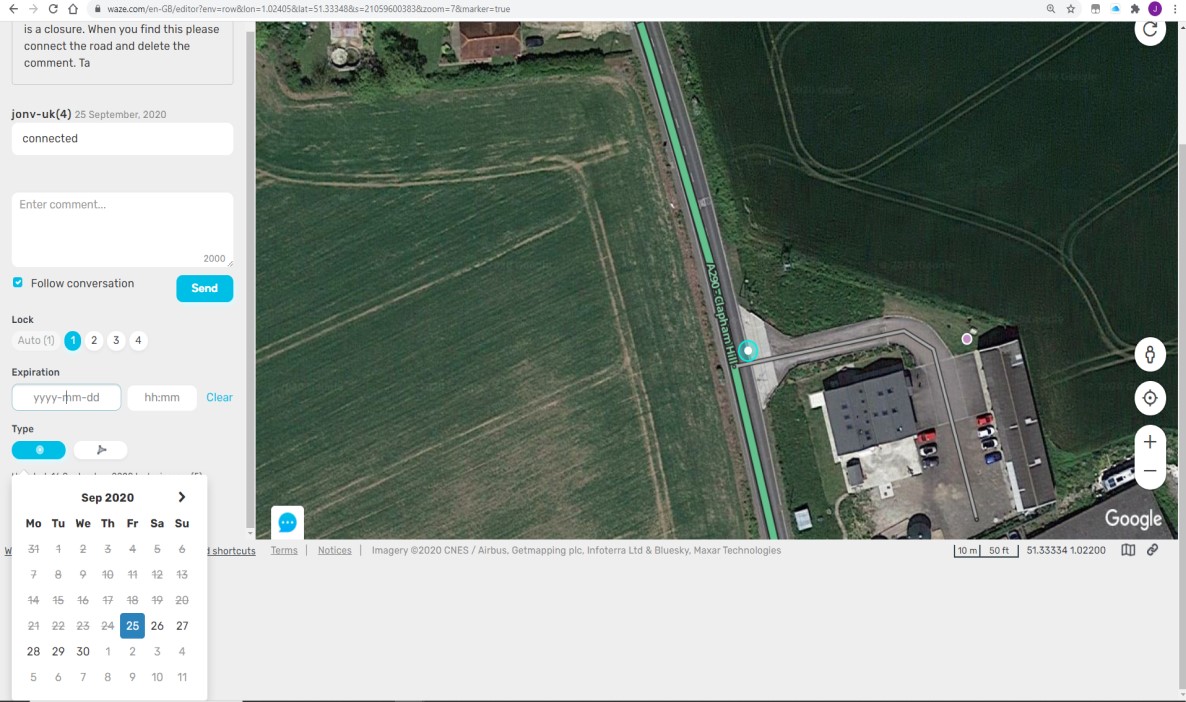
Comment Box Expiration Date Entry field not scrollable.
When clicking in the expiration date entry box the calendar runs off the bottom of the screen. Scrolling the left panel does not move the calendar box up or down with the panel (image 1)
If you scroll over the main map the whole screen scrolls up (image 2)
Another intermittent issue I’ve spotted recently. Usually when changing or adding the speed limit to a segment I double-tab to take me from the A>B box to B>A. This now takes me up to the General tab at the top so I have to use my mouse to select the B>A box, as you can see in the following image (blue box around General tab).
As I say it’s intermittent, but here’s a permalink to one I’ve just tested.

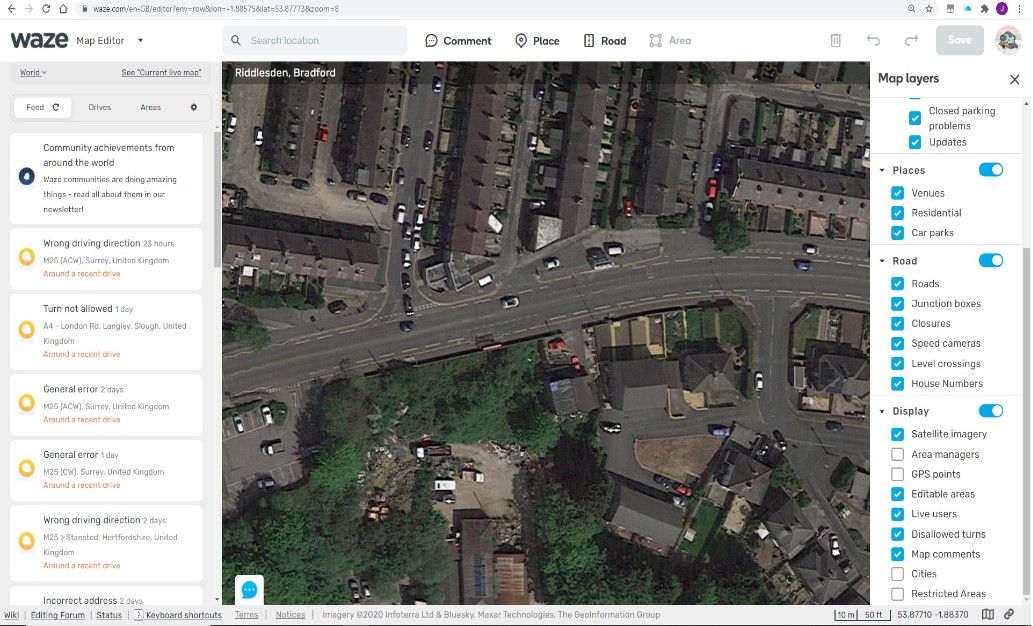
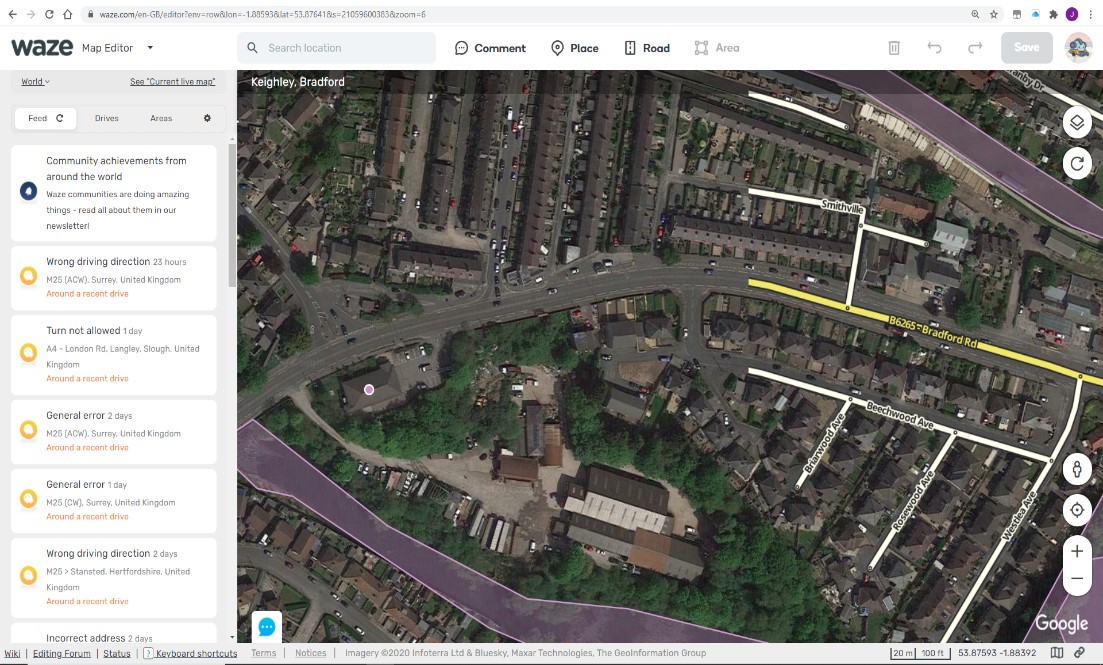
 (thanks jonv-uk)