Reduced the vertical ‘safe zone’ for Unified Action Area to approximately 300 px from the bottom part of the menu for better layout optimization.
Corrected the button order in the Community Schedule dialogs for consistency and usability.
Duplicate Community Schedules now have a prefix name of “Copy of…” as a hint for better clarity.
UI and functional improvements to Suggest an Edit and On Segment Suggestion cards.
Aligned Suggest an Edit positive ‘Call To Action’ button text to “Apply” for consistency with On Segment Suggestion standards.
Added ‘Locate’ and ‘Street View’ functionality to the Suggest an Edit card. These options are available when the suggestion is related to a single segment.
Added the message “You can make changes to the suggestions after you click ‘Apply’.” to clarify that edits can still be made post-application for both On Segment Suggestion and user suggestions.
All status badges are now rendered on the map for both Suggest an Edit and On Segment Suggestion.
In the Create Major Traffic Event flow, renamed the misleading “Delete” button to “Cancel” for better clarity and user experience.
Temporarily removed the “Learn more” link from the Major Traffic Event description tooltip.
Changed the cursor appearance when editing House Numbers for better visual feedback in the House Numbers revamp.
Pressing “Add house numbers” no longer centers the map, ensuring a smoother editing experience.
Introduces various SDK community requests- we encourage you to check the changelog here.
Bug fixes:
We released 6 bug fixes:
Resolved an issue where an already split segment could not be split again within a single Save action.
Resolved an issue where WME could get stuck when applying or undoing bulk changes using Magic Select.
Resolved an issue where community editors couldn’t see the “Summit” category under Traffic Events.
Moved the tooltip that appears on the disabled “Add House Numbers” button when a segment has no name to improve UX and reduce clutter.
Resolved an issue where the user ID was displayed instead of the user name in some Community Schedules.
Resolved an issue where the “Waze default schedule message” in the School Zone left panel was overriding the panel in multiple languages.
Known issues:
The tip “You can make changes to the suggestions after you click ‘Apply’” is incorrectly displayed for closed On Segment Suggestions and user suggestions, as well as for users who cannot apply proposed changes.
Falsely Replaced “Source” with “By” and “Issue ID” with “ID” in the On Segment Suggestion card.
You might see house numbers on zoom level 17, if you were editing HN at higher zoom levels (such as 19), and then zoomed out to zoom 17. Additionally, you might see HNs on zoom level 17 if the WME window is reduced in size and made very small.
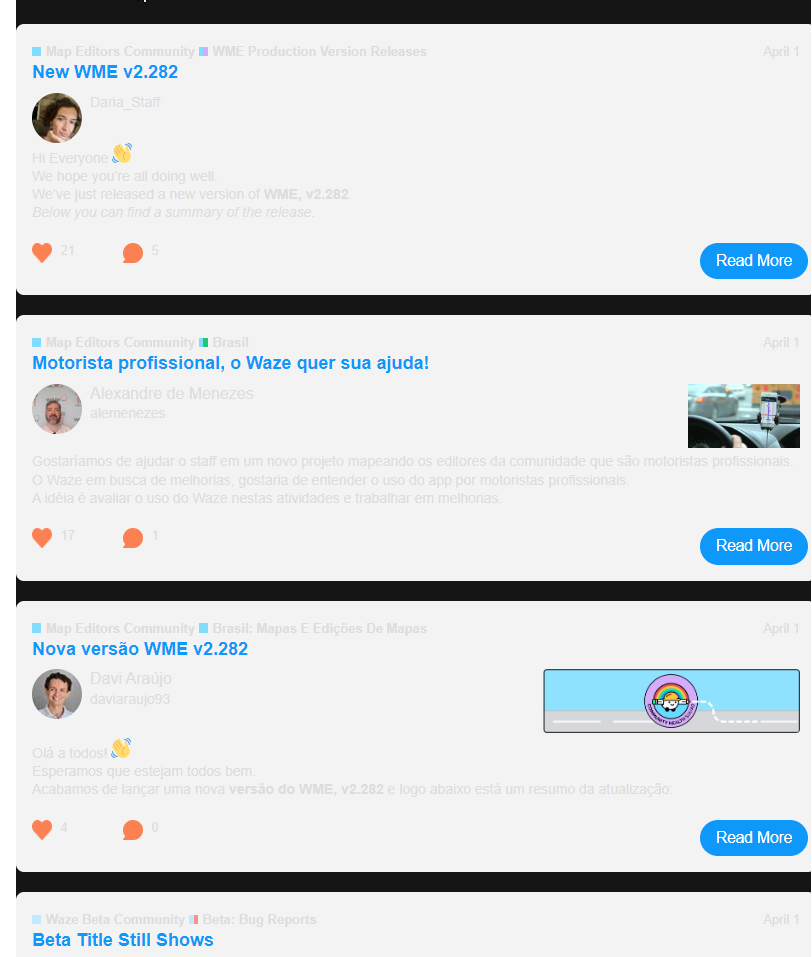
This might be a common question or just me but I have to know, is there anyway to stop getting updates about Brazil? I don’t speak Portuguese, I don’t plan on visiting Brazil any time soon. It’s just clutter in my emails to me.
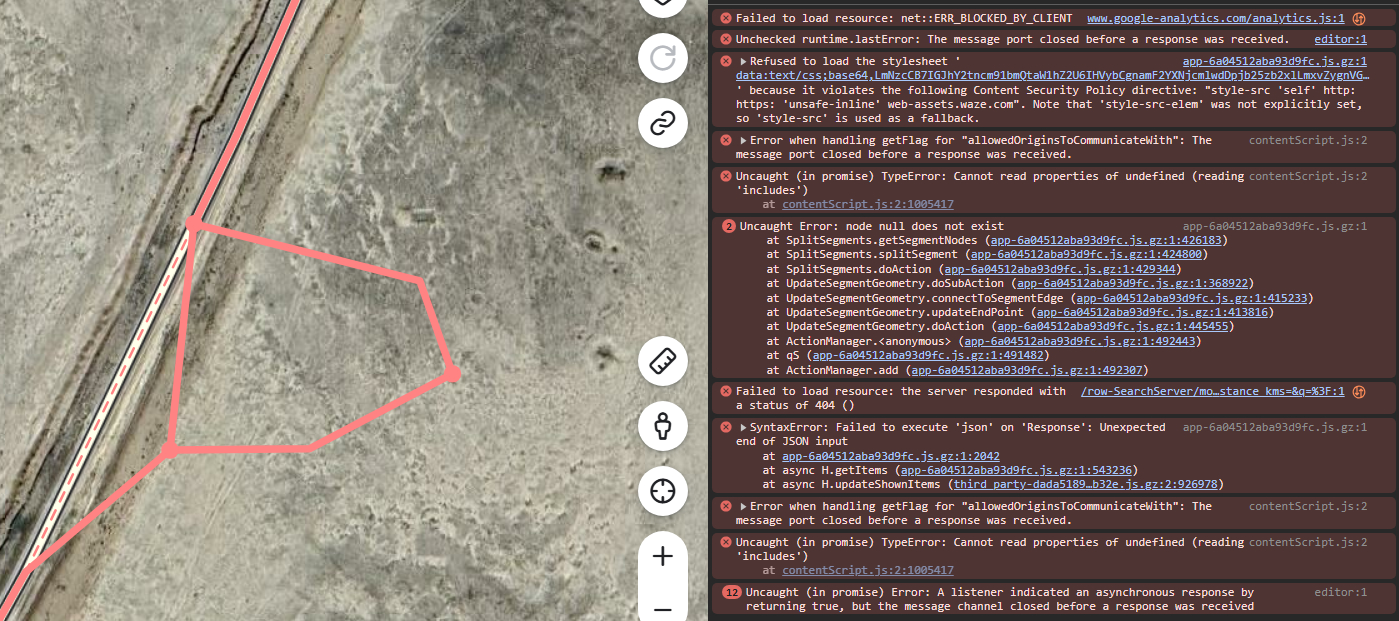
Like Max_Booster, I’m also seeing bug #1 still occurring. Typical scenario is adding a couple of Parking Lot Roads while mapping a Petrol Station - if there are two entrances on a single existing road then I have to do a save with the PLR only connected at one end, then connect the second end, [add a junction node when required to avoid two-segment loops] and save again.
It is intermittent, not happening all the time. I had thought it might be an add-on interfering but was getting the issue even with Toolbox and all TamperMonkey extensions disabled.
I saw this error in the browser console, which looks to be the same as one Max showed, when finishing drawing the new road segment with the endpoint overlapping the existing road.
Uncaught Error: node null does not exist              app-6a04512aba93d9fc.js.gz:1
    at SplitSegments.getSegmentNodes (app-6a04512aba93d9fc.js.gz:1:426183)
    at SplitSegments.splitSegment (app-6a04512aba93d9fc.js.gz:1:424800)
    at SplitSegments.doAction (app-6a04512aba93d9fc.js.gz:1:429344)
    at AddSegment.doSubAction (app-6a04512aba93d9fc.js.gz:1:368922)
    at AddSegment.connectToSegmentEdge (app-6a04512aba93d9fc.js.gz:1:415233)
    at AddSegment.updateEndPoint (app-6a04512aba93d9fc.js.gz:1:413816)
    at AddSegment.doAction (app-6a04512aba93d9fc.js.gz:1:415913)
    at ActionManager.<anonymous> (app-6a04512aba93d9fc.js.gz:1:492443)
    at qS (app-6a04512aba93d9fc.js.gz:1:491482)
    at ActionManager.add (app-6a04512aba93d9fc.js.gz:1:492307)
Thank you for the update and for your continuous effort to improve the editor.
I’d like to highlight the fix for the issue that prevented already split segments from being split again. This improvement will greatly help with map editing!
I also appreciate the other fixes and interface enhancements, such as the improvement to the ‘Unified Action Area’ and the adjustments to the Edit Suggestions, which make the workflow more intuitive.
Overall, the update brings great improvements! Is there an estimated timeline for fixing the known issues?
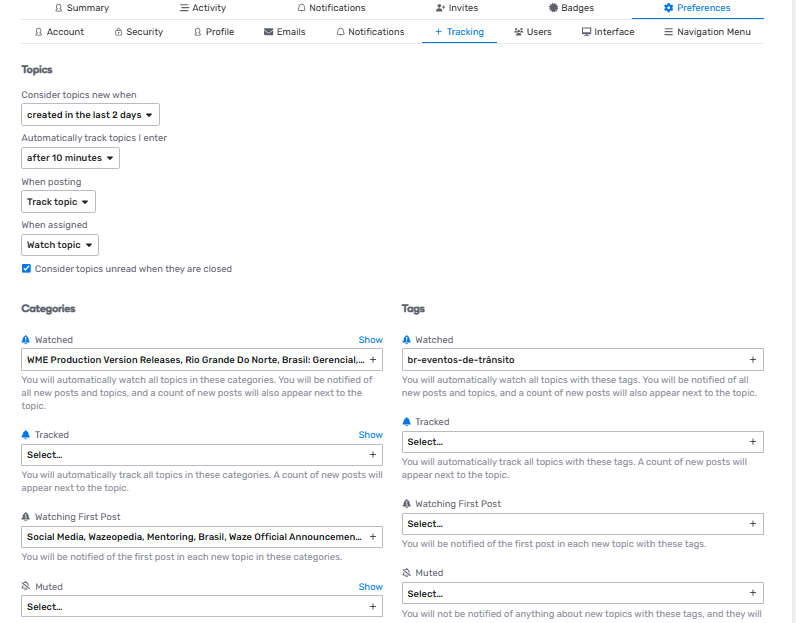
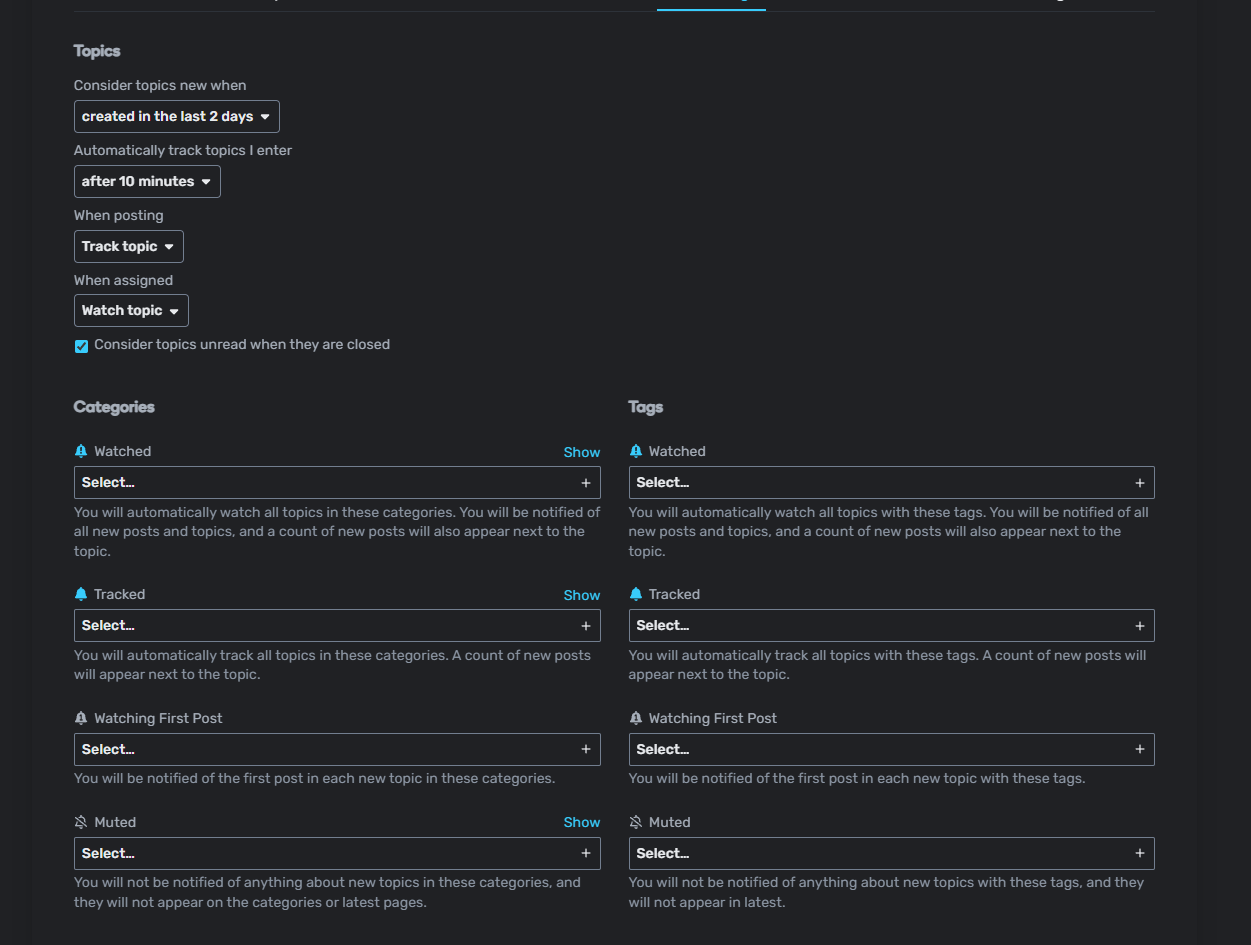
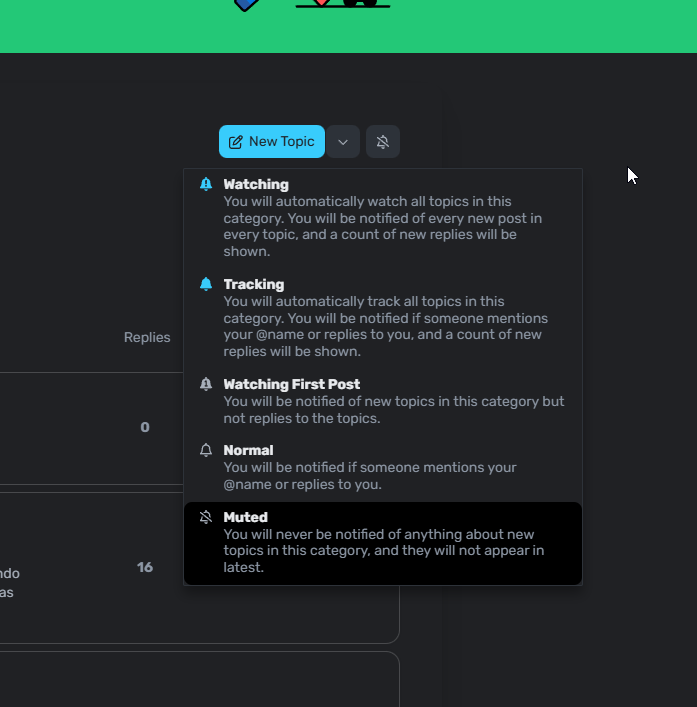
@firecul have you tried clicking on show (on top of select)? Possibly you are automatically tracking something with Automatically track topics I enter after 10 minutes set.
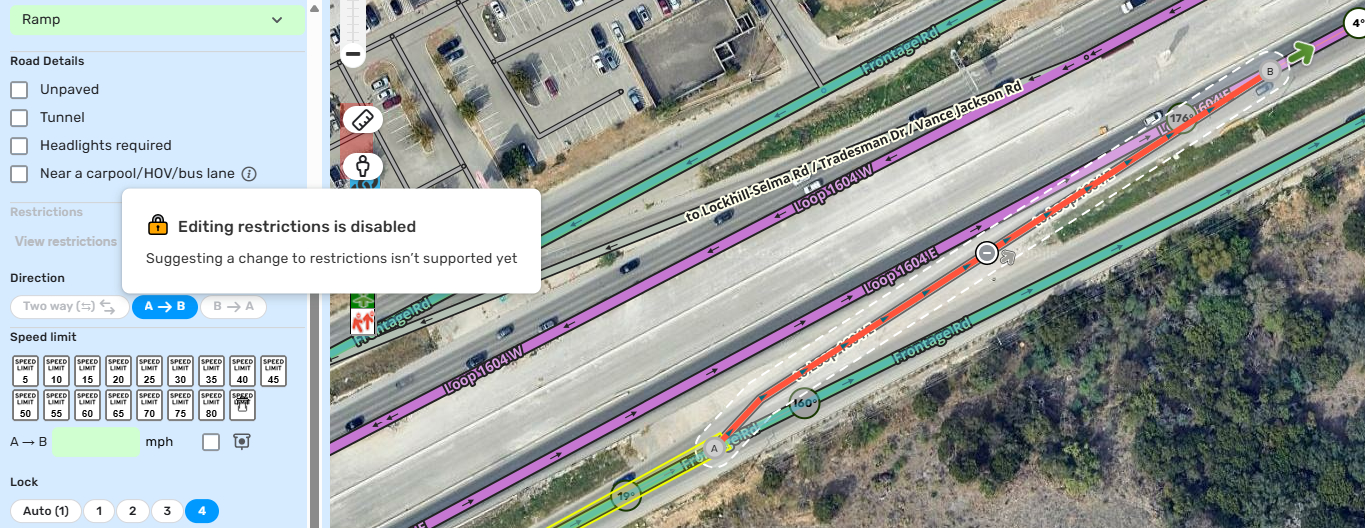
At first I wasn’t sure if it was the Junction Box or not, so I found another nearby JB and confirmed that I am unable to add/edit any restrictions if a segment is partially or wholly inside a JB.
Could the team please consider adding an outline or stroke to the “narrow street” segment in the next WME update? Currently, the gray color of these segments, without any outline, makes them difficult for editors to see on the map, especially in areas with dark satellite imagery. This is unlike “private road” and “parking lot road” segments, which do have outlines. Implementing this change would significantly improve the visibility of narrow street segments and make editing easier.
Hi @Max_Booster, thank you, I was able to repro it in production but not in the internal environment. I’ll confirm with the team that this has been already fixed and then let you know.