Is this a…:
Performance issue
Steps to reproduce this issue:
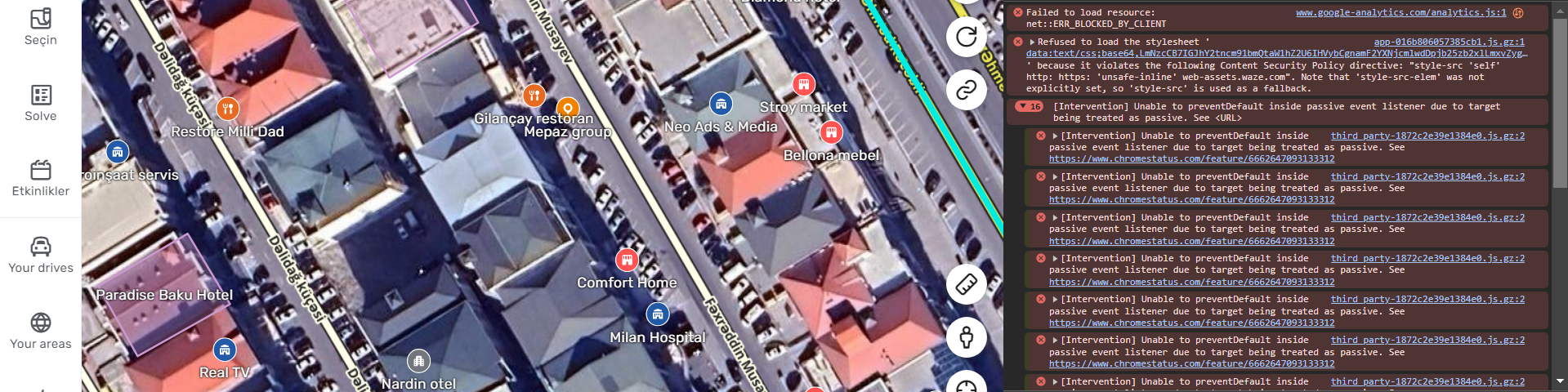
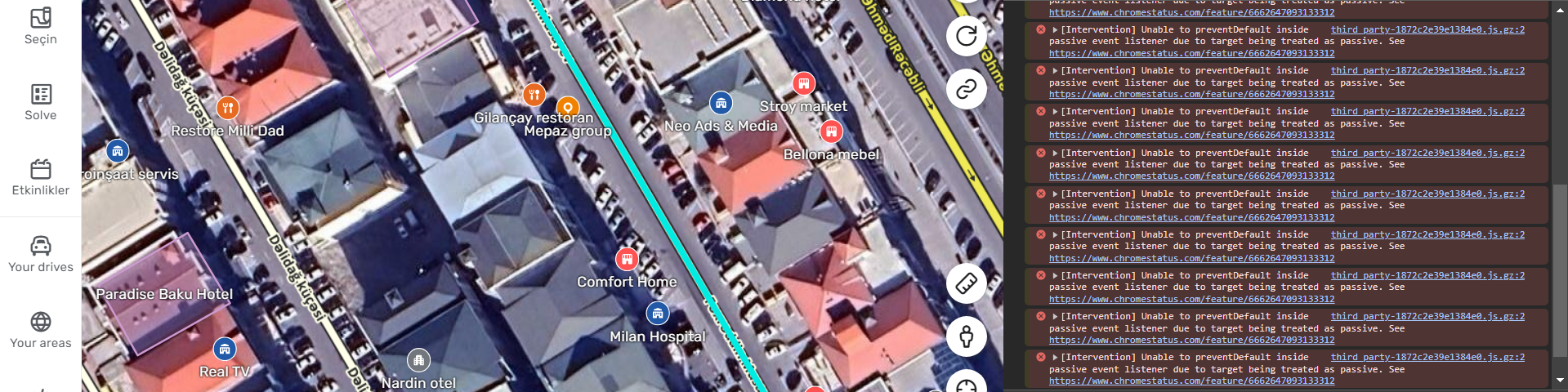
I think performance problems have emerged since the last 1-2 updates. I know it used to happen. But it didn’t happen this much in the past. Now when I open the Places section, the editor almost freeze totally and becomes unusable.
Everything is up to date on my computer, including the graphics drivers. Moreover, my pc is not that weak.
The images I uploaded were taken from the console after the actions in the video.
(Video expires in 2 days) 
https://streamable.com/8ycc9f
Environment where the bug occurs…:
ROW
Permalink:
https://waze.com/tr/editor?env=row&lat=40.41043&lon=49.86160&marker=true&s=1900302989095935146942&zoomLevel=18&permanentHazards=366689 - with settings for including layerss
Browser name and version:
Google Chome vs. 133.0.6943.54
Are you using scripts? Please detail which ones.:
There are two scripts loaded in my user interface. But I keep both of them closed from the small menu of the tempermonkey application (since I don’t always need them and scripts usually cause problems).
Hi @Max_Booster, thanks for reporting, I added an internal issue for that.
1 Like
@Max_Booster can you please share the permalink to this location. This might be useful during the investigation.
1 Like
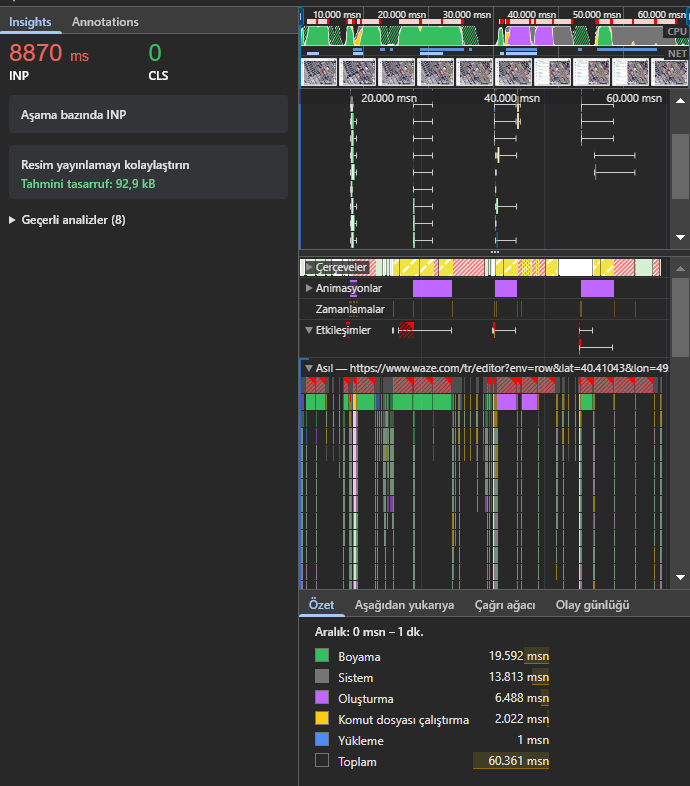
@Max_Booster, sorry for bothering you again, but can you also please record the performance profile as described here: https://help.figma.com/hc/en-us/articles/360041468414-Record-a-Chrome-performance-profile
1 Like
No problem. By repeating almost the same thing as in the video, I created a profile file and I’m sharing it with you now. I hope I understood what you meant correctly. https://www.filemail.com/d/lxoiggwcltcocsw
2 Likes
I guess this problem is solved now, right? Because when I clicked on the permalink I left to try, the page that opened did not open with difficulty like when I shot the proof video. Moreover, there are no longer a lot of error messages appearing on the console. I’m still not sure though, since I haven’t seen any reference to this issue in the update notes yet.
Hi there again! @Daria_Staff
I think this problem has already been solved. The last time I tried it, I saw a significant difference in the same area. I think it would be reasonable to mark the issue as “fixed”.
Thanks for everthing! 
Thank you for the update @Max_Booster 
Please feel free to leave comments in case you notice any misbehavior in the future.
Regards,
Nataliia
1 Like