WME is very slow

Steps to reproduce this issue:
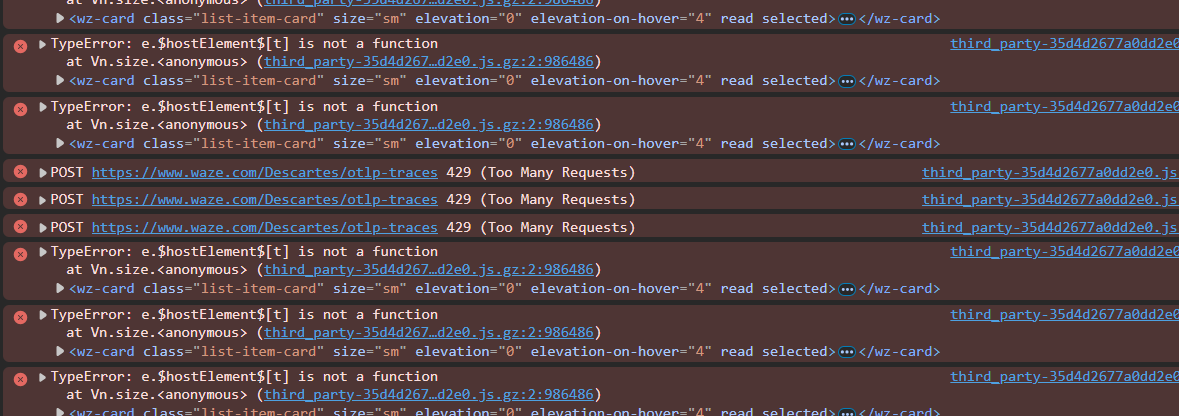
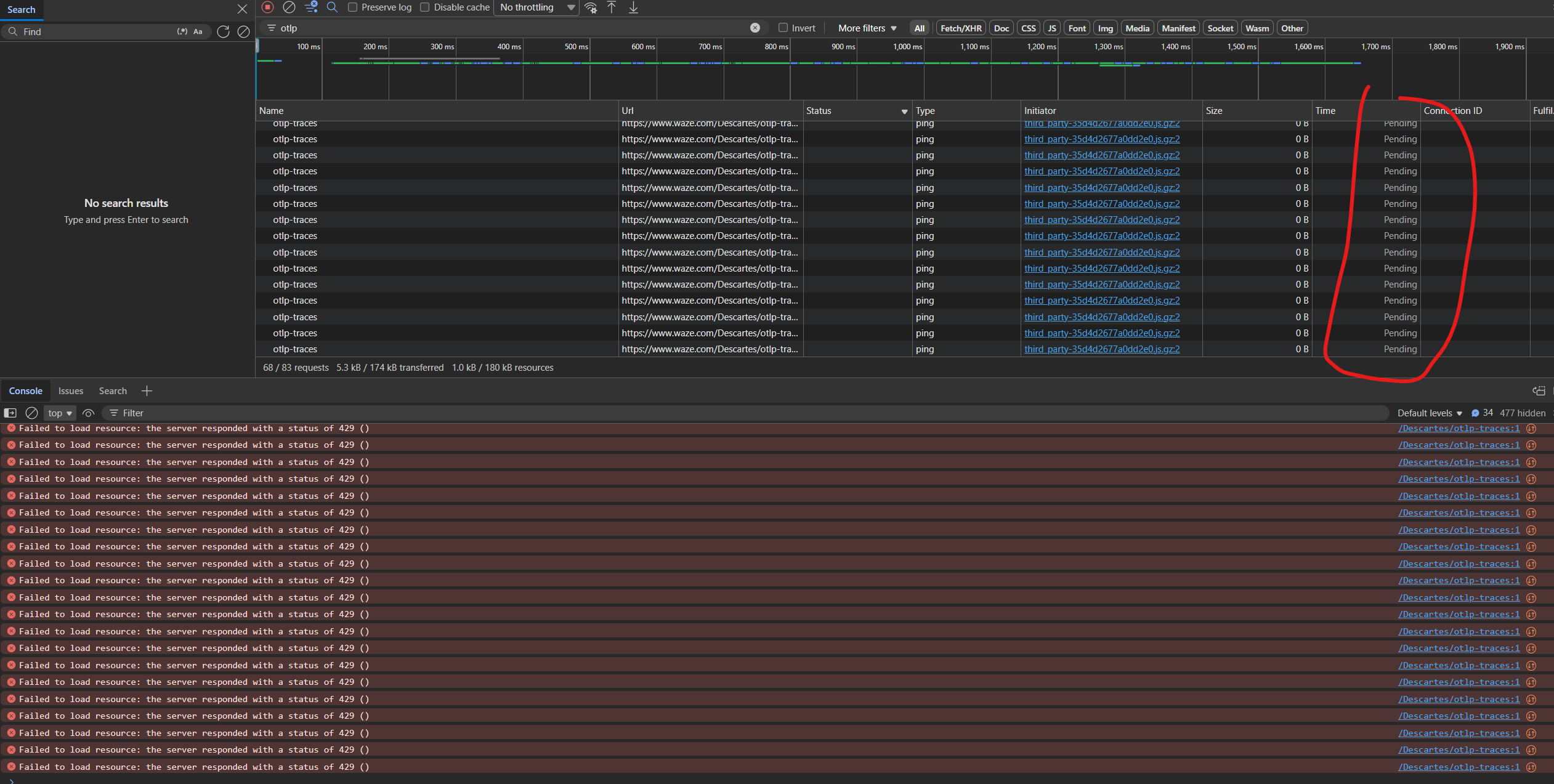
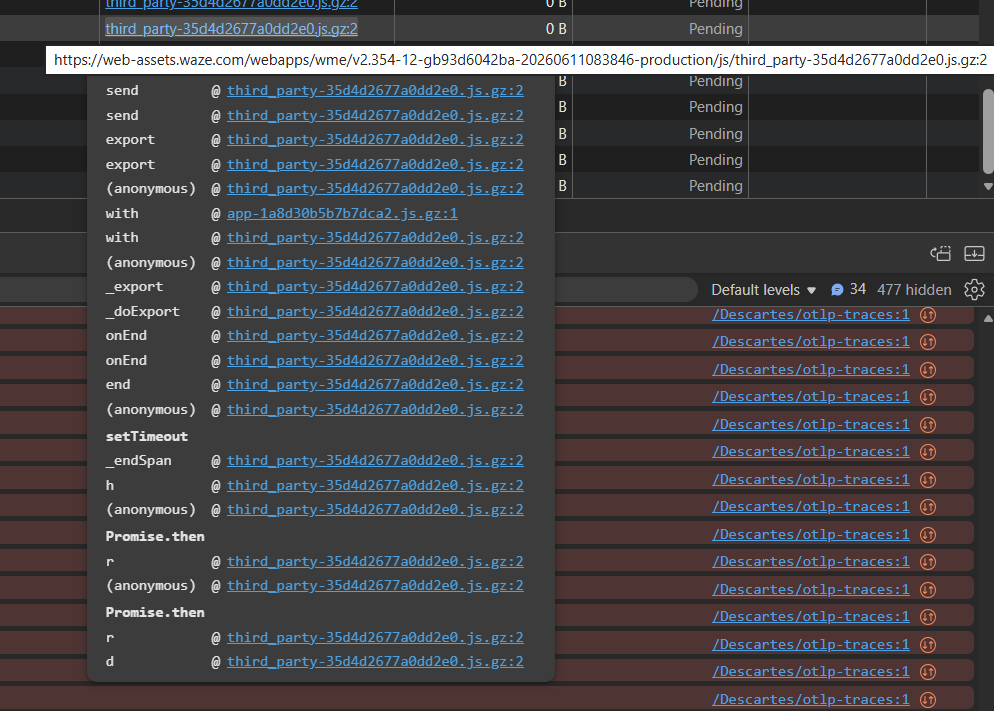
I have turned off all scripts, but WME is very slow, UI is freezing and it look like it waits for backend response (check my screenshot). I was hoping the teams was aware (I noticed this behavior about 2 weeks ago) and was waiting for new WME version to fix this, but after last releases issue is not solved.

Issue is very noticeable when clicking on UR cards (there is some other console error related to this, check screenshot)

WME Beta Permalink:
https://beta.waze.com/en-GB/editor?env=row&lat=57.00691&lon=24.11837&zoomLevel=17&mapUpdateRequest=26286037
This bug occurs in:
ROW
WME Beta version number:
v2.354-12-gb93d6042ba
Are you using scripts? which ones?:
turned off

1 Like

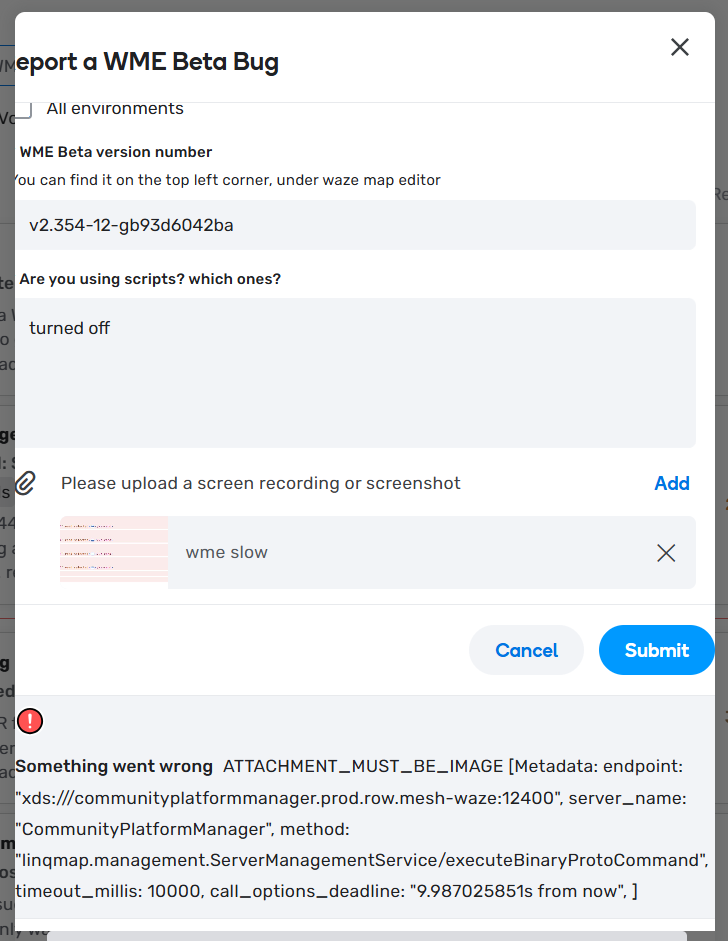
When trying to attach image I got this error and was not able to add it (I was trying to add .png and .jpg).

the original image of the bug report:

Hi @ypcyc,

Thank you for reporting this issue. Could you please tell us if it happens only with the WME beta, or in production as well?

Regards,
Nataliia

Hi @Nataliia_Staff
Yes, also in Prod and even in fresh incognito session. First impression in Incognito that everything is smooth, but after some clicking between UR for less than a minute session becomes slow
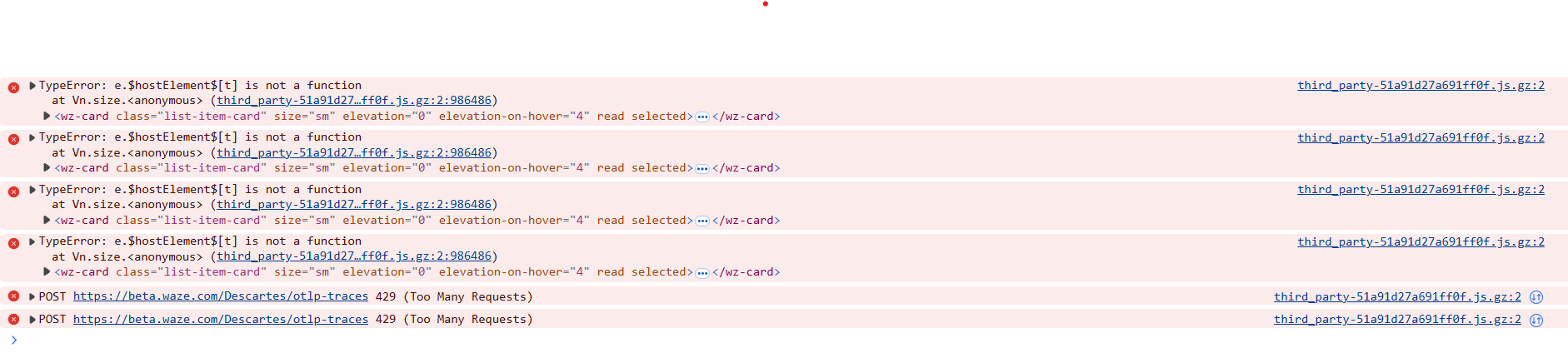
Now I pressed F5 in same Incognito in Prod and it took about 20 seconds while clicking UR cards to get freezing

Thank you @ypcyc for attaching the screenshots. May I check, do you use the Chrome browser?

Regards,
Nataliia

@Nataliia_Staff sorry forgot to mention, I’m on Microsoft Edge for Business Version 146.0.3856.109 (Official build) (64-bit)

1 Like

Thank you @ypcyc.

I have forwarded all details to the team and asked them to recheck.

Regards,
Nataliia

2 Likes

I moved this to the Prod Bugs section since it also happens in Production WME.

2 Likes

Thank you, Russ. I was just about to ask you to move this report to the production section, but I see you’ve already taken care of it.

Regards,
Nataliia

1 Like