Pneo additional imagery layer slow to load

Is this a…:
Performance issue
Steps to reproduce this issue:
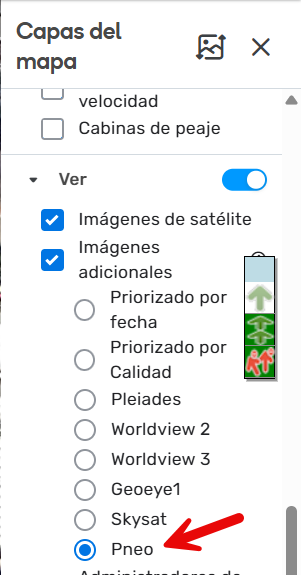
Turn on the peno layer, browse and wait for it to load. Loading the peno layer can take 10 to 30 seconds. And every time you zoom or move, it has to load new images again, which is where it really highlights how slow it is. I can tolerate 10 seconds to load the screen, but any higher than that is too much.

Does anyone else have any good examples of it loading really slow? As soon as I started to record it starting getting 10s load times instead of the 30s I had prior.

Environment where the bug occurs…:
ROW
Permalink:
https://waze.com/en-AU/editor?env=row&lat=-32.81831&lon=151.63868&zoomLevel=17
Browser name and version:
Chrome 142.0.7444.176 (Official Build) (64-bit)
Are you using scripts? Please detail which ones.:
No scripts.


2 Likes

I have noticed this as well.

1 Like

Hi @LostInMyMaps,

Thank you for reporting the problem. I have filed an internal ticket for this case and will keep you posted on any updates.

Regards,
Nataliia

Works fine for me, I pan, zoom, and images load in less than a second.
Using chrome 142.0.7444.176


I think it’s more of an issue where it lags when rendering, compared to base imagery. When you pan, base imagery is loaded and the additional imagery layer visibly loads in tiles as you move.

That is nice and fast! I wonder if it is a server location issue? I feel like it used to be that fast but has since slowed down.

Hi Everyone,

Thank you for your comments. The team is still addressing the case. I will keep you posted once they share any insights.

Regards,
Nataliia

1 Like

Hi everyone,

Could you please update me on whether this issue is still happening? I tested it on my side, and the imagery loads normally for me.

Thank you in advance!
Nataliia

Still slow for me, but not as slow as it was.

2 Likes

Thank you @LostInMyMaps

Regards,
Nataliia

1 Like

I’m just surfacing this again because it is driving me crazy. The layer is basically unusable to edit with routinely. Back when the layer was first launched, it was so much faster. I recorded this very painful video using Incognito, no scripts or extensions, or VPN just now.

Hi @LostInMyMaps,

I have forwarded your case to the team and asked them to investigate. I will update you once I have any news.

Regards,
Nataliia

Hi @LostInMyMaps,

Could you let us know when you first noticed the imagery slowing down?

Thank you!
Nataliia

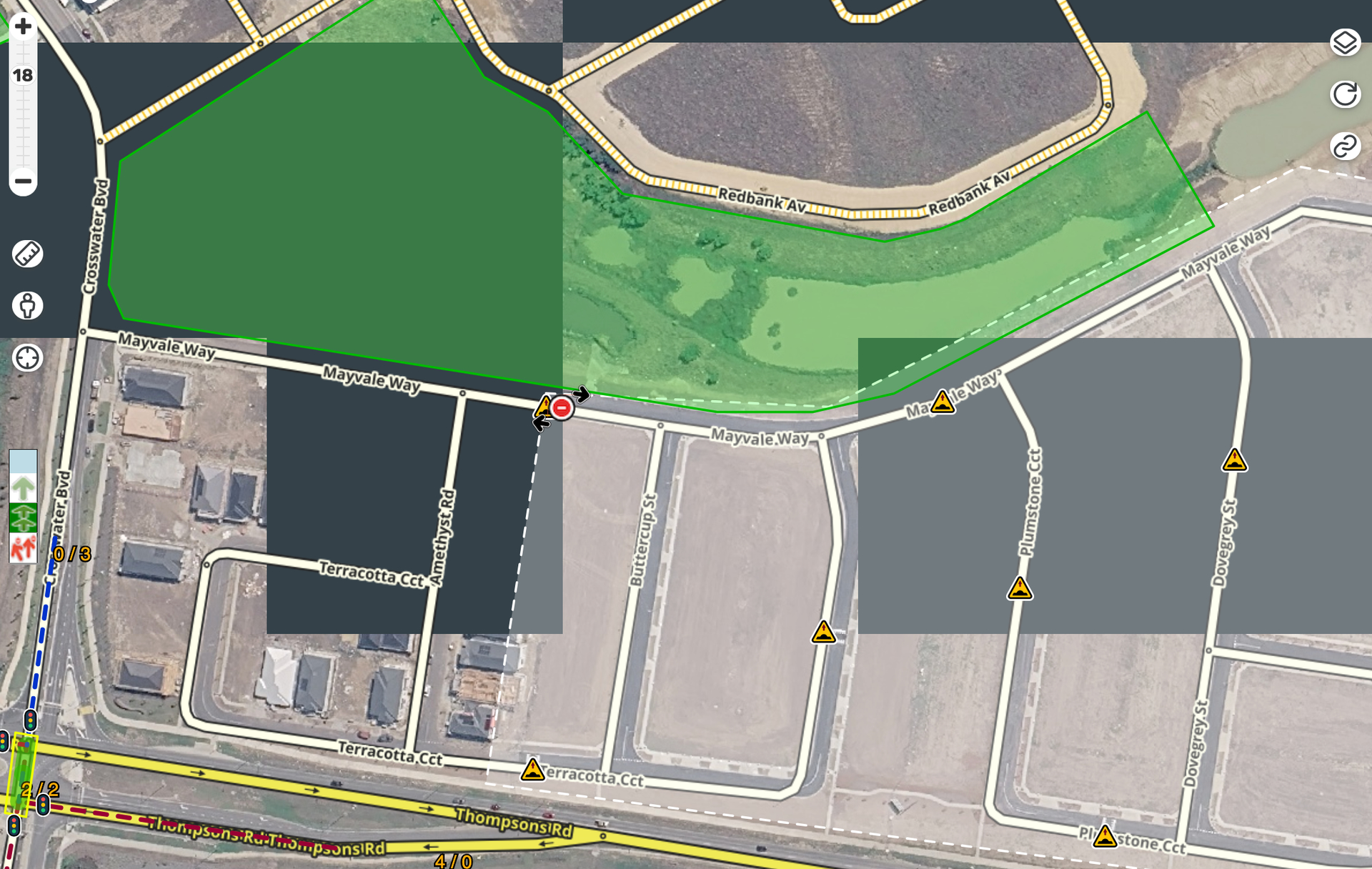
I have this issue as well, you get squares that just take forever to load. Very often I get situations like this where several tiles just haven’t loaded, yet the “refresh” icon has stopped spinning, meaning it thinks it’s done - leaving it in a state like this:

The only thing I can then do is zoom out and back in and hope that the tiles load properly.

Hi @numbermaniac,

Thank you for the report. Could you please share the permalink to the location where you are facing problematic behavior?

Another question: can you specify the time when you noticed the problem started?

Regards,
Nataliia

Hi.
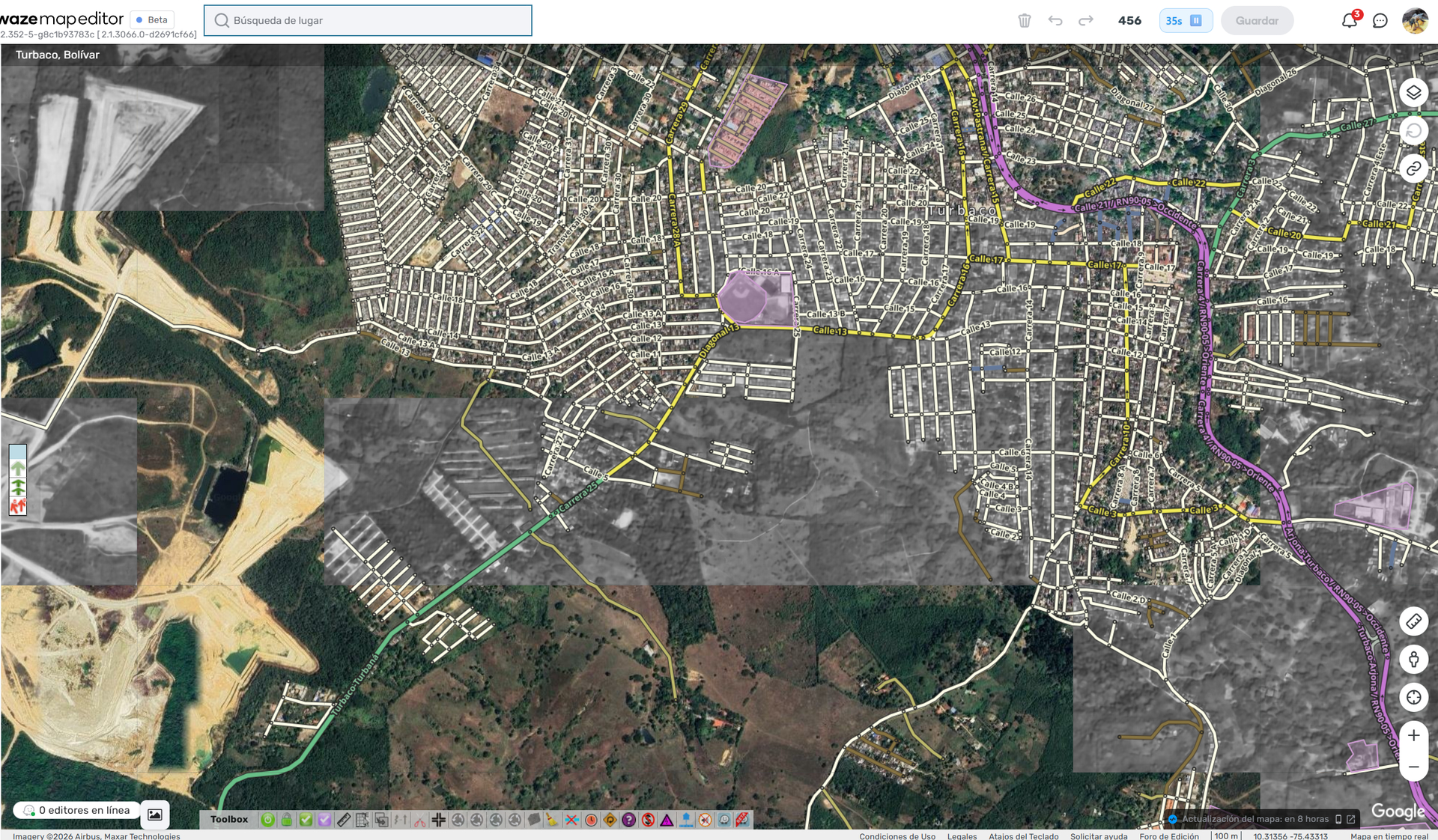
I’m experiencing the same issue—the delay in loading the new additional image layer.
Please find the image and the floor plan attached.


Permalink

Sure, the area in the screenshot is about here: https://waze.com/en-AU/editor?env=row&lat=-38.09094&lon=145.35728&zoomLevel=17

I don’t know exactly but I’d say probably about 2 to 3 months ago.

Thank you @sancnilson for the report. I will forward your comment to the team.

Could you please specify the time when you noticed the problem start?

Regards,
Nataliia

Thank you @numbermaniac. I have forwarded all the detailed data to the team and asked them to check. I will keep you posted on any further developments.
Regards,
Nataliia