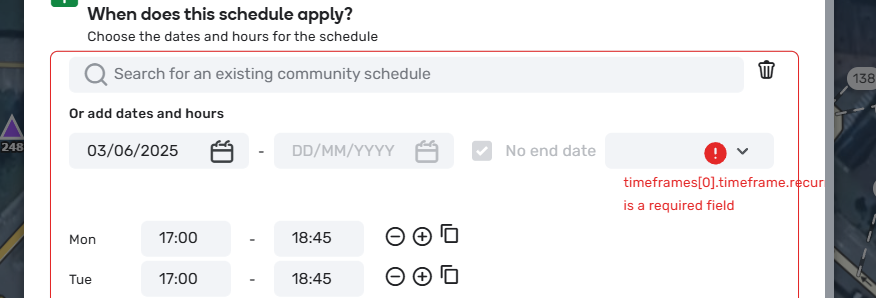
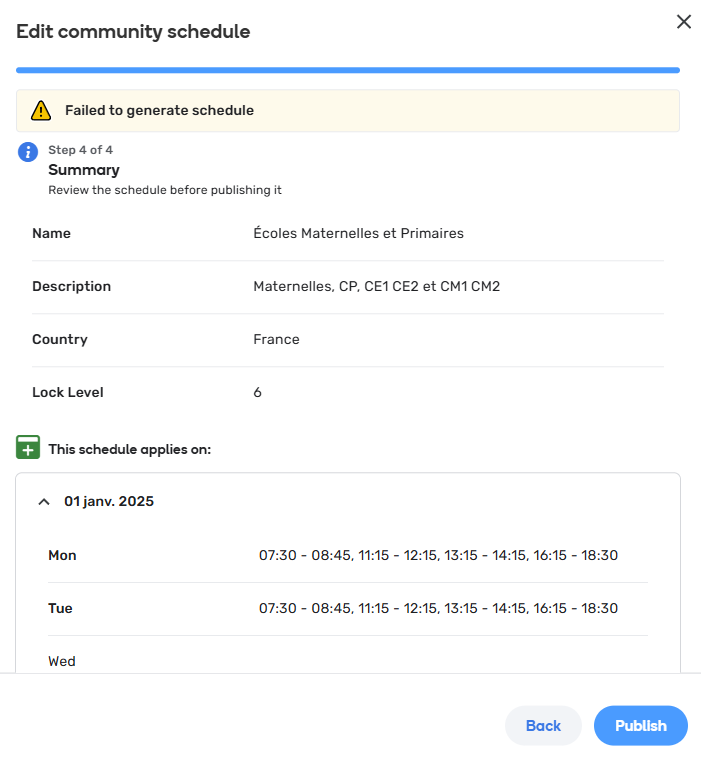
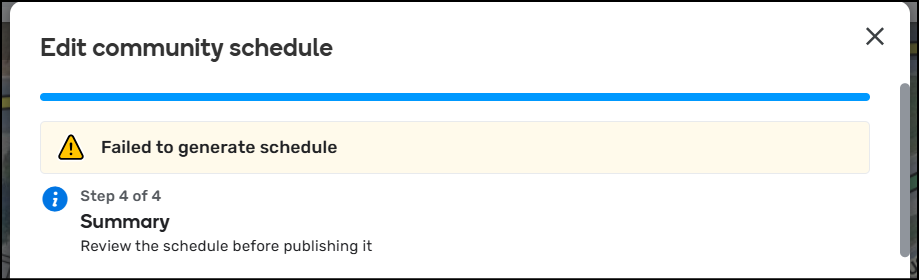
The issue is that if I open an existing community schedule to edit and click through all the pages, you get a “failed to generate schedule” error.
NOTE: this only happens on schedules that have the “no end date” checked.
Happen is both Production and Beta
Environment where the bug occurs…:
NA Permalink:
N/A Browser name and version:
Chrome Are you using scripts? Please detail which ones.:
No scripts. Tested in incognito.
In this video, I set the date range as 6/1/2025 to 5/31/2026 and recurring and it saved.
I changed the end date to 6/1/2026 and it failed.
I changed it again to 4/5/2026 and it saved fine.
Thank you for the additional information @jm6087 It noticed it also fails when you apply the same conditions to local schedules, I have added this scenario to the internal ticket as well.
If you go to edit an existing community schedule that does not have any dates entered, enter a date, then click save, you get an error “Failed to generate schedule” and are unable to save.
I’m experiencing an issue when trying to configure school zones with custom schedules in the Waze Map Editor.
I can only successfully save predefined schedules. When I try to use custom hours, the schedule doesn’t get saved. If I select a predefined schedule, it does save correctly, but modifying the times afterward doesn’t work.
Sometimes, we even receive errors like this one:
“timeframes[0].timeframe.recurrence is a required field”
I discussed this with another editor, @MisterLogik , and he is experiencing the exact same issue on his side.
Has anyone else encountered this? Is it a known bug, or is there a workaround?
It’s same everywhere. When u want create a planning without general planning.
Another example, I want create the schedule : 7:00 - 18:00. And when I save, the planning is lost.
Is this a…:
Standard bug Steps to reproduce this issue:
I’ve tried to edit a community schedule (just changing one hour from 16h15 et 16h45).
I have an error saving :
Environment where the bug occurs…:
ROW Permalink:
No permalink. Global issue Browser name and version:
Microsoft Edge Version 137.0.3296.68 (Version officielle) (64 bits) Are you using scripts? Please detail which ones.:
Nope
Many thanks for your feedback. Could you please specify which use case you are referring to: community/local schedule? Can you also check if you see an error in the console when it fails to update? A screenshot of the console error (if there is one) will be much appreciated.