for a while now i have been trying to add this particular school zone but i keep getting a permission error i am L5 other school zones can be edited without error. any insight on why?
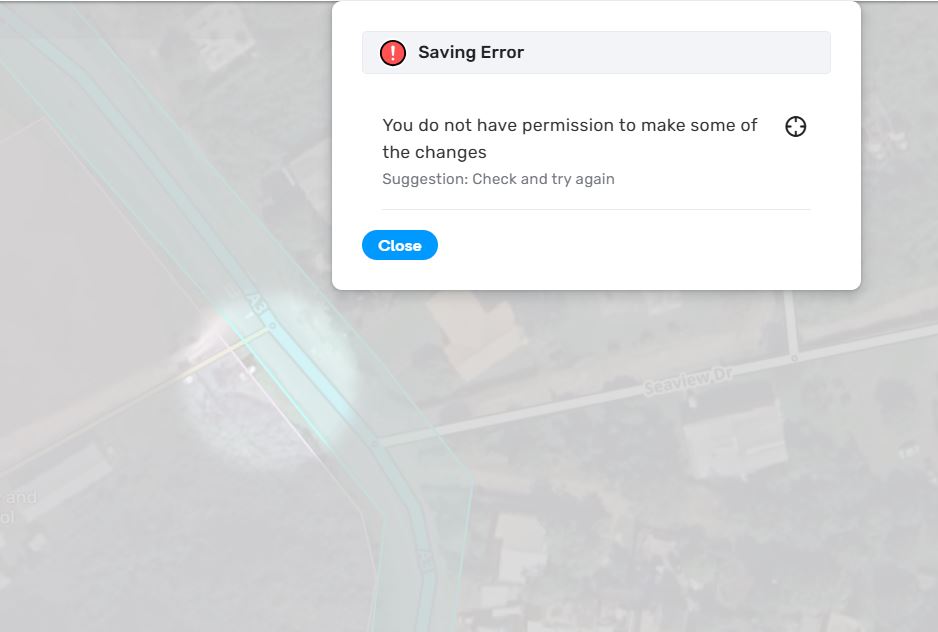
Hi @xskullazGaming, I can think of editable area only… Is the created poligon fully inside your editable area?
It is, I am Area Manager for my entire country.
I would suggest a PL to the location so that it can be looked at closer.
here is a PL https://waze.com/en-US/editor?env=row&lat=18.40207&lon=-76.89108&zoomLevel=18&segments=303062028 as i just tried again and same issue
Hello @xskullazGaming,
Thank you for the permalink. The issue has been reported internally. We will keep you posted on the progress.
Best regards,
Olesya
1 Like
Great, thanks!
Did you check to see if there is a SZ nearby with the exact same name? That could cause some issues not saving, at least with places, maybe SZs have the same issue.
1 Like
i am the one managing my country no one else can not add a school zone but me well you do have other high levels but non-Jamaican so normal they would hit me up. no other SZ is there. the PL is there is you wanna check. i have added alot of SZ and i was in this particular area doing some monitoring with i tried to add it thought it was some hiccup so tried the next day i have also seen someone else with the same issue so its not just me
Can you create SZ anywhere else (not just edit them) ?
Yes all other SZ were created by me
Have you tried recently? Maybe the lock level of the community schedule you are using was raised to 6 in your country.
just tried in another location and i created a SZ as per usually
i also just tried in the same location and still getting perm error
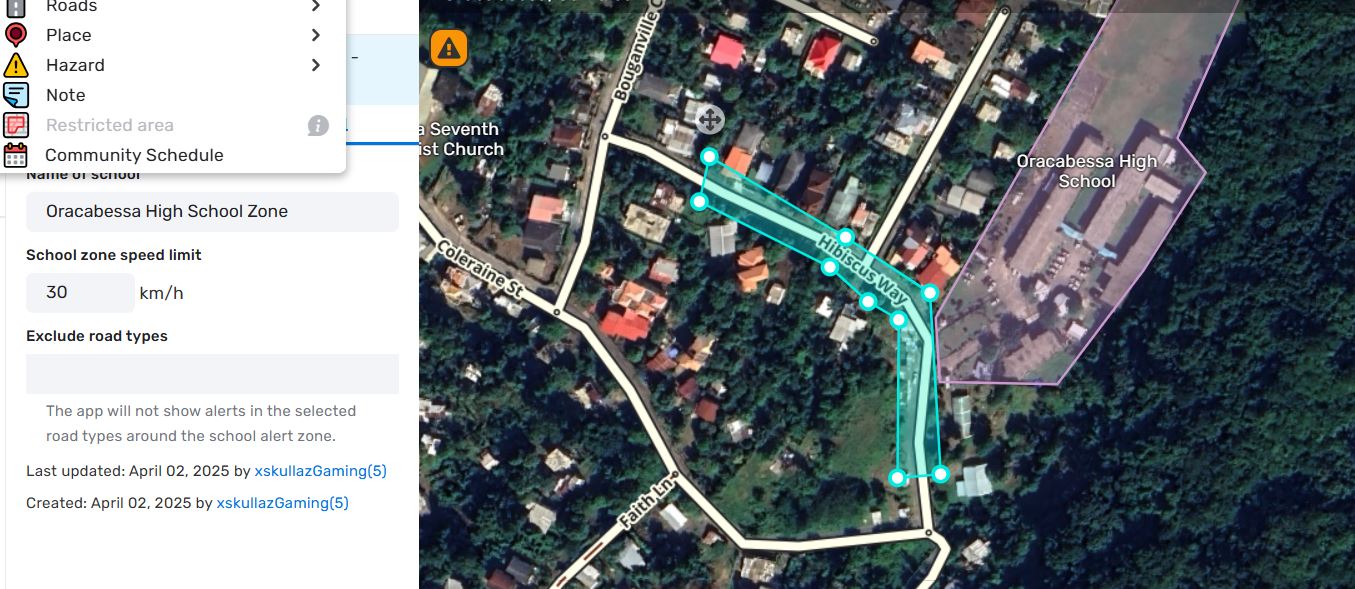
Well, it’s a mystery. I would just try to create school zones 500 meters away (and then closer) in either direction, to try and figure out exactly the perimeter of the “forbidden” area. Waze will figure out the problem eventually.
Hello there!
I hope you are doing well. 
Just a quick update here: we have had a fix deployed to Beta. You can check this in Beta already or wait until the new production version is released.
All the best,
Olesya
1 Like
Great! That sounds good I will check later
1 Like
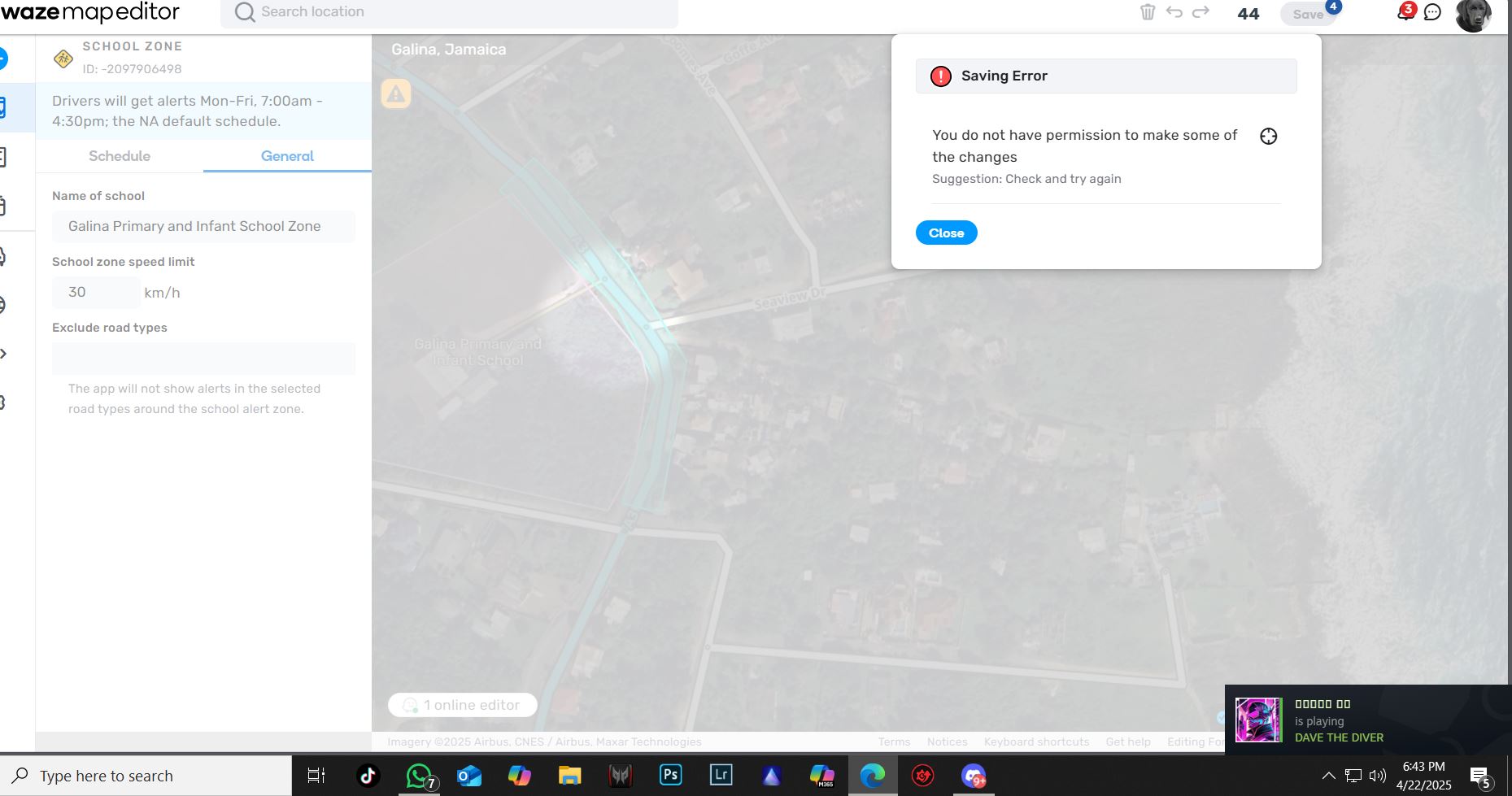
I am not sure if it has been asked, but have you tried without scripts running to see if the issue still happens?