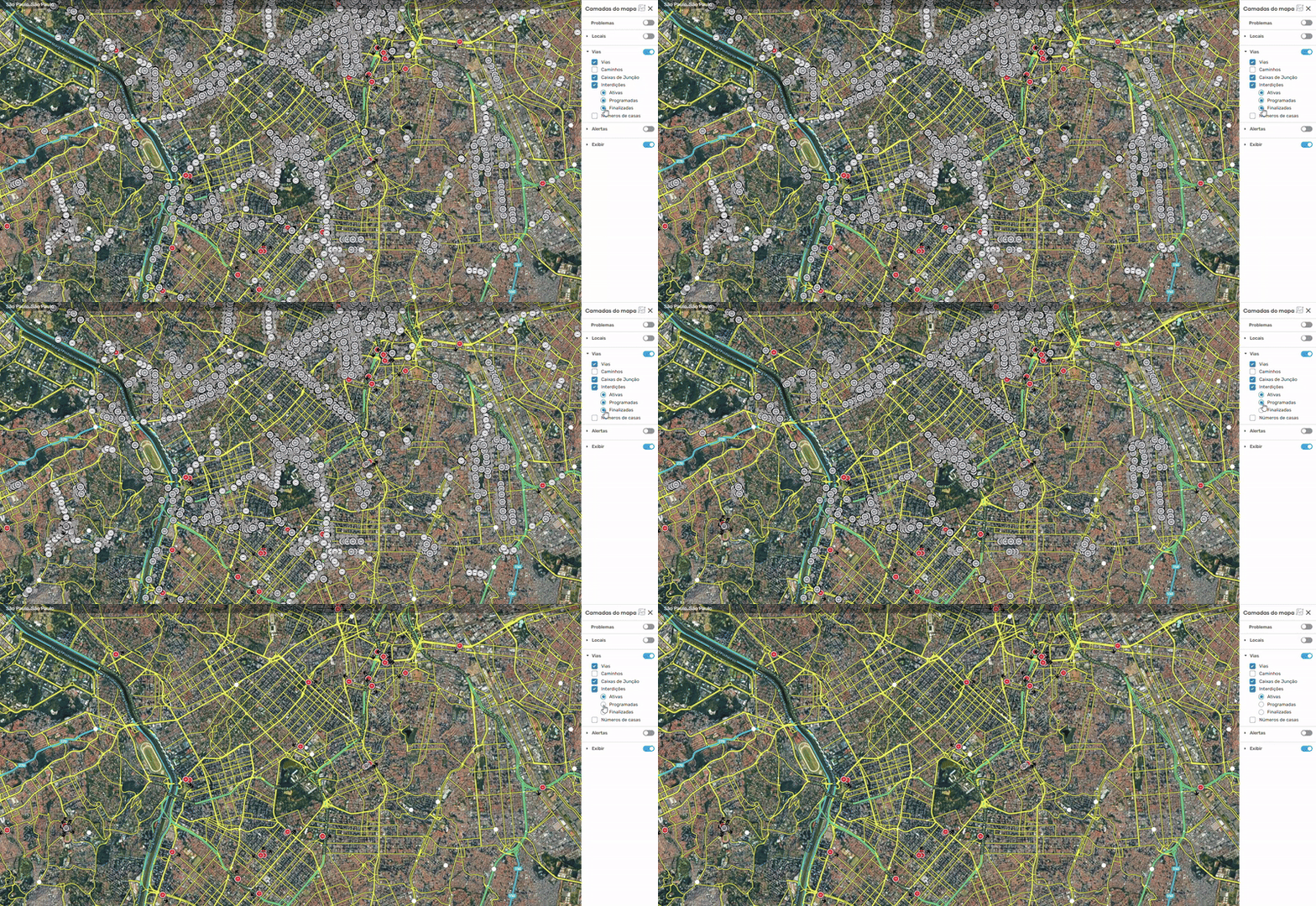
This is a very simple script, but I hope it can be useful for editors who work with a large number of road closures, especially in large urban areas.
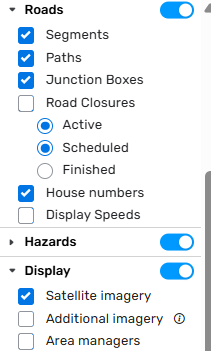
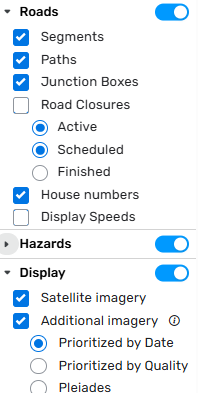
The script adds controls to the native WME interface that allow you to show or hide active, scheduled, and finished closures, helping to reduce visual clutter during editing.
It works only at the visual level and does not modify any closure data.
Thanks for the feedback! I fixed this feature in version 1.2.0. Please update manually on GreasyFork or wait for the automatic update. The menu now works just like ‘additional imagery’.
Obrigado @RenatoMuzamba e @luan_tavares_127! Fico feliz que tenham gostado e que o script esteja sendo útil. Valeu pelo feedback! Aproveitando, acabei de liberar a versão 1.2.0 com algumas correções e melhorias de performance. Recomendo atualizarem para garantir o melhor funcionamento.
Extremely useful, the city of São Paulo has several road closures and your work has been very helpful.
And it arrived at a great time, before Carnival took place.
Thanks a lot for the feedback, @alemenezes! The credit for the idea actually goes to the community. I’m really glad to hear the script was helpful for the team in São Paulo, especially during the Carnival rush!
 https://greasyfork.org/scripts/564733-wme-closures-control