Feature suggestion: the ability to change the order of the features in the TB toolbar. Example: move to the end of the list the broom (suppress unneeded junctions) while allowing others typically behind it to show in front of it.
Was just thinking the same yesterday, the ones I frequently use are not in any reasonable order. So +1
v1.9.10 has been uploaded the the Chrome and FF stores and should be reaching y’all soon.
Changelog:
New: Added support for SM role based permissions Must be manually configured per country, there is no native WME permission flag for SM
New: TB tab now has 3 sub-tabs, one for highlights, toolbar features, and options
New: Added shortcut to toggle HN editing mode
New: Added keyboard shortcuts for TIOs
New: Added delete TIO feature
Fix: Disabled Streetview date function to prevent SV API related error
Update: Added permissions for Belgium and Luxembourg
Update: Minor UI text updates
Thank you for your great and hard work …
I’m not seeing how to activate / edit / work with the features above. Are all 3 only keyboard shortcuts!?
One suggestion: why not integrate that vertical “turn arrow options” bar on main TB bar!? It would allow a more “cleaner” look (just my opinion) 
Regards
Hello,
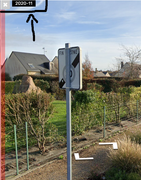
Is it possible to put the date of the Street View back at the top left of the window?
[/url][/img]
There is an issue with the Google API that was used to grab that information. He will see if there is something he can do to get around this, but at this time no promises.
NOTE: The date of SV is native in WME - located in the bottom of the SV window

SkiDooGuy
At what rank is the “delete TIO feature” set to unlock? Does it apply to selected segments or the entire screen?
I don’t see it in the WMETB Current Country Framework Settings
It is set to SM or CM by default. And I forgot to update the public facing sheet again, so I am just going to get rid of it and link to the sheet used to update the values in the first place. 3 sheets for permissions is too many…
Thanks for reminding me!
Edit: oh - it’ll only work on one selected node at a time, but it clears all TIOs on that node from any direction. I didn’t see a use case for all on screen and the potential for accidental deletions would be too high in dense areas.
May I ask what’s TIO?
May I ask what’s TIO?
TIO is Turn Instruction Override

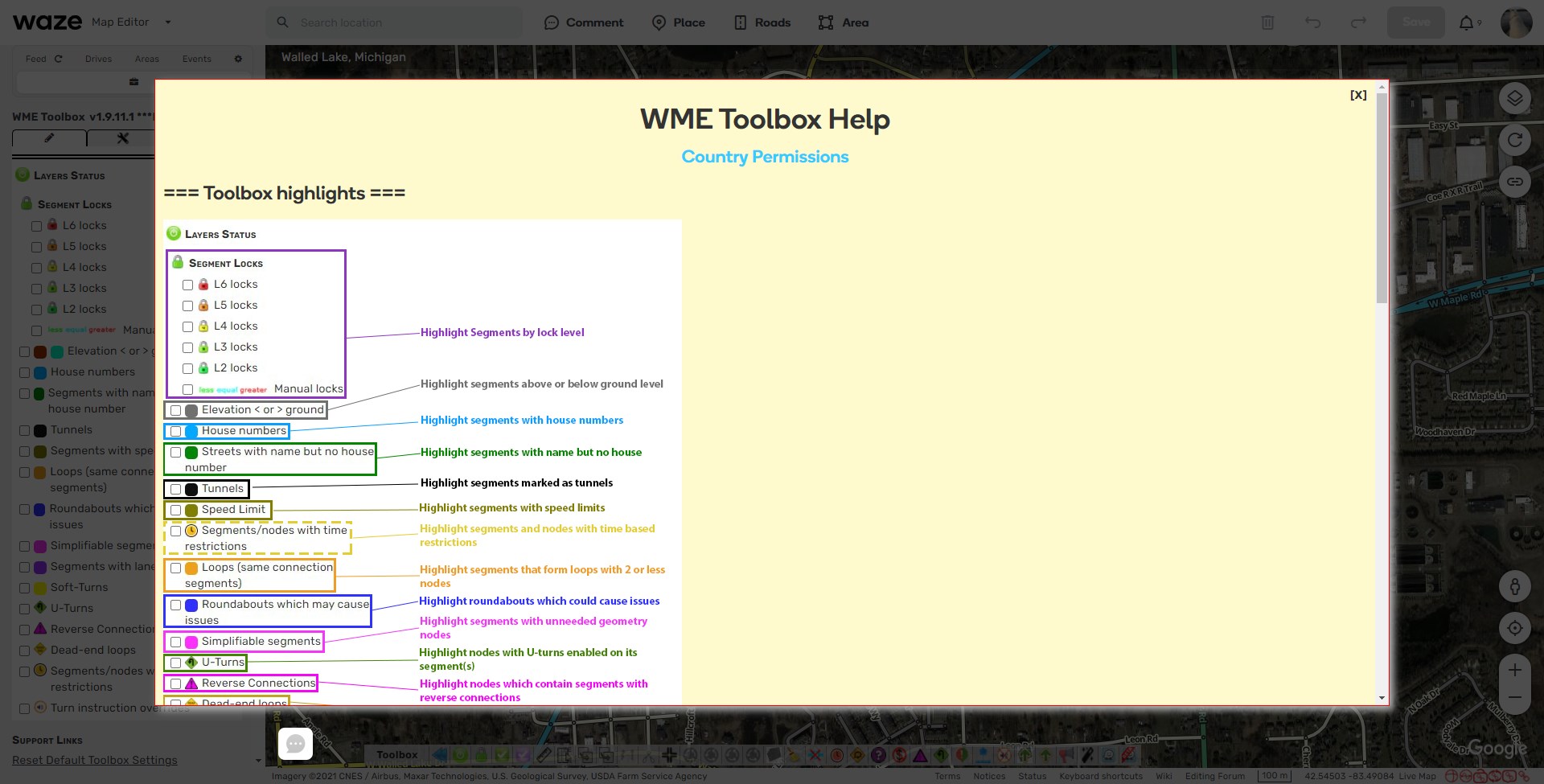
It’s apparently not well known, but there’s a help menu in TB that gives a brief explanation of every feature you have access too. I guess I need to make it more pronounced.
Is the “toggle HN editing mode” limited to specific level or available to all editors?
All editors - but it’s only a shortcut, so you need to configure it in the WME shortcuts menu before you can utilize it.
I’m reworking part of the TB tab so the help menu is more intuitive.
v1.9.11 Was just sent to the Chrome and FF stores.
The goal here was to increase usability and user education, please let me know if there is anything I can do to increase that further.
Changelog:
Update: Relocated the help menu button to top of TB tab
Update: Added link to country permissions sheet to top of help menu
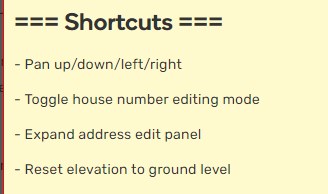
Update: Created section in the help menu for shortcut only features
[br]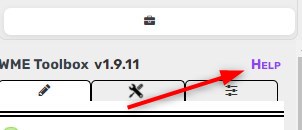
Thank you for all updates.
Strange - but “toggle HN editing mode” works for me without configuring shortcut in WME.
I was using “HN booklets” before so who knows?
There is a native WME shortcut for entering HN mode, and other scripts may do it also, but the TB one will enter and leave HN mode.
And honestly I added it in when developing the HN nudging feature for my ease of switching and decided to just include it as a public feature.
Turn Instruction Override.
Just a sidenote: In my opinion the Glossary should should also be mentioned in answers to these questions for it to reach better visibility to users, even I have to visit it from time to time since we don’t use same abbreviations in all local communities. https://wazeopedia.waze.com/wiki/USA/Glossary