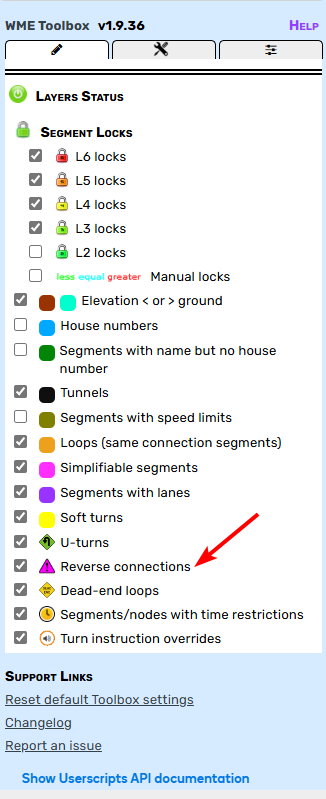
Do you mean, you don’t have this setting?
Right.
This setting in Tampermonkey is correct. However, I don’t know why, it’s working again after the last WME update. After more than a year of misery. Thanks anyway 
Firefox users,
Sorry it’s been a while since I got you an update. I can’t edit the original post to link a new file, but please give this one a try and let me know if it does or doesn’t work for you. Currently version 1.9.36. It should eliminate the need to have Tampermonkey running with the CSP security setting changed. You’ll get a one-time popup notification asking you to change that setting since it’s a security risk.
https://raw.githubusercontent.com/WazeDev/WME-Toolbox-for-Firefox/main/WME_Toolbox_for_Firefox.zip
Working OK here. Thanks a lot 
Hi, I believe there are other scripts out there that already have this feature so I don’t plan to devote time to it in the near future. However, I will add the suggestion to the issues list so it could be implemented someday.
Can you DM in Discord or Google chat (mapomatic.waze@gmail.com) when you get a chance? I’m not sure what could be causing that, and debugging through this forum would be difficult.
Thank you for your reply.
This will simply reduce the number of scripts needed and allow you to have everything in one place. I understand that this isn’t a priority, but I hope you’ll have the time one day and I hope it’s not too complicated to be able to add a choice of colours.
Perhaps I can do it by modifying your script locally on my naviogator?
Regards,
Yves
I wrote to you in Google Chat.
Downloaded, and working without problems - 131.0
THX @MapOMatic
Works again with Firefox 
Toolbox seems to work fine, however I can only hope in my dreams I am L6 
See picture, same incident after refreshing.

Hmm, not sure what I messed up there. Enjoy the temporary promotion! 
Noticed this recently for the first time. It’s highlighting nodes orange as part of the check for loops. I’ve seen this in two separate places so for and both on roundabouts. Example here: Waze Map Editor and here Waze Map Editor
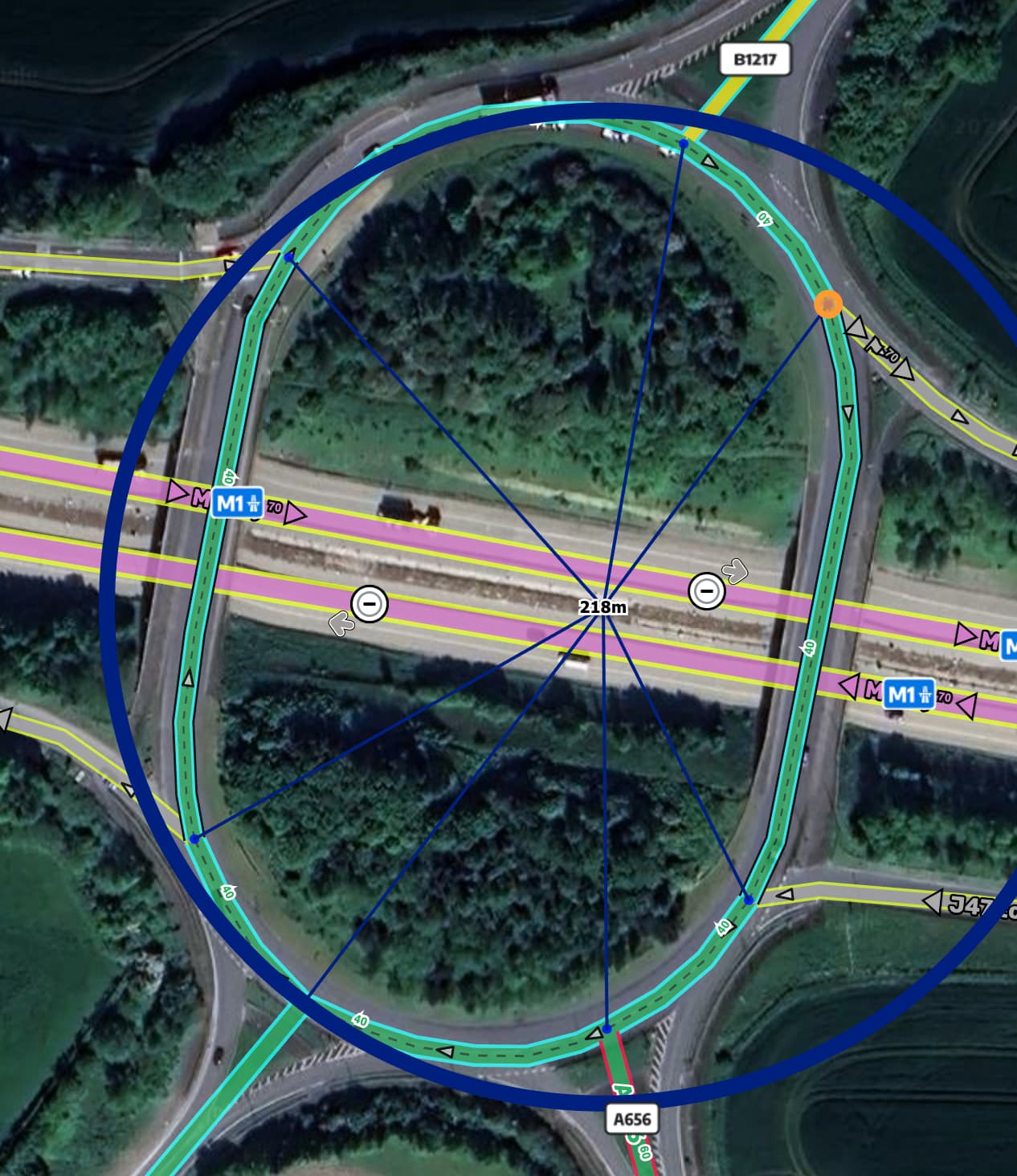
I haven’t seen that issue from Toolbox. But LaneTools script does highlight nodes orange that contain directions (East, west, etc) that are not in the smallcaps format. Could that be it?
I don’t have lane tools installed. It’s definitely toolbox. It goes away when I disable the script. Also goes away when I untick the loops checkbox. It’s also happening on other junctions that aren’t roundabouts.
My mistake, it isn’t LaneTools, it’s Road Shield Assistant that highlights nodes. I tried your PL and I don’t see that node highlighted with Toolbox. I do see it highlighted with RSA, and that ramp has “North” in the turn instruction override that is not smallcaps, which makes sense that RSA would highlight it. If I enable/disable RSA that node changes. Maybe someone else can add their thoughts, but I don’t think it’s Toolbox.
I haven’t been able to reproduce this, either. Without digging into the code to confirm, I thought that should only highlights segments, not nodes. Not saying there couldn’t be something weird going on with toolbox, I just don’t understand it yet…
Can you reproduce that with Tampermonkey disabled?
Hmmm… yes it could have something to do with RSA and Toolbox not agreeing on something. If I disable Toolbox then I don’t get the orange dot with just RSA running. So it’s not exclusively RSA.
Also can you elaborate on why you think RSA is highlighting that node? I don’t see anything wrong with the turn instructions and it isn’t a ramp. In any case, orange isn’t even one of the highlight colour options.