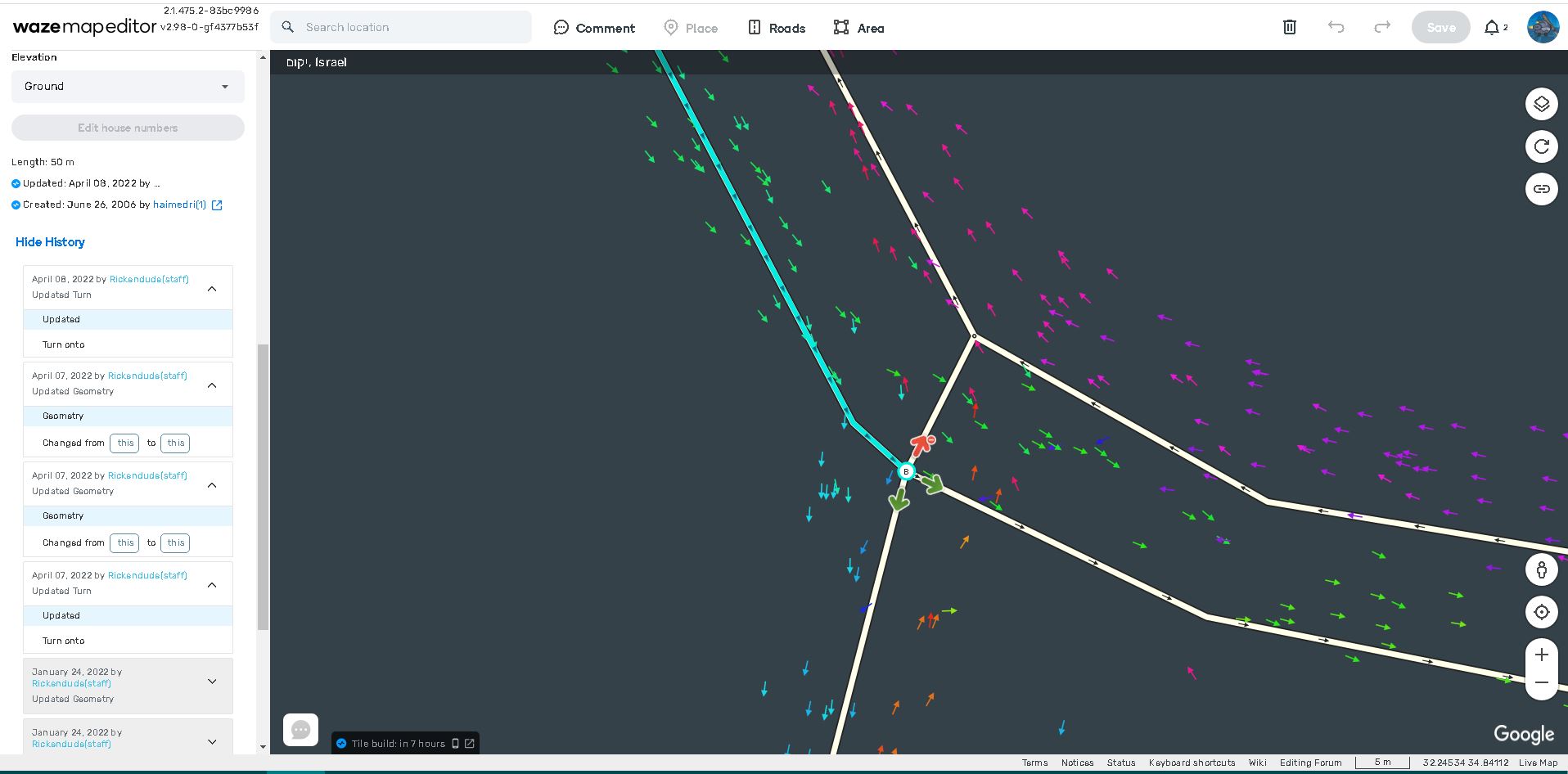
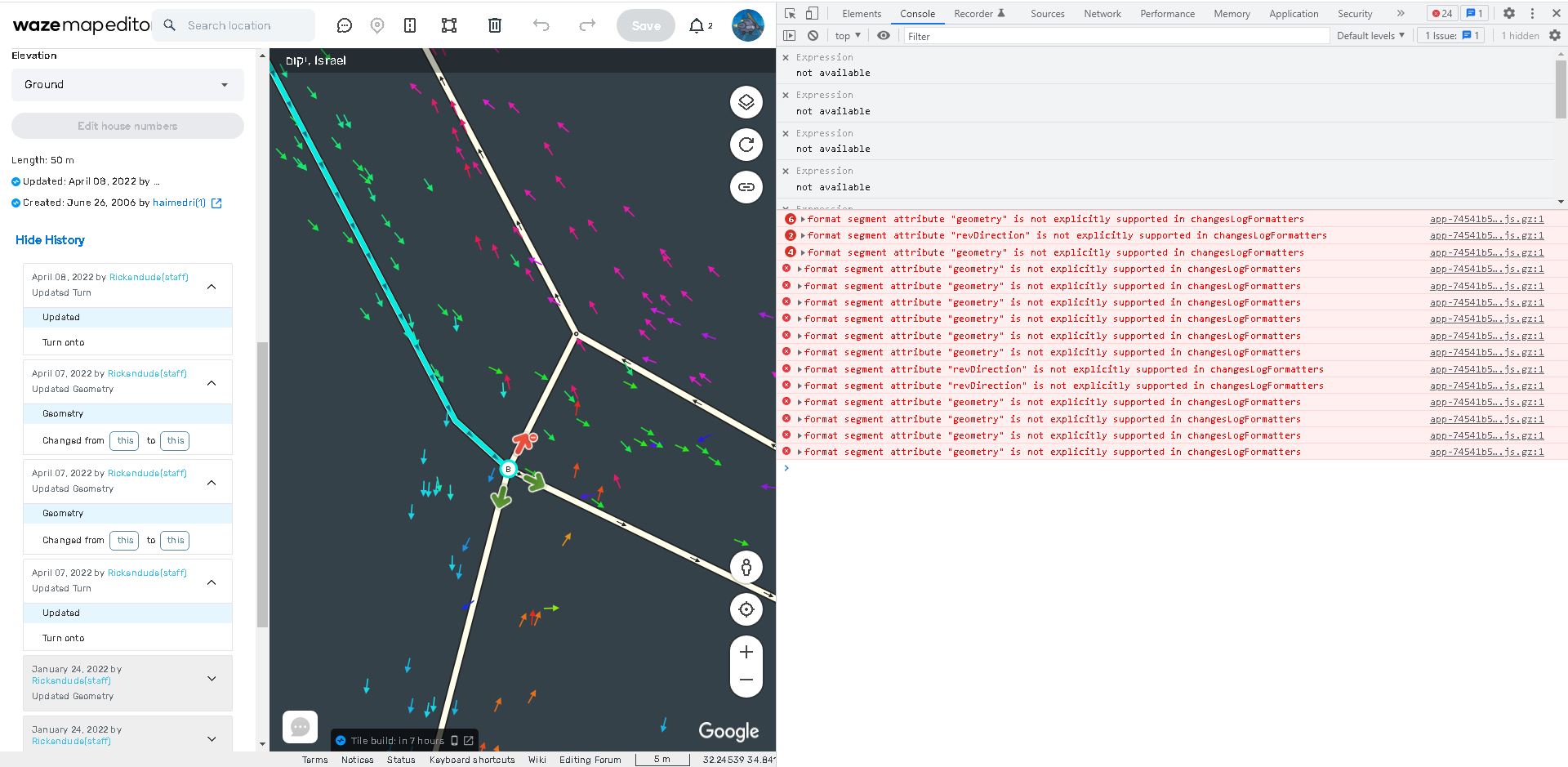
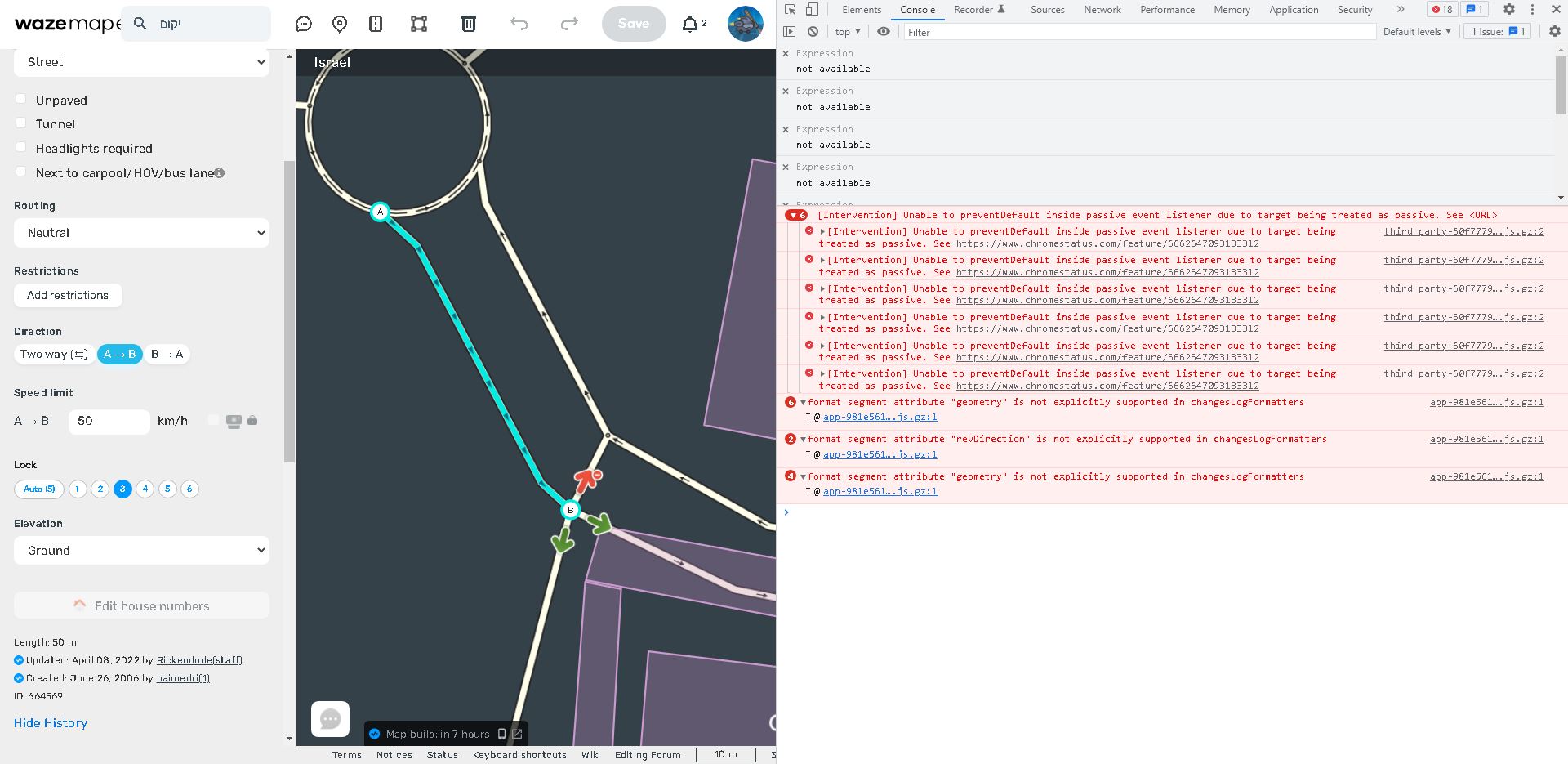
Hi
The following problem happens in Chrome in WME and also in WME Beta, with no scripts and no extensions.
While using Edge there is no problem.
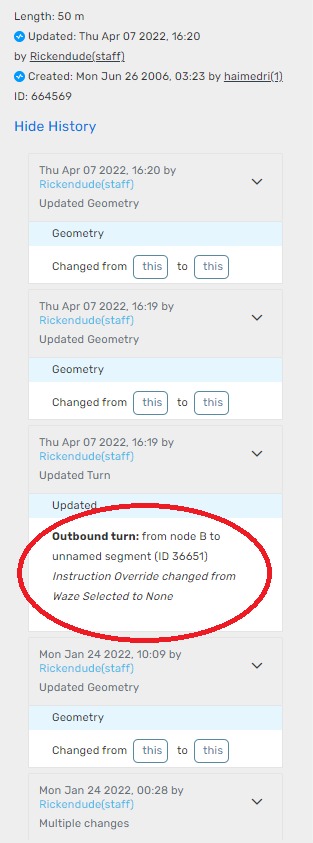
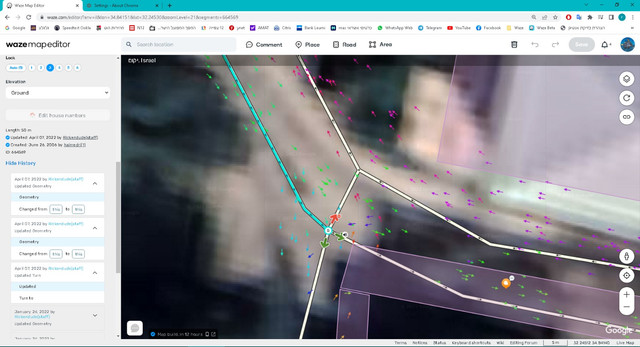
The problem is that the segment history details do not show up (in Edge they do show up).
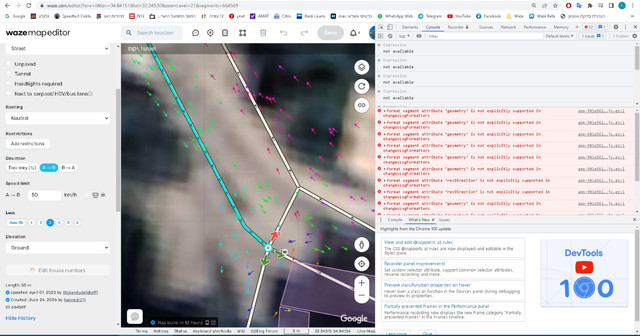
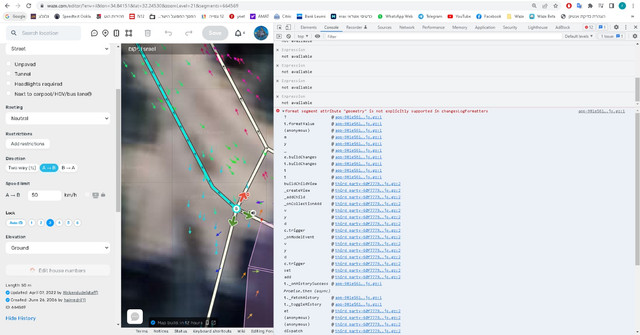
There appear to be errors while I press the “View History”.
Segment: https://beta.waze.com/en-US/editor?env=il&lat=32.24533&lon=34.84138&s=1155003863&zoomLevel=21&segments=664569
The text circled in red doesn’t show up:
When I click “View History” there seem to be errors:
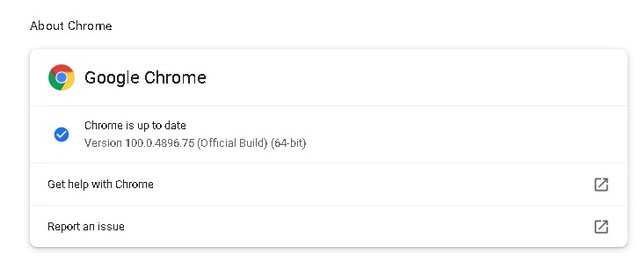
Chrome is up-to-date
Can anybody help with this?
Thanks,
I’m also seeing an issue with segment history in both production and beta. When I click Show History, it displays a message “There was an error trying to load the history” instead of the history. I can see in the console a 500 error. This segment and some others near it are currently giving me the problem. https://www.waze.com/en-US/editor?env=usa&lat=37.23143&lon=-80.42384&marker=true&zoomLevel=17&segments=500917043
I see the same issue as you described on the segment you shared.
Hi Everyone!
Thank you for the report.
Could you please confirm if you’re experiencing this issue in incognito as well?
Best,
Maia
Yes, happens in incognito also.
Hi Everyone,
Could you please inform if the issue is still reproducible on your side? :geek:
Thank you so much in advance,
Nataliia
Thank Reuvenirony, we are investigating this issue.
Regards,
Nataliia
Hi nataliiaPi
Any update on this?
Thanks
Hi Reuvenirony,
I will check this internally and update you.
Best,
Nataliia
Hi Reuvenirony,
The team is working on this case at the moment. The fix for this is a part of additional changes which are in the process at the moment.
Thank you for your patience!
Nataliia
Hi @reuvenirony,
We apologize for taking a while responding to this issue.
Since this case doesn’t seem to be very common and is getting outdated, we will automatically close this bug now.
If this issue is still occurring please submit a new bug with all the relevant information and we’ll make sure to fully revisit it again.
We apologize for the inconvenience.
Thanks and have a great day.