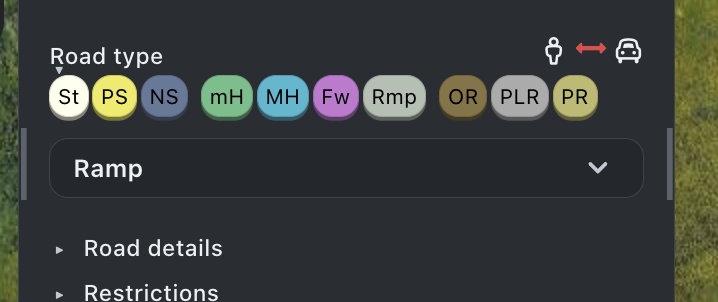
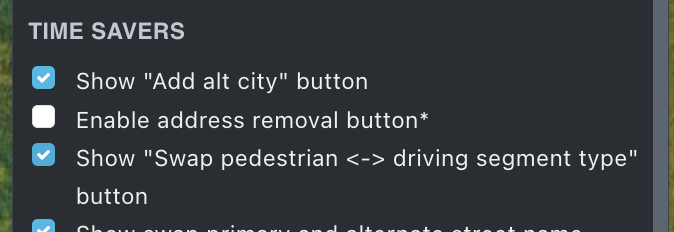
WME Fold is a script that allows you to collapse the “General” properties panel of a segment or place at will, making visible sections that would otherwise fall outside the visible area, sections that would normally require scrolling the panel to locate, especially on small screens.
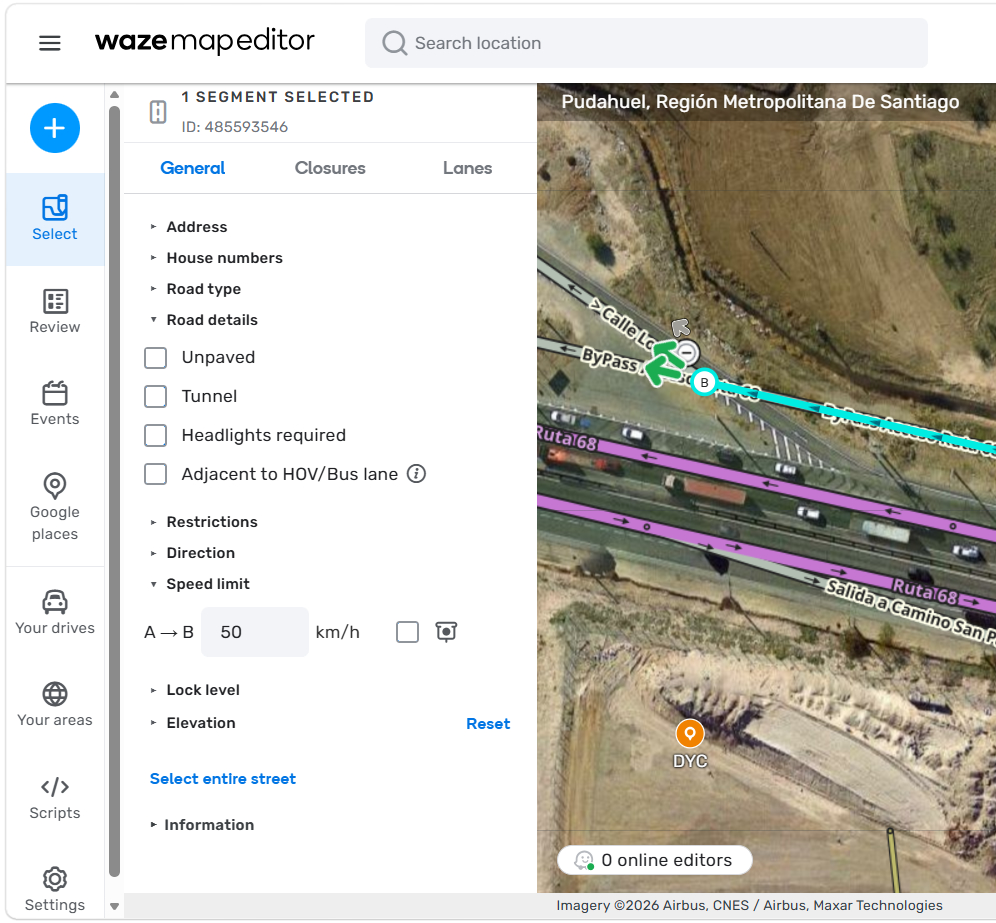
Usage:
- When a segment is selected, the script adds a ▾ control at the beginning of each section.
- Clicking that line collapses the entire block, hiding it from the menu and indicated by the ▸ control at the start of the block.
- Clicking the text again makes the hidden content reappear, and the control reverts to ▾.
- Shortcut: If you click while holding down the Alt key, the action applies to the entire panel.
- The sections remain collapsed or expanded, respectively, when a new object of the same type (segment or place) is selected, even after restarting the editor.
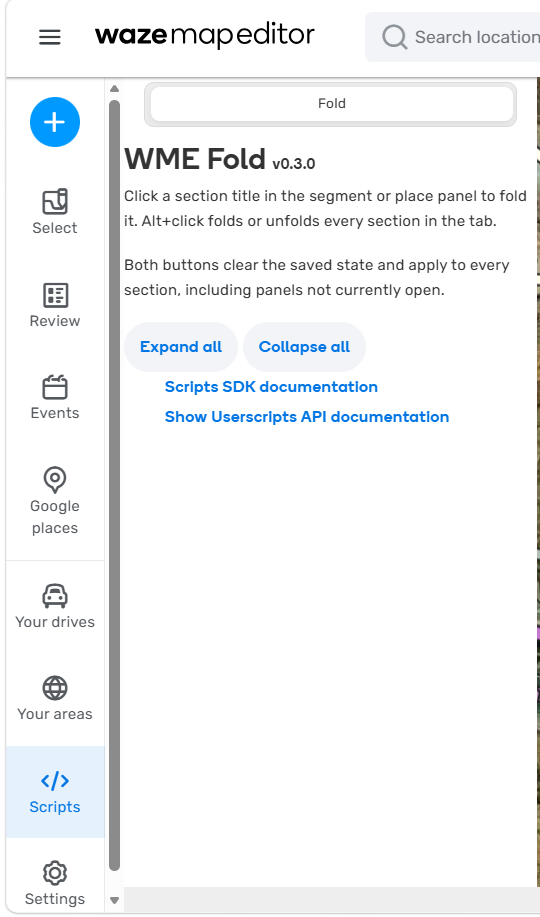
- On the scripts tab, you can view script information, and buttons to collapse or expand all are included.
Known issues:
- Some elements of the panels cannot be folded because the panel’s internal structure does not provide an attachment point.
- The script will attempt to recognize new sections when the panel changes, but I cannot guarantee it.
Please let me know in this thread if this script behaves strangely when used alongside other scripts that modify the properties panel.
WME Fold can be installed from https://greasyfork.org/en/scripts/598935-wme-fold
I hope this simplifies thematic mass editing, for example during Map Raids.
witoco