What it does
When you’re editing in WME, you often notice things in Street View that need fixing:
- a missing road
- a wrong turn restriction
- a incorrect speed limit
- a misplaced segment
StreetView Spotter lets you pin that exact spot instantly.
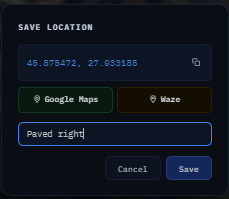
 Save the location
Add a quick label or note
Come back to it later
 Features
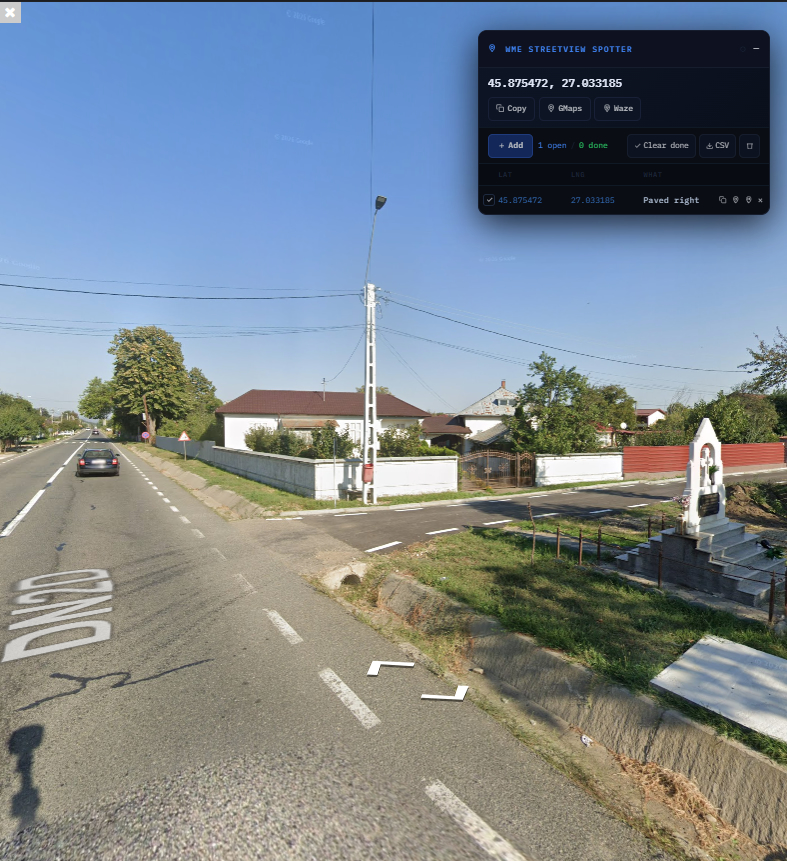
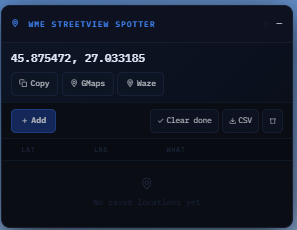
 Auto-detects your Street View position
Move Pegman and the panel automatically updates with your coordinates.
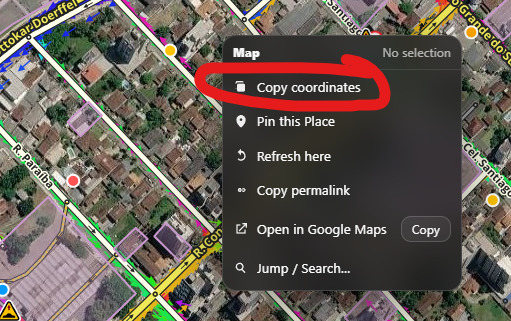
 One-click coordinate copy
Instantly copy lat,lng to clipboard — ready to paste anywhere.
 Open instantly in Google Maps or Waze
Jump straight to navigation from the current location.
 Save labeled locations
Build a list of spots with notes like:
“missing road”
“wrong speed limit”
“needs turn restriction”
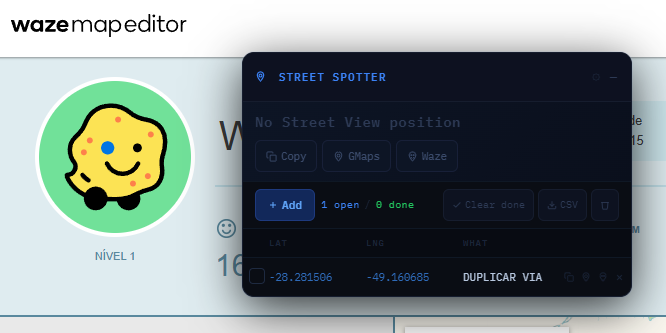
 Quick actions for every saved location
Copy coordinates
Open in Google Maps
Open in Waze
Delete entry
 Export everything to CSV
Take all your findings with you for later review.
 Draggable panel
Move the panel anywhere so it never blocks your work.
 Session persistence
Your saved spots stay available between sessions thanks to localStorage.
 How to use
 Open Waze Map Editor
 Drag Pegman onto the map to enter Street View
 The panel automatically updates with your current coordinates
 Use the buttons to:
Copy coordinates
Open in Google Maps / Waze
 Click
Click  Add to list to save the location with a label
 When you’re done, Export to CSV to keep your findings
 Perfect for mappers who spot issues while exploring Street View and want a fast way to track them.
Install : https://greasyfork.org/en/scripts/569118-wme-streetview-spotter