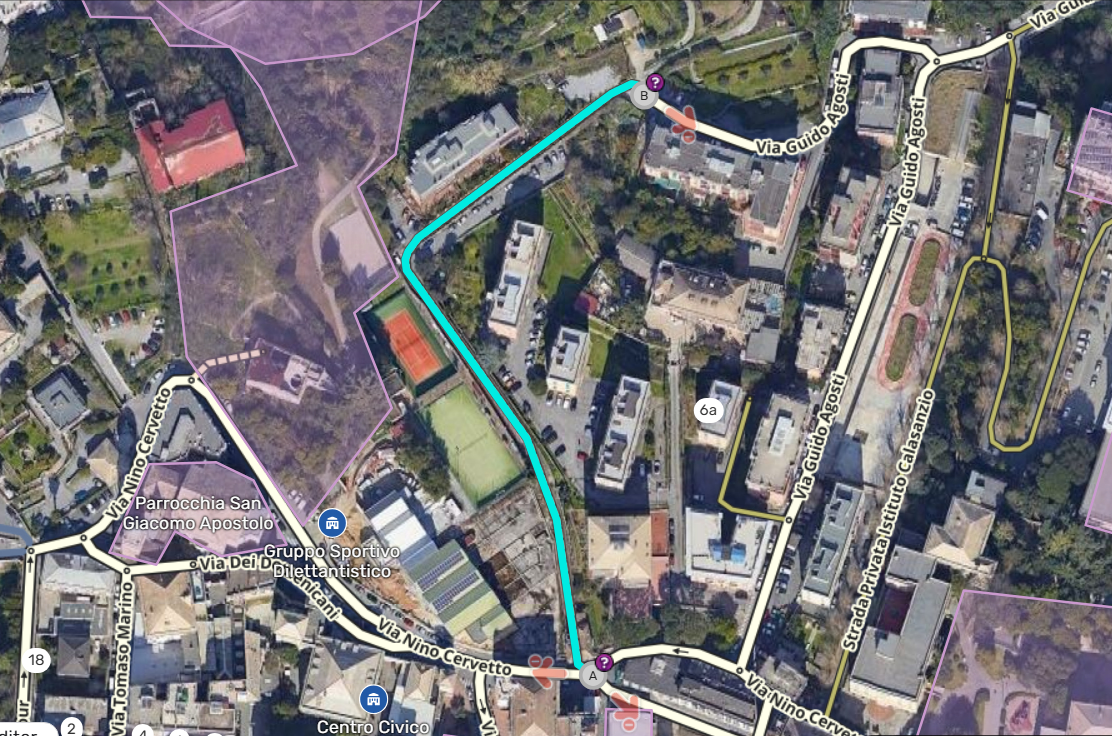
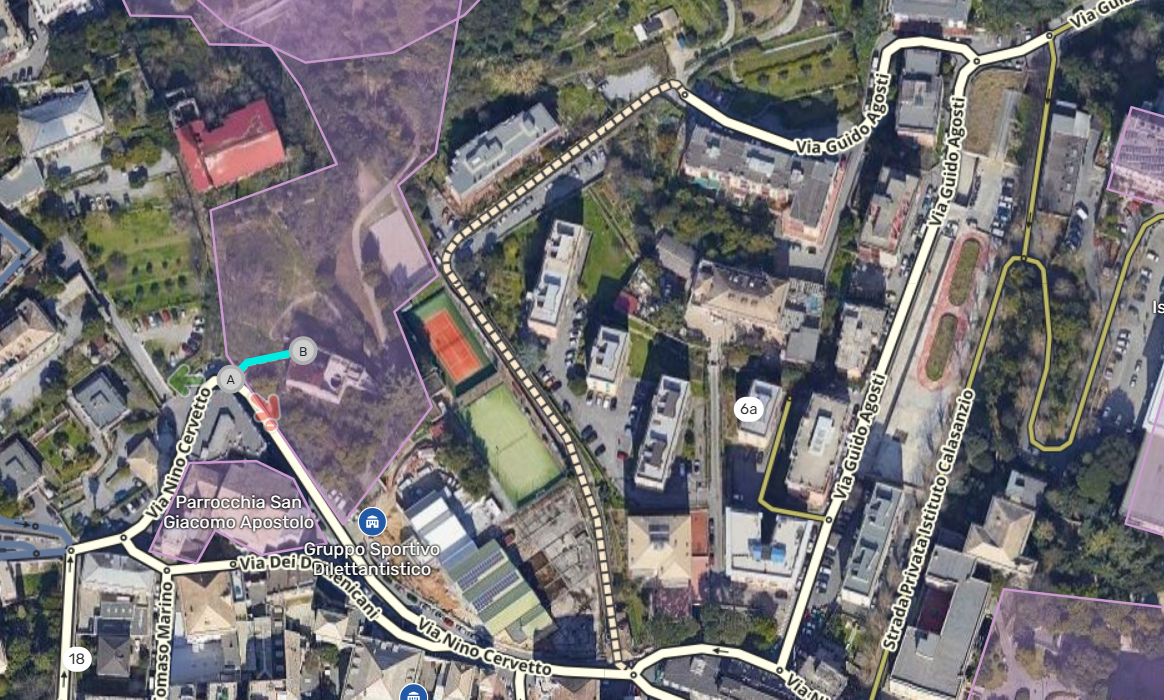
Since this Update I’m able to add housenumbers to segments with a higher lock than I am, but only when i click on a segment on my level > press H > then i can add 1 HN anywhere (even higher locks). After that it doesn’t work anymore UNLESS I unselect the street, select a segment in my level > press H … repeat
I can’t save the higher level segments though, so I expect one of these results:
Can’t add any HN at all when a higher level segment is present (this was previous this version the case)
When in HN mode, the higher level segments are not marked and I am still able to add HN to my level segments
(bad in my opinion) i can still add HN throughout without doing the trick above and just have to be careful to stay within my level segments
Tested with: Chrome 133.0.6943.142, no scripts, WME, v2.278
I am just saying this for information. If you look at the pedestrian paths in the picture that opens when you click on the permal link here, you can see some abnormal situations that have occurred at the intersection points. For example, the turn from a pedestrian path to the street should not be left open.
Is this a…:
Standard bug Steps to reproduce this issue:
To reproduce the issue:
For example as a lvl2 editor select a segment that is lvl 1 or 2 (so you can edit it) of a street that has a higher locked segment.
(So for example two lvl1 segments and one lvl3 segment)
When adding house numbers the whole street gets selected.
Add a house number to the lower level segment, now a message pops up on the left saying pending suggestion, however you edited a lower level segment that you have permission to edit. You can NOT add more house numbers. You CAN save the already added one house number to the segment. So basically you have to add and save them 1 by 1 which is not very efficient. We need to have the ability to add house numbers in mass, to the not locked segments of the street as before. Earlier you could easily edit the non locked segment of the street, and leave the locked part as is, or ask for an unlock. Now we need the same, but with the ability to suggest a house number just for the locked segment.
Same issue comes up without using scripts, also any other street that has similar parameters as described above.
Environment where the bug occurs…:
All environments Permalink: https://waze.com/editor?env=row&lat=47.68339&lon=19.79252&zoomLevel=19&segments=148549843,148549844,391971537,391971538 Browser name and version:
Opera GX Update stream:Early Access Core:119.0.5497.186 System:Windows 11 64-bit Chromium version:134.0.6998.205 Browser identification Mozilla/5.0 (Windows NT 10.0; Win64; x64) AppleWebKit/537.36 (KHTML, like Gecko) Chrome/134.0.0.0 Safari/537.36 OPR/119.0.0.0 Are you using scripts? Please detail which ones.:
Using scripts:
Rapid House Numbers
Color Speeds
Color Highlights
Advanced Closures
Jump Maps
Junction Angle Info
Route checker
Validator
Place Interface Enhancments
WME Permalink to Several Maps — Hungarian Edition v1.3.1
pebr0 is experiencing the same problem as MrNDR3W above.
He works on WME production and reproduced the problem on latest version of Chrome and Brave. The problem occurs with and without scripts enabled. He observed it on roads locked at L1, L2 and L3. On the roads locked L4 and above he gets button “send for review” instead of “save”.
The latest segment where he got the problem is here and the segment is locked L1. pebr0 recorded short video presenting the problem
We waiting for your support and any guidance on how to resolve this.
Best Regards,
Darek
Thank you for your input!
Could you please ask @pebr0 whether the H shortcut for adding HNs works for them?
I just checked on my end and the “Add house numbers” button is greyed out, but the shortcut is functional so it could be used as a workaround for now.
Thank you @Wcrhu I’ll check this on my end as well. So @pebr0 has to add HNs one by one on this particular segment, but the shortcut works for other segments, correct?