Cannot update POI due to error "invalid house number"

Is this a…:
Standard bug
Steps to reproduce this issue:
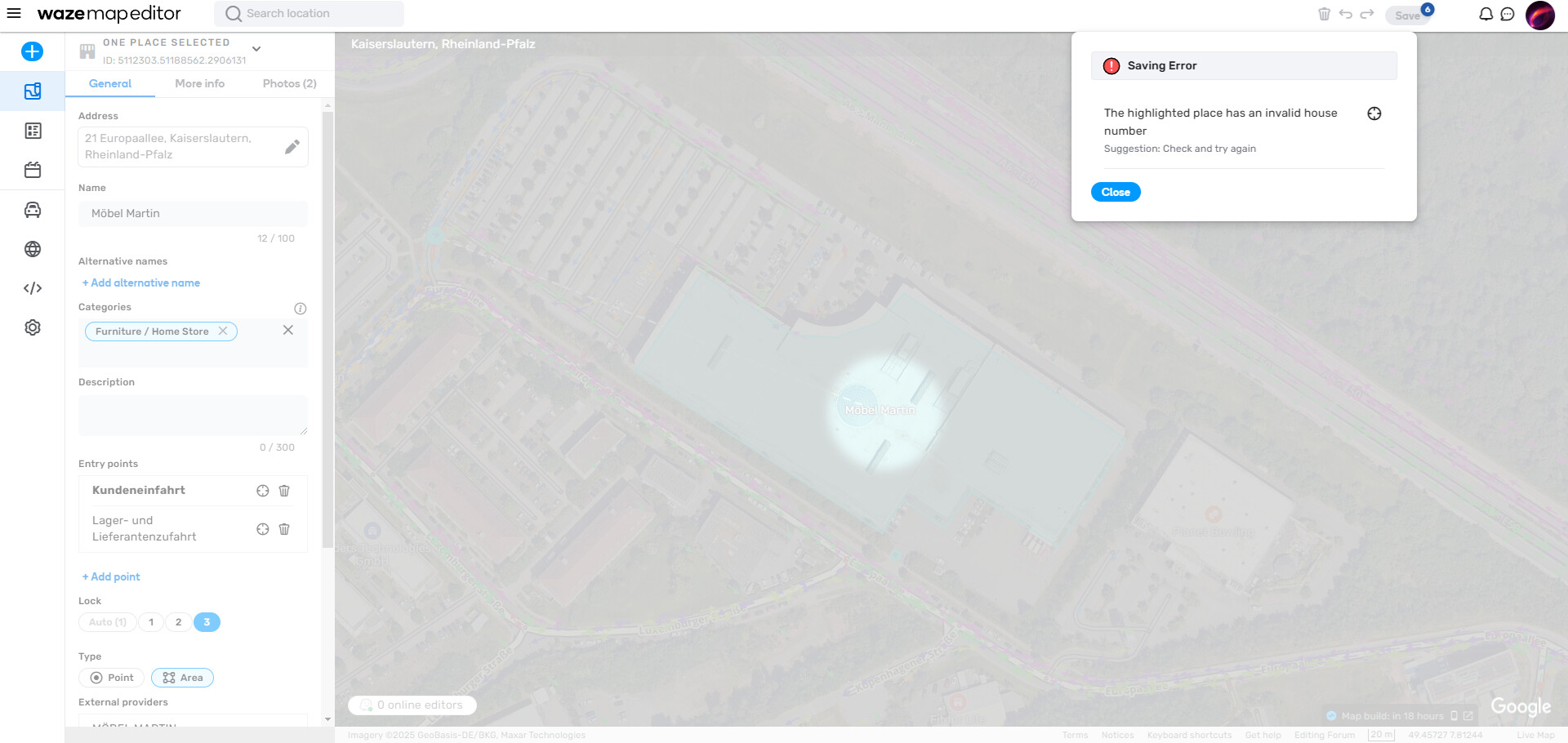
When trying to update an existing POI and pressing save the WME shows the error “The highlighted place has an invalid house number”. The POI’s house number has not been touched.

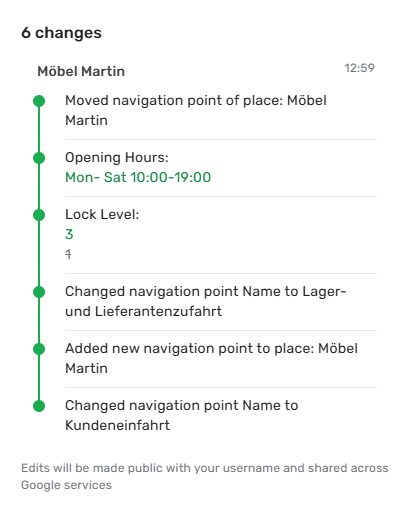
On that linked POI I tried updating it with following values (see screenshot):

  • Entry point renamed and a new one added
  • Set lock level from 1 to 3
  • Added opening hours

I cannot really reproduce this issue. Other POIs can be updated accordingly. It seems that this error occurs randomly.

I’ve also tried clearing browser cache, restarting browser, reloading tab etc., but it didn’t solve the problem.

Environment where the bug occurs…:
ROW
Permalink:
https://waze.com/editor?env=row&lat=49.45586&lon=7.81035&zoomLevel=18&venues=5112303.51188562.2906131
Browser name and version:
Google Chrome, Version 133.0.6943.142 (x64)
Are you using scripts? Please detail which ones.:
/


Here’s an example of the same bug in NA: https://waze.com/en-US/editor?env=usa&lat=38.82082&lon=-77.64092&zoomLevel=18&venues=185074052.1850478378.20767447

Incidentally, I cannot see what is “invalid” about the house number.

Hello @Variatox @russblau,

Thank you for your examples, they have been added to an existing internal ticket. I’ll keep you posted on the progress.

Best regards,
Olesya

1 Like

Hello there,

Quick update: a fix has been rolled out to IL and NA. @russblau can you please check on your end?
@Variatox I will let you know once it has reached ROW.

Kindest regards,
Olesya

1 Like

Seems to be working for me. I was able to edit and save two PURs that were failing yesterday. Thanks!! :clap:

That’s amazing news! :slight_smile: Thanks a lot for the update @russblau

@Variatox,

The fix has been rolled out to ROW. Can you please verify on your end?

Kind regards,
Olesya

1 Like

Problem seems fixed. I also had no problems for ROW yesterday.

Thank you very much for your response and to the Dev-team for fixing this issue.

I’m pleased to hear the fix has taken effect on your end. :slight_smile: I will pass your feedback to the Dev-team.

Have a great day!
Olesya

1 Like

It’s baaaack – or something very similar. This PUR can’t be approved due to “invalid house number”, even if I change the number before trying to save. https://waze.com/en-US/editor?env=usa&lat=37.59363&lon=-77.54185&zoomLevel=19&venues=185139576.1851133615.20774638

@russblau was your HN layer on/off when you were trying to save the changes?

On.

Now it’s possible to have several RPP with exactly the same address. WAD?
My view that this hasn’t been possible before and it’s not possible with House number.

This has been possible before when added via the app.

Now it’s possible in WME, aswell. :thinking:

Hello @russblau,

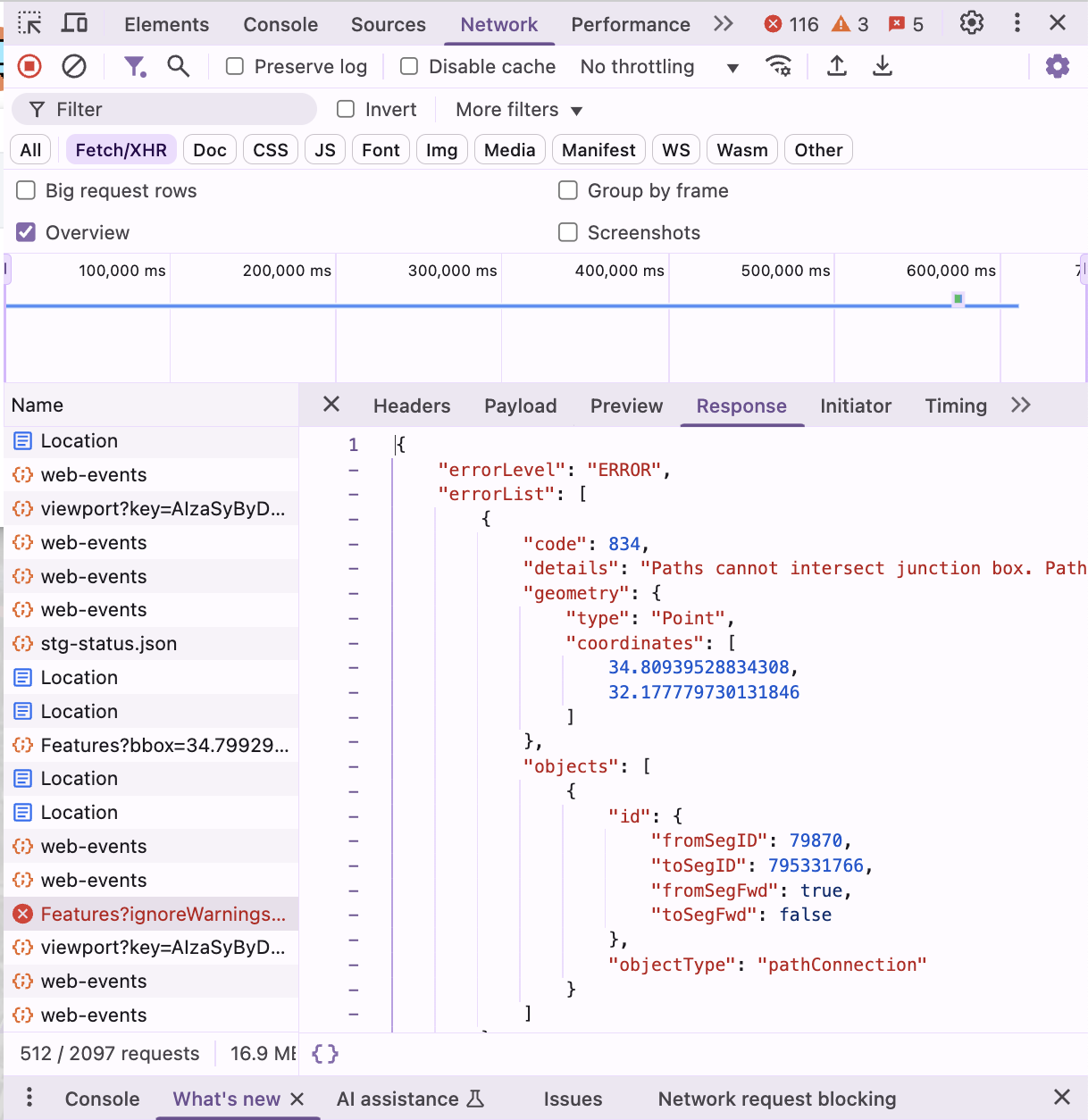
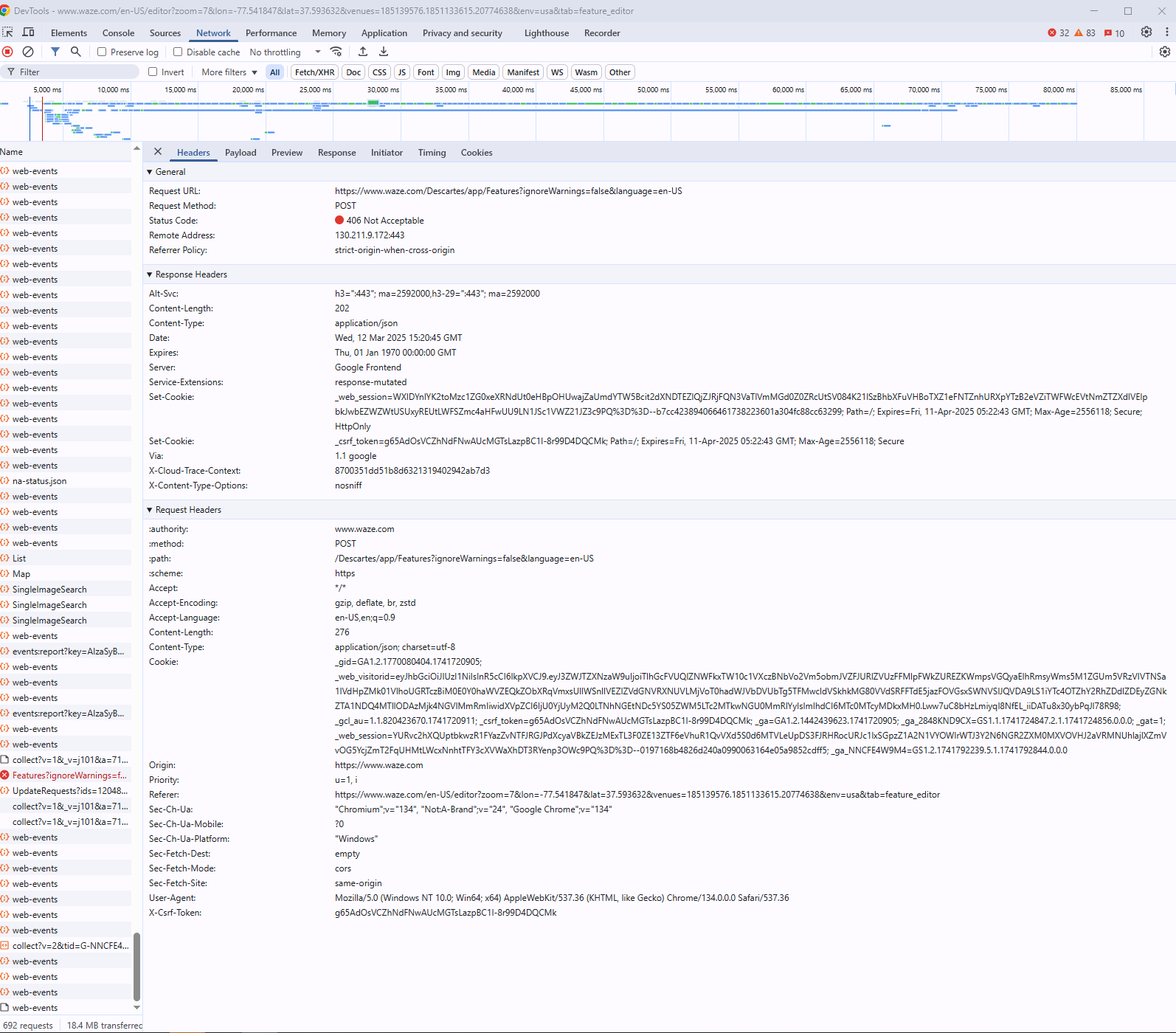
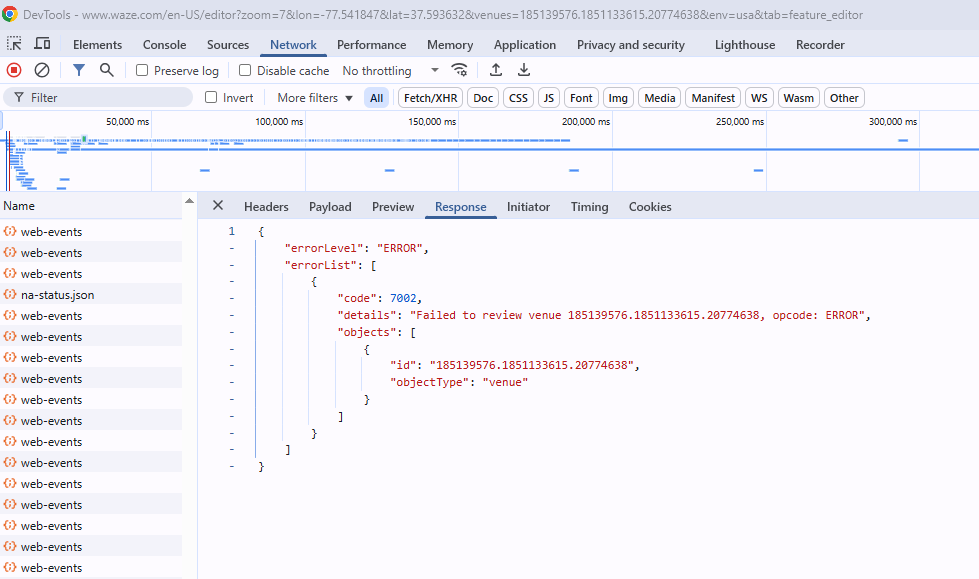
Could you please record your screen/take a screenshot with the console open whilst trying to save any changes you make to this PUR? I would expect an error when clicking on the “Save” button.

In order to do this:

  1. Open Developer Tools in your browser.
  2. Navigate to the Network tab.
  3. Reproduce the issue.
  4. Click on the request that is marked in red (as in the screen below):
Thank you,
Olesya

Hello @Pee3,

Would you be able to provide any examples so we can review them?

Best regards,
Olesya


I made 5 identical RPP’s here. It’s possible in any place and in incognito as well.

Thank you for the screenshots @russblau; I have added them to our internal ticket. It is being discussed here