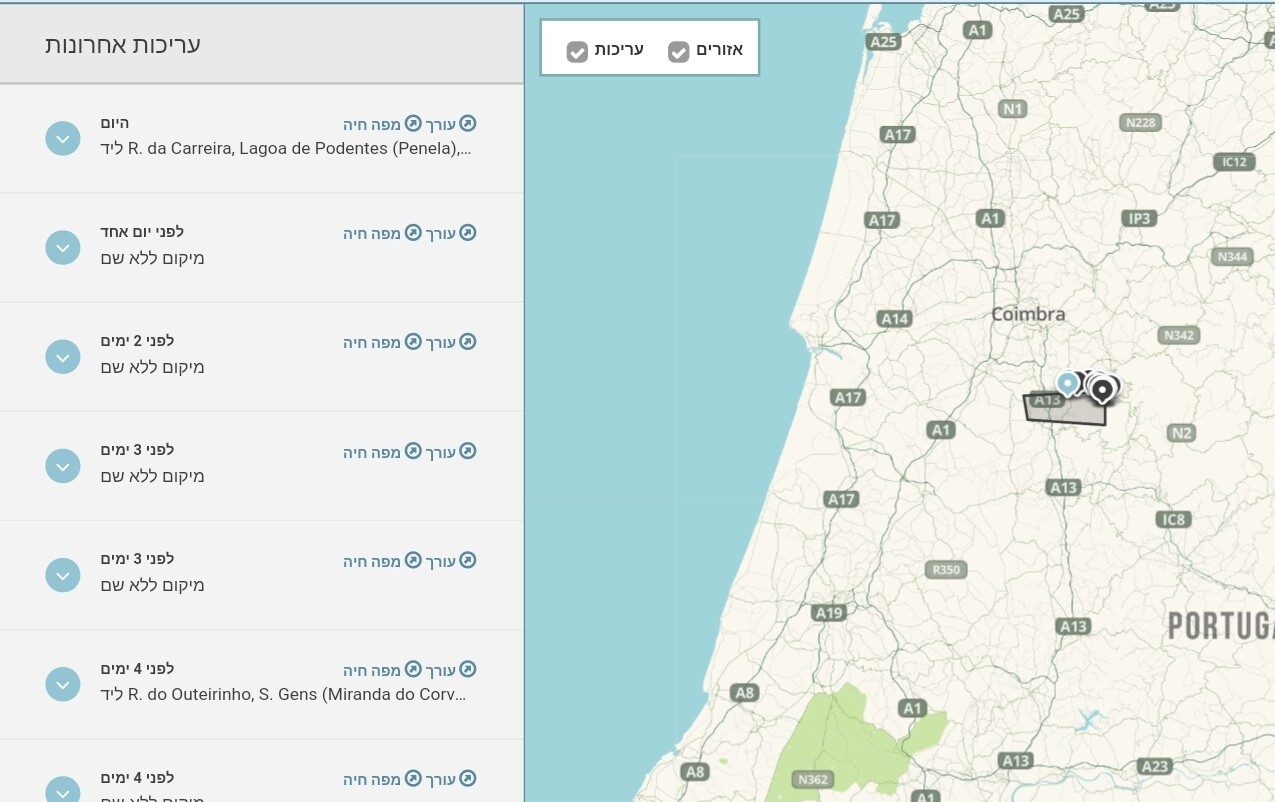
Steps to reproduce this issue:
Although I edit in two environments (IL, ROW), my editor profile page lists only edits from IL. Also, my managed area in ROW is not displayed in this page.
In WME, my managed areas are correctly listed according to the selected environment.
Another issue: In ROW I see only my managed area. A country area as CM is not listed there.
Prior to an update of the profile page, we were able to use a script to switch between environments on the editor profile. Senior editors are unable to review edits in any environment other than the one displayed.
@RussPA
The areas list is in the WME. Not in the Profile page. Of course the CM area is not a managed area.
In my IL env, I can see two areas: one is classified as managed area and one is Area 1 (reflects the CM permissions area)
In my ROW env, there are only two areas. Both are managed areas. Although I expected to see an area (not managed) reflects the CM area
Area 1 is your drive area. If your drive area isn’t continuous, you’ll see multiples listed (Area 1, Area 2, etc.) You may see others CM area doesn’t appear in WME or the profile page because, as RussPA pointed out, it’s not an assigned area, but rather an editing permission.
You may notice that each list contains only edits from one environment.
There should be a practical option to switch between environments when the profile page is displayed.
Thanks a lot for screenshots, sh-oded!
Could you please clarify whether it has always worked like this for you or did you only notice it recently? How can you currently view edits from other environments?
I only encountered this issue lately after start regular editing in ROW.
As we can understand from what @turbomkt wrote in this thread, it is probably not new and there is currently-not-working script the helped with this issue.
Currently if I want to see edits in a specific environment I need to make an edit in that environment. The profile page displays data from environment of my last edit.
Yes, that is how it has always worked. As @turbomkt posted, there is a suggestion in the Waze Suggestion Box to change this, so please vote for it so Waze Staff might change that in the future.