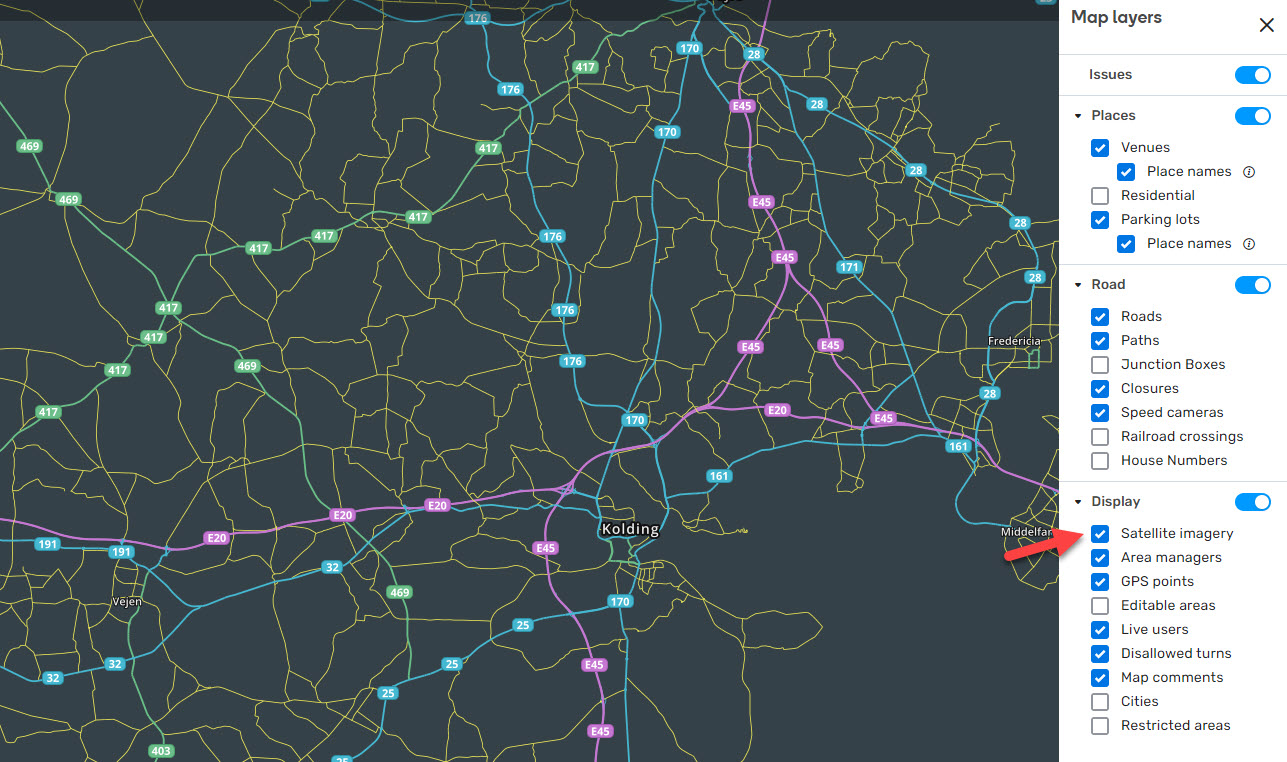
Header Menu: header items menu slightly covers the header.
Header Menu: the sub-menu items in the right area of the Roads menu are currently missing.
Map Problems: wrong state after saving Solved/Not identified MP, the button “Reopen” appears, but it doesn’t allow actually to change the state.
Map suggestions: After approving a suggestion and saving the changes, the icon near the segments remains visible. However, after refreshing the map, the icon disappears.
Issue Tracker: bad layout in case the user expands UR filters. New feature/enhancement:
Issue Tracker: centered the banner “Zoom in to see if there are more issues”.
Bug fixes:
We’ve released 4 bug fixes.
Segment manual lock level deleted when clicking existing lock level or clicking new lock level twice - fixed.
Issue Tracker: Specific area - country is not saved after the user applies the filter - fixed.
Map Suggestions’ segments are occasionally not visible on the map - fixed
We have identified and resolved a bug related to speed limits set in imperial values. Previously, when attempting to change the value, the displayed result would show the entered value plus one. This issue has been fixed.
This may be intended behavior, but I wanted to check. When there is a segment with lane guidance that is locked above my level, I get a permissions error when trying to edit the geometry of unlocked segments connected to it. This doesn’t seem to impact my ability to make other changes to the unlocked segment, like street name/city name changes, or attaching other segments to the unlocked segment.
Here’s an example of a segment that causes the error, versus a segment that does not. The major highway segments are all locked above my level, and you’ll notice that the first highway segment has lane guidance, while the second does not: https://i.imgur.com/EE5hUDx.gif
Hi,
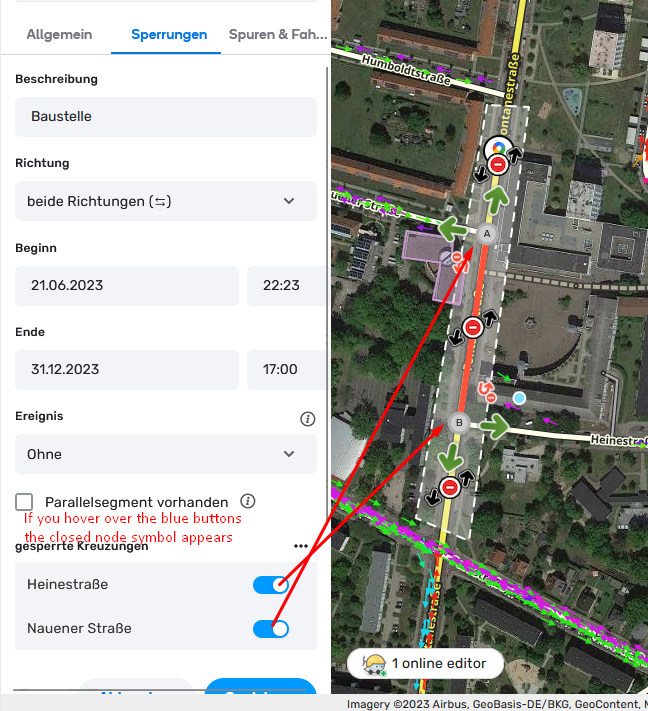
Did I miss something, but when I plan a closure in the future, the end date doesn’t adjust automatically to the start date anymore but remains today?
Cheers,
Eddy
Still experiencing a problem with place points disappearing temporarily after approving a new place PUR and saving. It seems to only be a visual/layer bug, as it doesn’t impact saving changes or the data of the place. This problem occurs across multiple browsers with and without scripts.
Steps to reproduce:
Locate a “New Place PUR”, and select “Add and Edit”.
Add details as necessary.
Save.
Select a blank spot on the map to deselect the place. The place should disappear from view.
Toggle the places layer to show the place again.
No error shows up in the console upon clicking save or deselecting the place. Toggling the places layer or performing another action that causes the layer to refresh will make the place point reappear. Once you make the place reappear by toggling the places layer, it doesn’t seem to disappear again, regardless of any edits or changes made to the PP.
PURs (specifically an EVCS PUR in this case) that are too long still clip the “Add and Edit” and “Reject” buttons at the bottom. Only appears to happen at certain window sizes, oddly enough. Can access the buttons by making the window smaller or by zooming the window out. Here’s a screenclip of the issue (screenclip is on a browser with scripts, but the issue persists in a scriptless browser as well):
I’m observing the same behaviour in the beta WME. Is this a (desired) new feature? IMHO, I find this a drawback as the end date can’t never be before the start date and one needs explicitly change it. That might seem as peanuts, but when one needs to add hundreds of closures, this becomes a time consuming and tedious thing. Therefore I would ask to bring back the old behaviour where a new closure has the end date will be changed automatically to the start date.