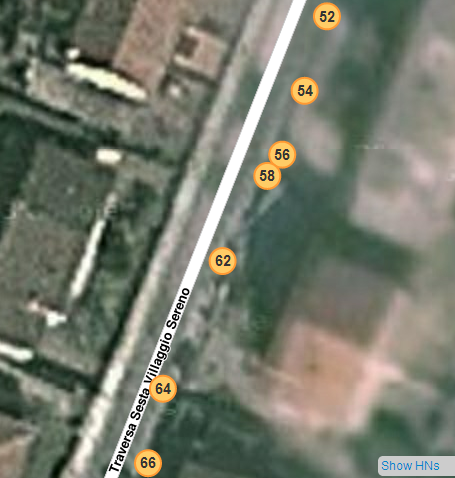
Adds a link in the permalink bar (on the bottom right corner of the screen), this will allow you to show on the editor the house numbers and memos you have collected via the app.
Adds a keyboard shortcut to insert house numbers while in HN editing mode (+). This may be useful even if you don’t want to use the app. Finally this was implemented natively in the editor (h)
What does the app do?
It allows you to (I hope easily) register the position of the house numbers while you are walking.
How to use the app?
Wait for the GPS fix and be sure to have at least a 15m precision (otherwise you won’t be able to save the HN).
Insert all the requested information (some of them are required just once and you can set them from the menu) and press the big button “Store HN”. The app was designed to be used on a side of the road at a time, so the number is increased/decreased (chose that from the menu, depending on the street you are mapping) automatically in the even/odd numbers sequence. You can disable the automatic step increase by closing the yellow lock nearby the number/letter. For exaple you should lock the number and unlock the letters if you have to map adresses such as 1A, 1B, 1C, etc.
If you press more than once “Store HN” with the same HN the current GPS position is overwritten over the previous one (correction).
The arrows in the top right corner of the screen allows you to try to automatically gather the street and city names based on the GPS position. This operation is done automatically on the GPS fix.
When you are done mapping select “Send Data” from the menu to send the data to yourself (by email, sorry I couldn’t do better at the moment).
Bugs & Todo
You should send your data at the end of every session. If you don’t do that the app tries to save them on a file.
The app only saves on the external SD. I haven’t tried what happen if the phone does not have one (it might work as well, depending on the device implementation).
If you have some backlog file and you chose to Send the email, the app assumes that you really sent the email (as far as I know, on Android there is no way to check whether the email was really sent or not) and so the app deletes both the backlog and the current session data. - Improved: now there is a dialog that asks you if you want to delete the backlog.
At the moment the app forces you to insert the code of your country (from the menu), your username (also from the menu) and the current city and street name, but at the moment they are not used in any way.
Lockz icons might be bad rendered on some (big) screens.
Available for Android only (now there is an Iphone version in beta). Q: Would you do an Iphone version?
A: Absolutely not, or at least I won’t. But luckily another user did it, it is currently in beta
Translations
Do you want to localize the app into your own language? Send me a PM and I’ll send you further instructions. (Even for the english one, I think that that’s translated badly somewhere).
Changelog
V 0.9.4
Improved GUI
Resolved some bug
Now you can see which number you have been registered for each street and also delete them (by long tapping)
Now we all just need to get our postal workers to use this app! :lol: Anyhow this is an brilliant idea for places that don’t have well maintained assessors GIS maps, just walk the being/newly built subdivision.
I remember when you could add house numbers in the Waze app. That feature is supposed to be added back in at some point. But having this outside the Waze app sure is interesting!
In Hungary the app does not fill the City field and Address is filled with zipcode and City. I think the problem is: In Hungary a correct address format is looks like this: [Zipcode] [City] [Streetname] [Housenumber]
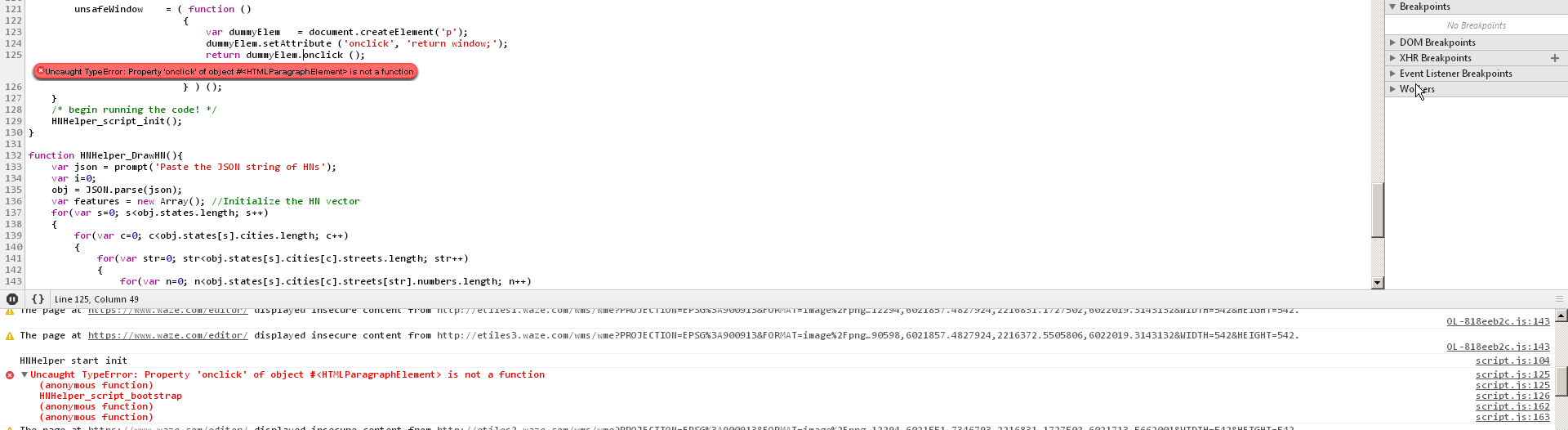
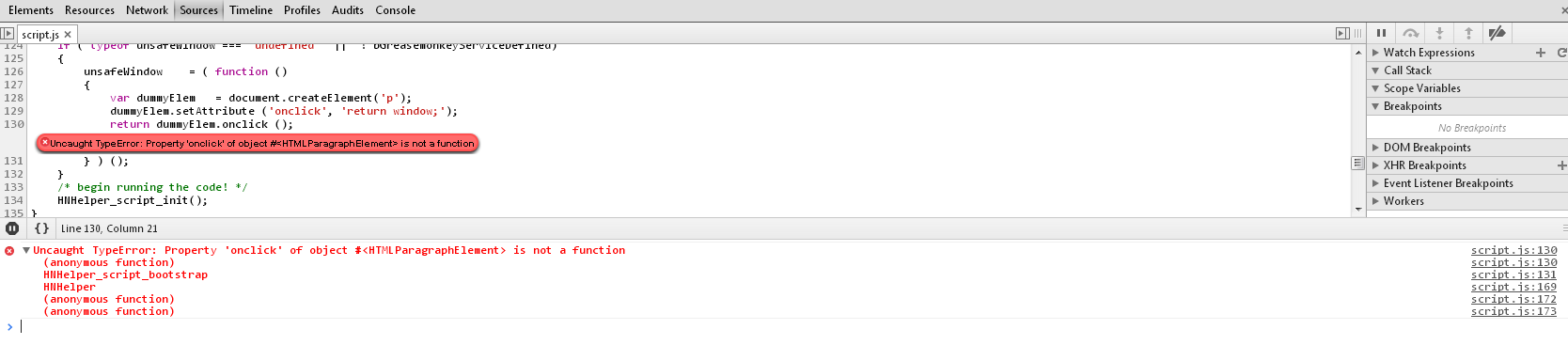
WME script does not works at all. (There’s no Show HM button) Take a look at the screenshot.
I’ve changed some stuff and updated the script, but I don’t think it’s related to my script that problem. If still it doesn’t work try to disable all the other scripts and tell me if the problem persists.
The app is a little bit better now: the City field is filled correctly with the name of the city, but the Address field is still filled with zipcode and city.
The script does not got better. Still causes the same error.
(All other extensions are disabled in Chrome.)
Regardless of whether the precision of my position is green 6.0m, 8.0m or 12.0m, or red 16+m, the StoreHN button is just very briefly flashing in a 1 second rhythm. Simultaneously, the phone’s GPS symbol in the upper Android notification area is disappearing, appearing, disappearing… Switching to any other GPS app causes the symbols to be displayed constantly, after a switch back to HNH the symbol goes back to dance.
Both City and Street seems to be filled in correctly.
When trying hard and fast to repeatedly press the StoreHN button, I’ve possibly succeeded twice to press it, the button changed its color to blue. But no HN got stored. On one such attempt the app crashed.
Could the 15m requirement be loosened to 20m? Or a user preference for it? I can imagine being unable to get a good position precision on some places with e.g. dense and tall buildings, or with suboptimal constellations of satellites.
Don’t you have any idea why the script does not works for me? I’ve tried it with Firefox (with GreaseMonkey) and with Chrome (with and without TamperMonkey) and I tried it both in my workplace and at home… Never worked for me…
The app is still fills the address field with zipcode and cityname
I’m aware of the fact that the script is no longer working on the new version of WME. Now the script is no longer able to add a new layer to WME.
I’m working on it.