Thanks for that pull request! I’ve accepted it and released version 1.2 which includes your fix
My past few evenings were already filled with other tasks, so I couldn’t find time to look into it yet. But testing and processing a pull request doesn’t take much time
When a segment has multiple closures, I’m running into an issue where removeAllTooltips is firing after the next closure’s tooltip has generated, thus killing the new tooltip. (PL for testing)
It appears that line 99 is the culprit and was serving as a catch-all to close any stray tooltips, which may no longer be necessary with the changes from the last update?
Version 1.2.1 has been released. I’ve removed the code that I added as workaround for tooltips that got stuck as there’s another workaround now (just click one of the closures).
I also found and fixed another bug that prevented the tooltip from showing up when looking at closures outside of your editing area.
Weird, I’m not seeing that. Could you provide me with a permalink of where I can check what you’re seeing? Or is the script not broken as a whole, but just not doing something it used to do in the past?
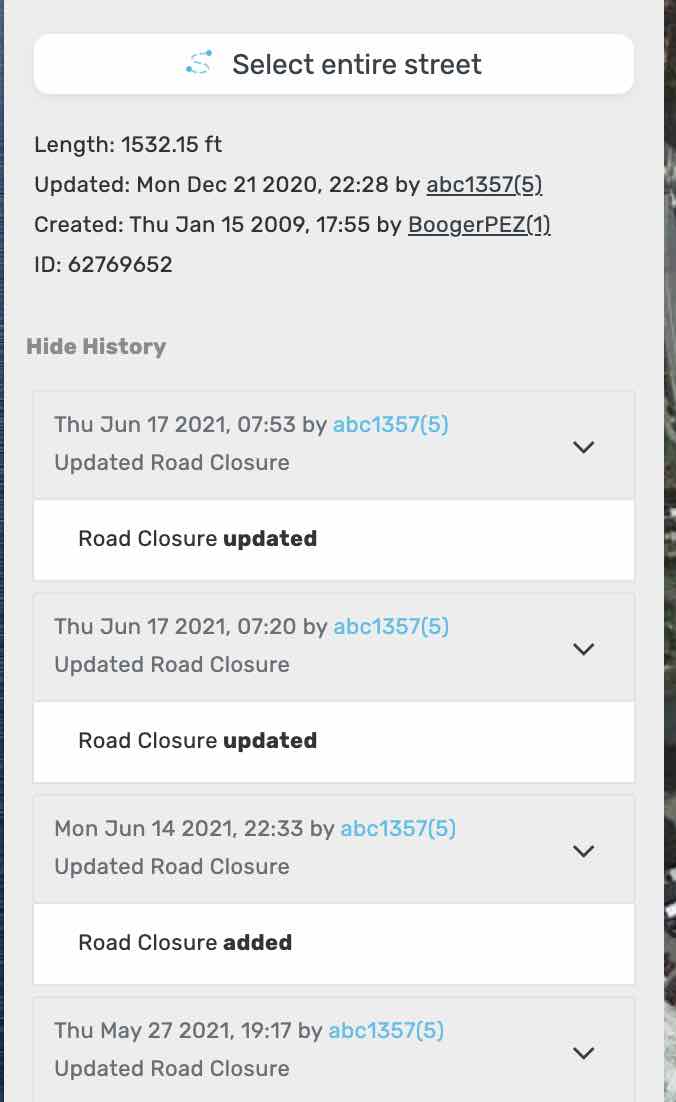
The script is not showing any details. For example, when I select this segment, all I see on my left panel is:
Also included is this imgbb link in case the attachment does not work.
The script could be impacted by the change in I18n.translations.[locale].date as mentioned in the Waze Scripts discord.
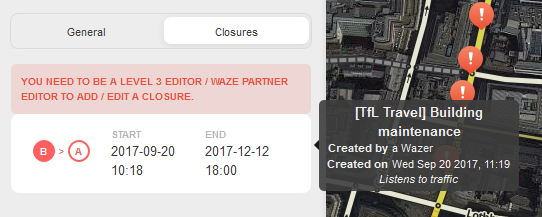
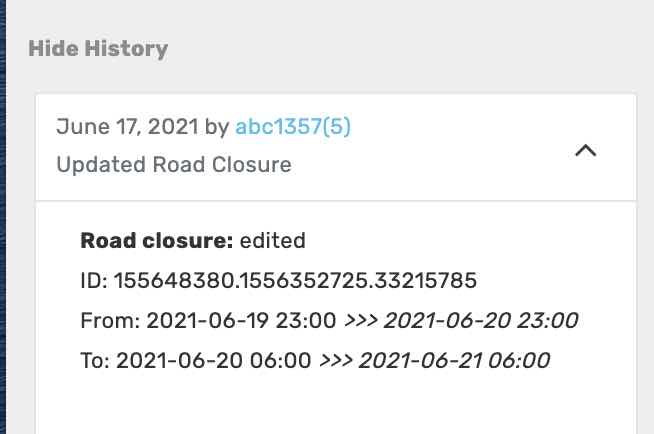
I’m afraid this script doesn’t add anything to the segment history. It only adds a message next to the list of closures, like shown here in an old screenshot:
Could it be you are thinking of another userscript, maybe?
Version 1.3.0 has been released, which allows the script to work again after the various changes that took place in the UI. I’ve also made sure that the tooltip doesn’t cover the menu any more.