Hi everyone,
We are excited to announce the launch of the Traffic Lights feature in WME Production for the IL (Israel) environment. Although the feature is already released in IL, it remains in WME Beta for NA (North America) and ROW (Rest of World), and we are actively collecting feedback as we move towards a full global launch.
Why Traffic Lights?
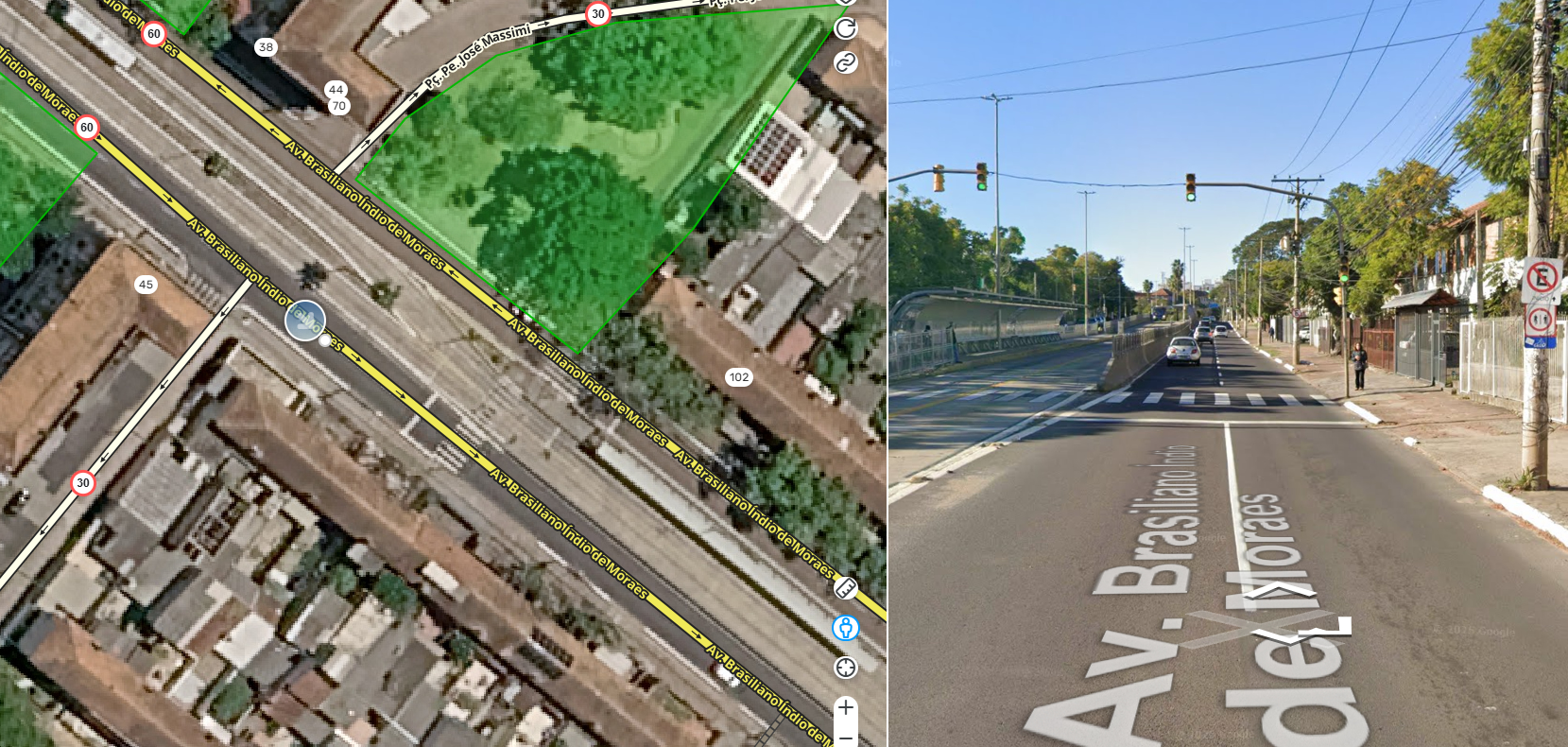
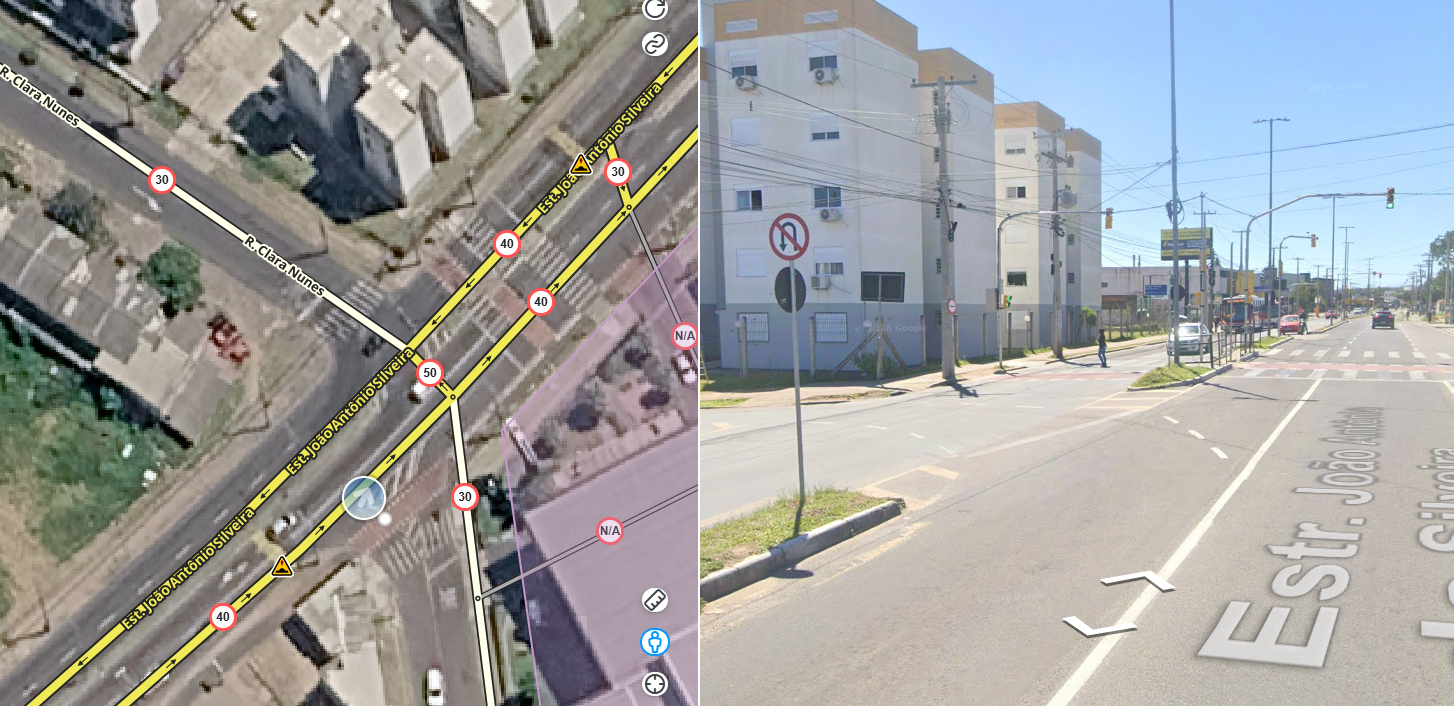
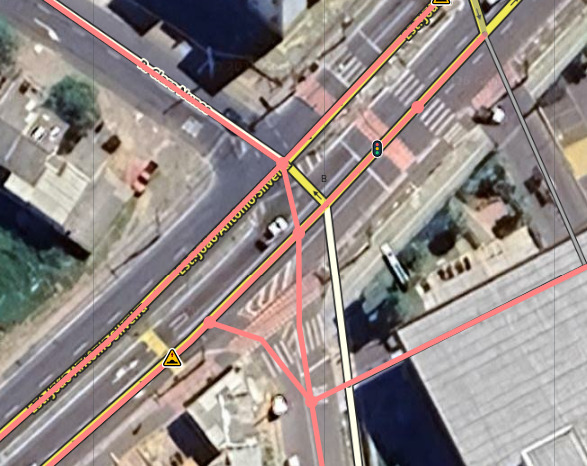
We are enhancing the Waze map with Traffic Lights to offer even better navigation instructions. This feature brings more clarity, especially at complex intersections. By adding real-world references, such as “turn left at the traffic light”, we make instructions more intuitive. This helps drivers orient themselves better, identify turns with more certainty, and navigate more safely and easily.
What is included in this WME version?
Traffic Lights can now be mapped in Production (IL only) and in Beta (NA and ROW). These features are added to a segment and attach to the segment end. We have prepared a detailed mapping guide to help you get started.  Check out the Mapping Guide HERE.
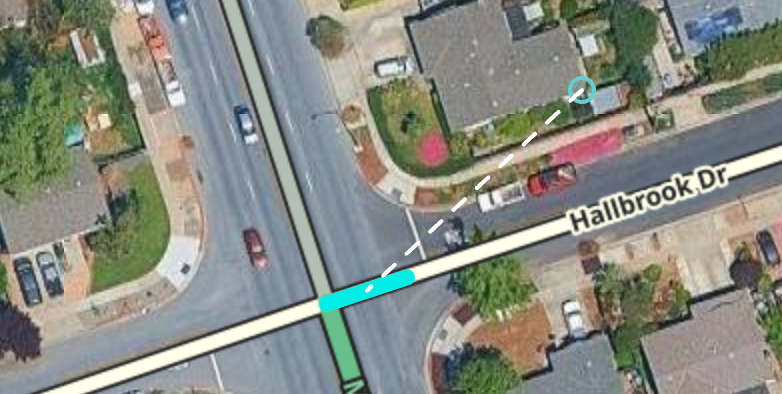
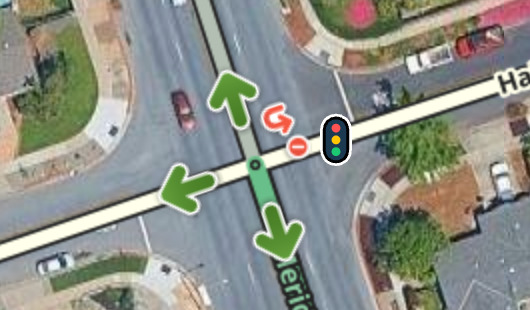
Default Lock Level: The default lock level for Traffic Lights is 4, but this can be configured by country. If you would like to request a change to the minimum lock level for your country, please contact your community leadership so they can submit the request.
Note for the Israel Community: the extended Beta phase in IL was fundamental to refining the functionality of this feature. A huge thank you to all the editors who contributed during this period; your dedication resulted in more than 10,000 traffic lights mapped!
App Behavior: To see how this appears to drivers, please refer to the corresponding section in the Mapping Guide.
What’s next?
We are working towards a full Production launch for all environments and will keep this topic updated as that happens. Beta Editors, please continue to leave your feedback and questions in the dedicated topic on the forum.
Important: current impact on WME Production (NA and ROW)
While Traffic Lights are in Beta for NA and ROW, their presence will have a direct impact on the Production environment.
Known issue: “Hidden” alerts in Production
If an editor adds a traffic light in the Beta environment, or if traffic lights are included in a recent data import for certain countries, this data is saved to the map. However, because the feature is not yet active in Production, these alerts will be invisible to editors using WME Production.
If you try to modify a segment that contains one of these “hidden” alerts, an error may occur. This is a built-in protection to prevent the new data from being corrupted or accidentally deleted during the Beta phase. We ensure that this visibility issue is temporary and will only last as long as the feature is in Beta.
Specific behaviors on segments with traffic lights:
Actions that will currently result in an error in Production:
- Changing the direction of a segment to a direction that makes the traffic light inaccessible.
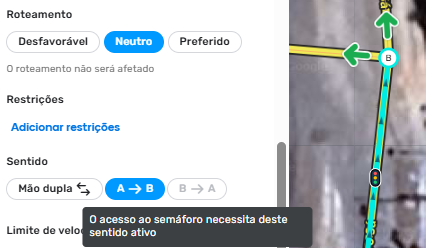
- Modifying the geometry of a node that has a traffic light on one of its segments (at the node end).
- Splitting a segment that has a traffic light.
- Merging segments (in this case, the bridge icon will not appear).
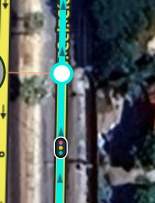
- Deleting a segment with a traffic light (to perform this action, the traffic light will need to be deleted first).

Actions that will continue to work normally for editors with sufficient permissions:
- Changing the direction of a segment while keeping the traffic light accessible.
- Geometry changes that do not include the end nodes or that include end nodes without a traffic light.
- Any change to segment attributes, such as name, speed limit, width, etc.
We understand that any impact on mapping is a concern, so we trust that each community will decide how to proceed with mapping during this transition.
We are excited to get this feature into your hands and hope it will be useful in improving the driver experience.
Best,
By: Danit
 To support editing efforts, we are re-sharing our