Hey everyone! 
We hope you are all doing well.
A new version of WME v2.340 has just been released 
See below what’s changed:
New Improvements and Community Suggestions
- We are pleased to announce that the Traffic Light feature is now available in WME Production for all environments!

-
Please read the detailed description of the feature in the dedicated post. We encourage everyone to test it and share your feedback in the mentioned thread.
-
This version also includes a series of improvements to the Traffic Lights feature, added after the testing conducted in Israel (IL):
-
Improvements to the visual experience for junction boxes and complex intersections:
- Now, when selecting a specific traffic light, we display only the turn arrows directly impacted by that traffic light, instead of all turns on the segment.
-
Turn arrows are no longer clickable when a specific traffic light is selected, improving the flow and avoiding accidental edits.
-
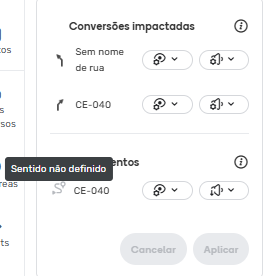
We added an explanatory tooltip in the Intersections section of the Traffic Lights panel.
-
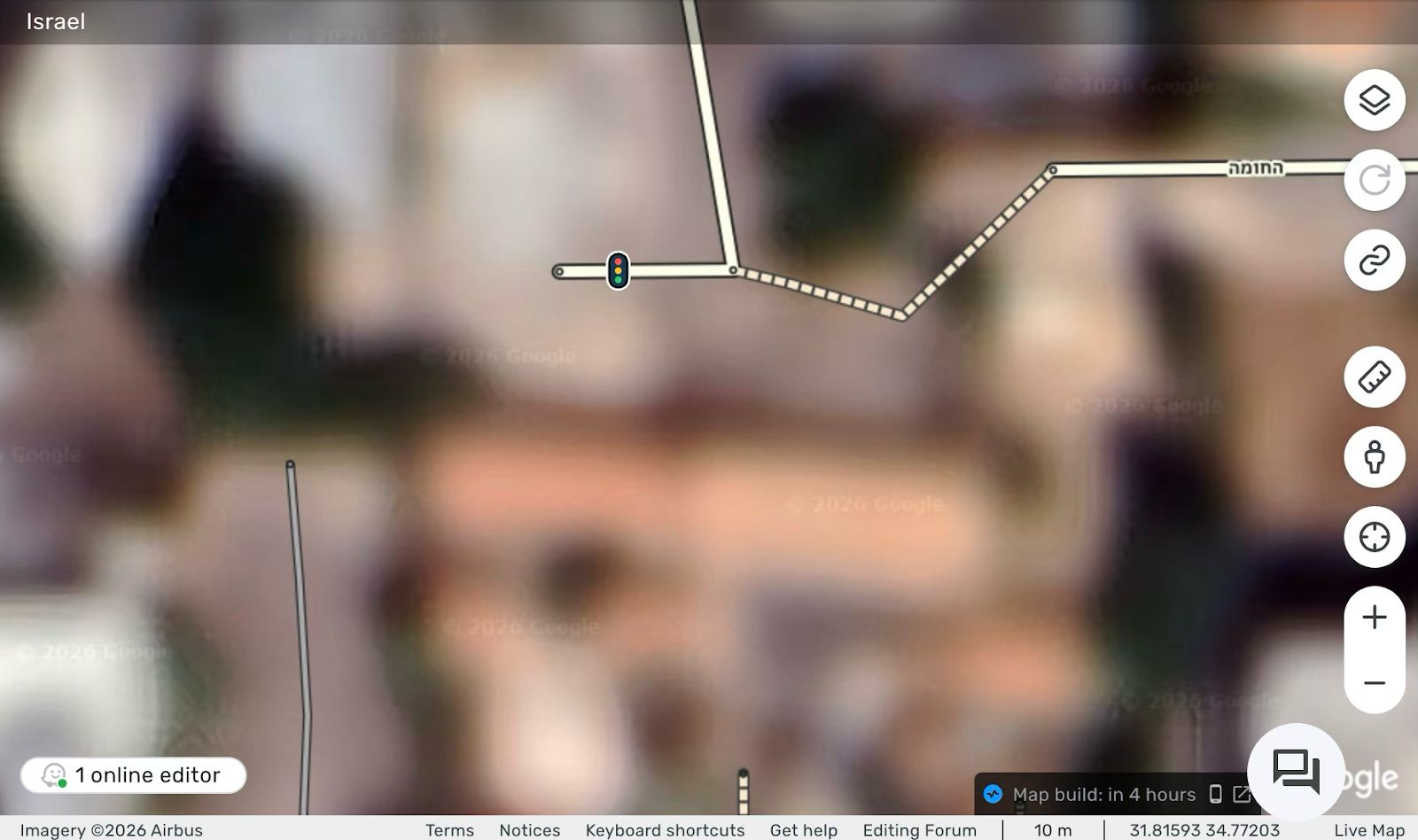
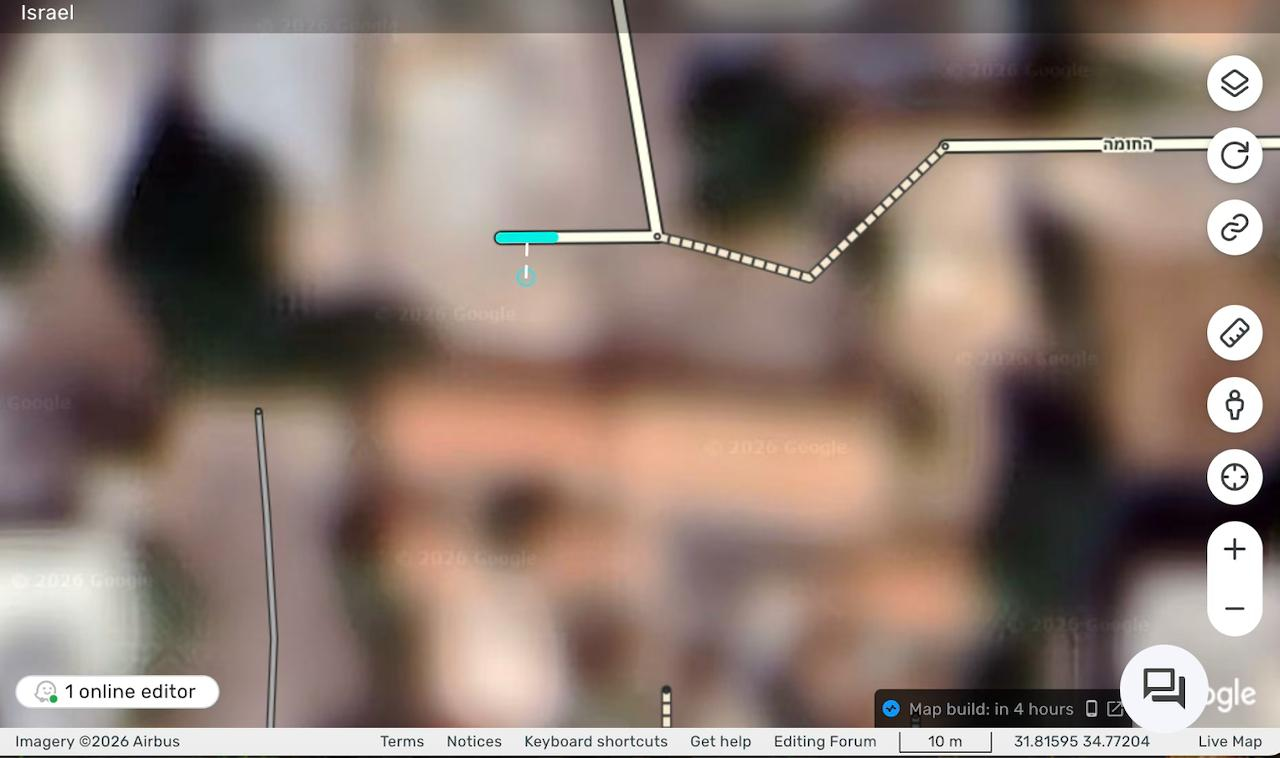
- We improved the logic for handling very short segments, especially when the map is zoomed in very close.
- previously, traffic lights could only be added to very short segments via the node. Now, the system highlights the relevant part of the short segment, allowing the traffic light to be positioned correctly.
Bug fixes:
7 bug fixes have been released:
1. WME Performance: resolved the bug where WME displayed several Content Security Policy violations.
2. Node Merging: fixed the “There’s a problem with the highlighted segment & node” error, which previously required extra steps or multiple save clicks to bypass.
3. WME Places: fixed a case where, when deleting a duplicate external provider in Waze, both providers were removed.
4. WME Search: resolved the issue where the search bar didn’t update the map on the first attempt.
5. UR Emails: fixed the issue where users were not receiving response emails for submitted URs.
6. Traffic Light feature fixes (identified during testing in IL):
- Fixed an issue where some turns were incorrectly excluded from the Previous turn section in the Traffic Lights panel.
- Resolved a case where the U-turn was not included in the impacted turns section.
- Fixed an issue where the Traffic Lights panel was not displayed for traffic lights configured on a roundabout entry turn.
- Resolved the issue where some turns did not appear for traffic lights inside a junction box with alternative routes.
7. Closures: fixed a flow where road closures were not displayed within turn closures.
You can read more here.
We look forward to receiving your feedback! 
Thanks and best regards,
By: Nataliia