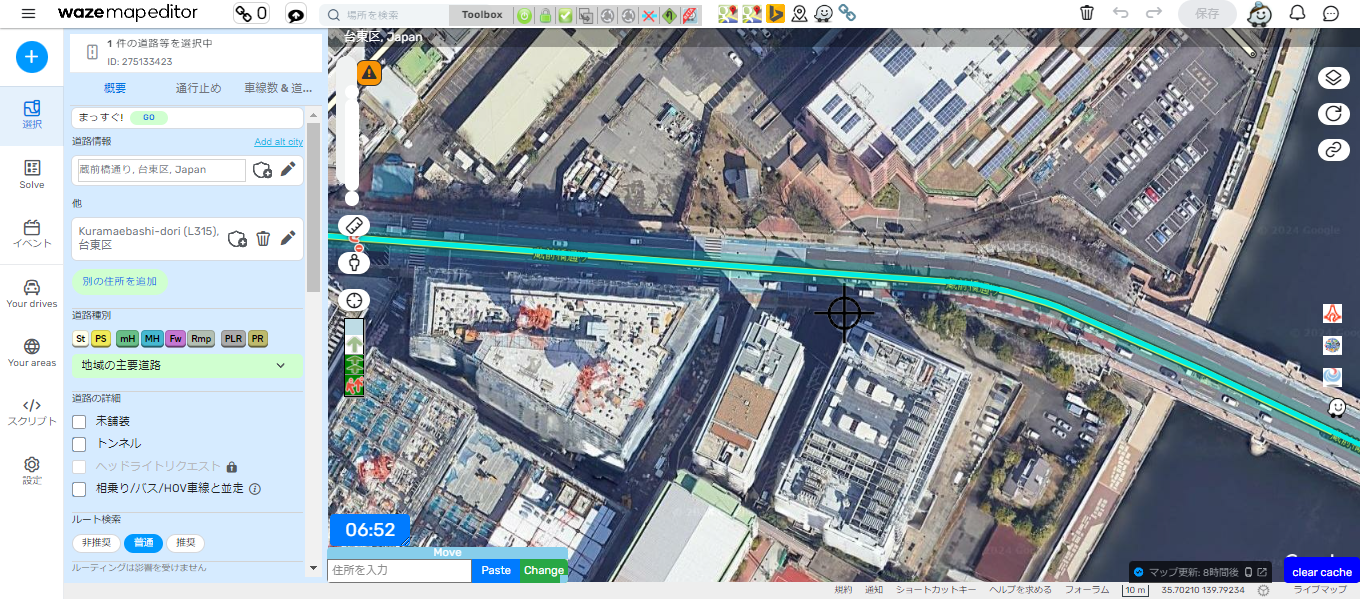
Click the
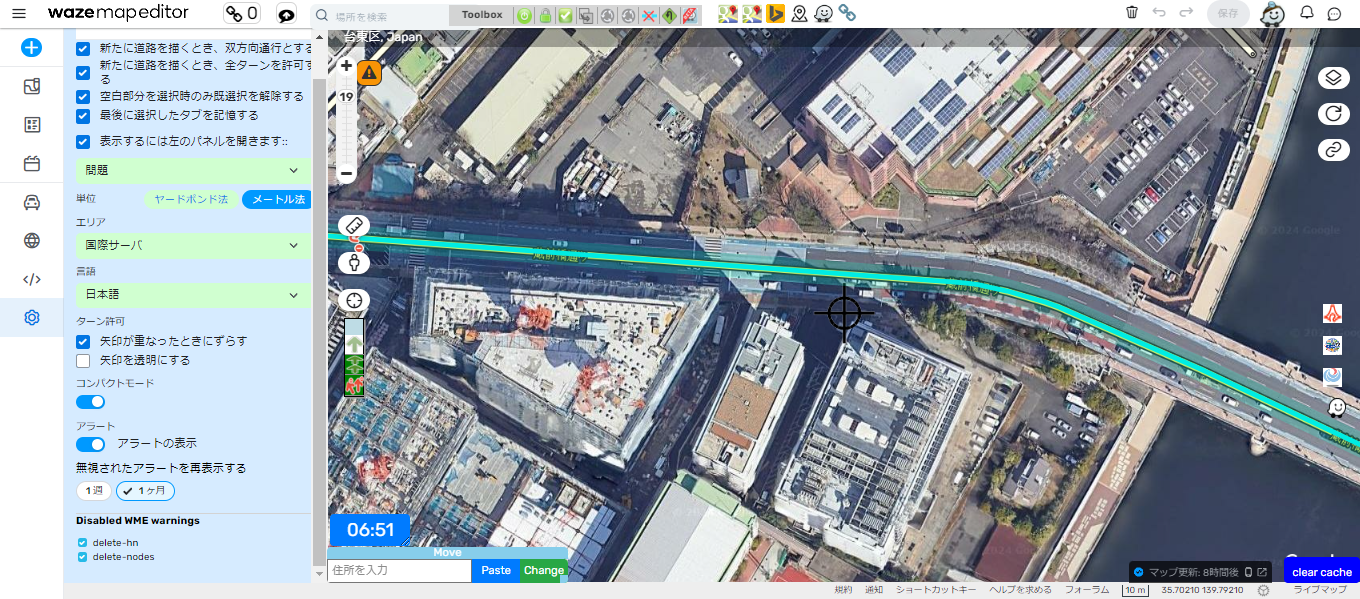
 in the bottom-left of the image to display the settings screen.
Please configure your settings to match this.
All road types will be displayed, making it easier to see.

 Important Settings Beginners Often Forget
Sometimes, roads may appear in red when you create them.
This indicates that the required settings have not yet been completed.
▼ Steps to Restore Red Roads to Normal Status
- Click on the red road.
- The “Road Information” section will appear on the left; open it.
- Check the “City/Town Name” field.
- Verify that the city name for the location you created is entered correctly.
- If the city name is present, click “Apply”.
- Finally, click “Save”.
The red road should now return to its normal state.
 For those who want to set a Real-Time Closure (RTC) but don’t have enough permissions
If your level is too low to perform an RTC,
you can register them via the following page:

After registering, you can also post directly to X (formerly Twitter).