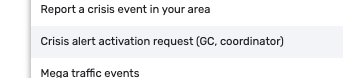
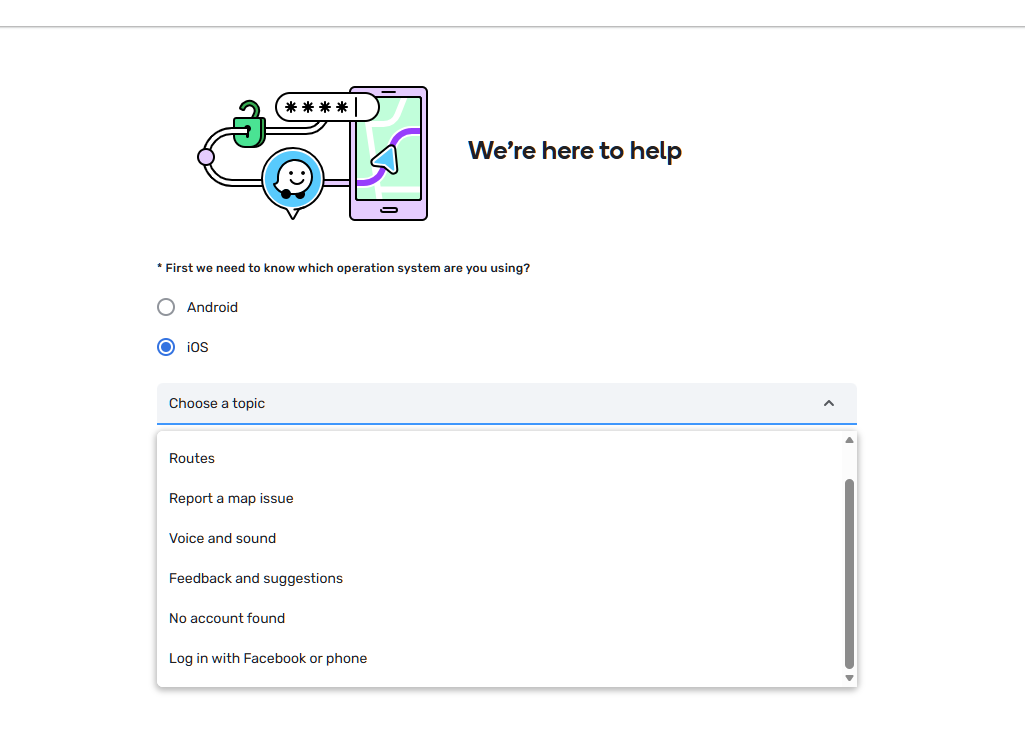
TL;DR: We are launching two new structured forms—one for crisis alerts requests and one for general crisis reporting—available on the community hub to streamline data collection and improve emergency response times.
Hi Wazers and @waze-first-responders
To continue improving our crisis response and ensure we provide the most accurate, hyperlocal information to our drivers, we are happy to introduce two new structured forms for the Crisis Response program.
1. Waze Crisis Response: Crisis Alert Request
Who is it for? Global Champs, Coordinators, First Responders and Boosters.
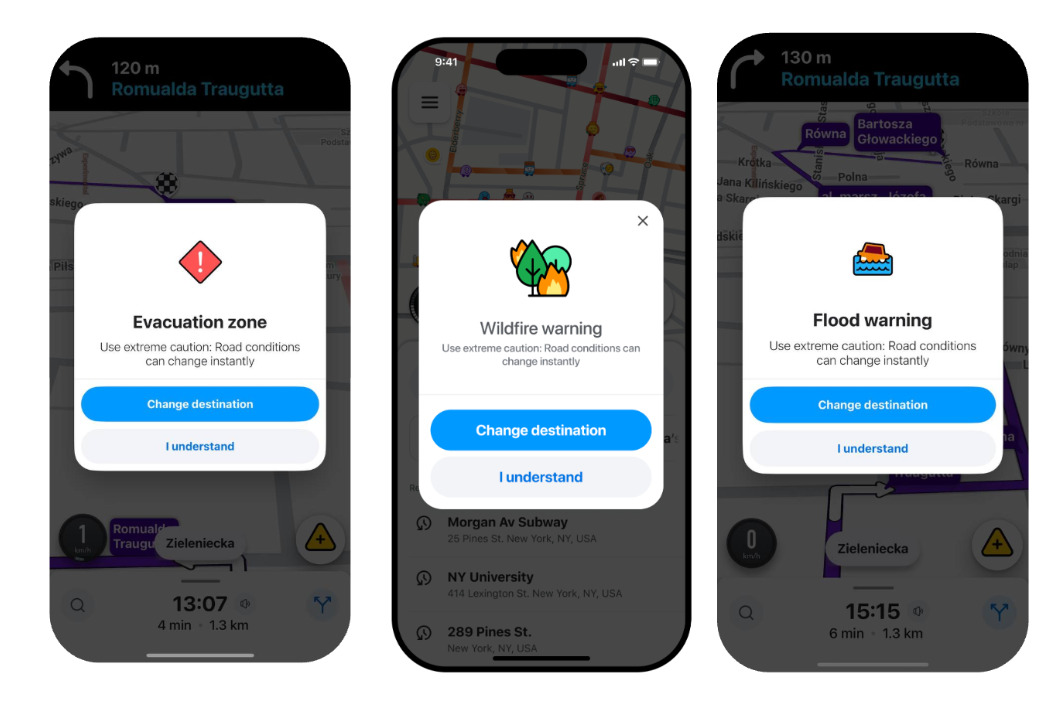
What is it? Designed to request the activation of crisis pop-up alerts for severe weather events and mandatory evacuation zones.
After submitting a crisis report or pop-up activation request, here is what users can expect:
- Review and Verification: The Waze Crisis Team reviews the submitted data, including any provided official sources (e.g., government feeds).
- Follow-up: The team will follow up with the requester shortly after reviewing the details.
- Confirmation: Submitters will receive a confirmation email from the team.
- Activation: Once verified, the team updates the map.
- Notifications:Once the alert is live, the app will display in-app notifications to drivers navigating into the designated polygon. The Crisis Team continues to update active alerts based on ongoing feedback (e.g., updates every 12 hours) until the event concludes.
I’d like to thank the US and Australian Communities for testing the form and providing feedback on the process!
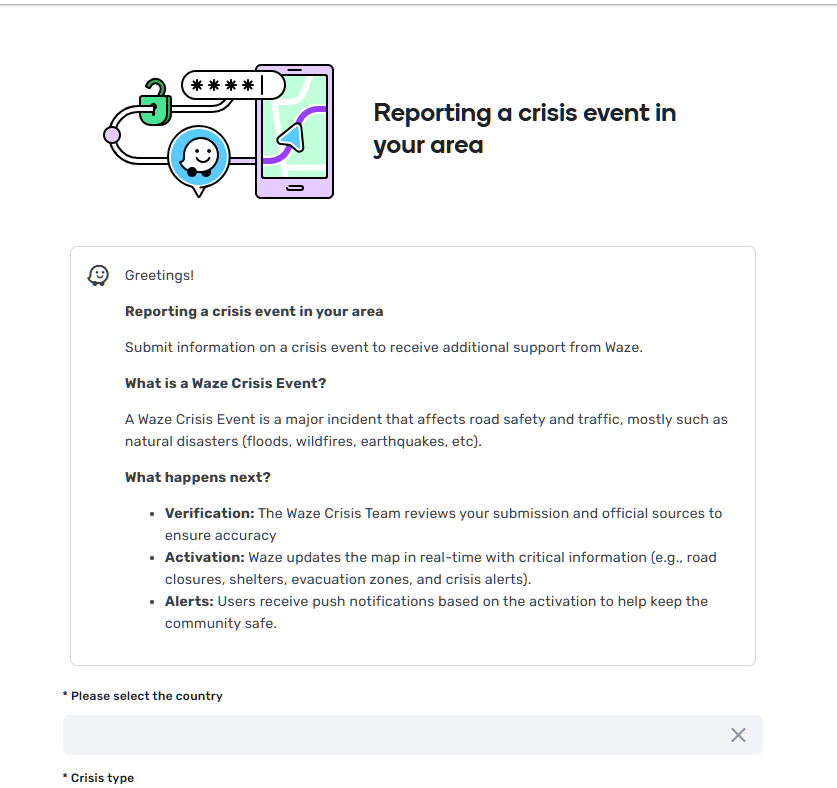
2. Reporting a Crisis Event in Your Area
Who is it for? All users and community members.
What is it? Allows anyone to report a crisis. Moving from email-based reporting to this structured format, helps to organize incoming data better, ensuring that road closures, shelters, and critical alerts are updated on the map faster.
Once you submit your report, our Crisis Team will review, follow up and implement the request promptly.
We have also updated the Wazeopedia articles on Discuss regarding the Waze Crisis.
Thank you for your continued dedication to the community and for helping us keep drivers safe!
Shira on behalf of the Communities Team and the Crisis Response Program