Is this a…:
Standard bug
Steps to reproduce this issue:
Find - delimited House Number. Change it to a single Number HN attempting to save it some times fail. In addition the HN will leave the old one in place.
Environment where the bug occurs…:
NA
Permalink:
https://waze.com/en-US/editor?env=usa&lat=40.60205&lon=-75.47070&zoomLevel=20&segments=66888435
Browser name and version:
Version 138.0.7204.101 (Official Build) (64-bit)
Are you using scripts? Please detail which ones.:
Yes
Many but it doesn’t make any difference. Same issue occurs without them.
The issue happens if you change the existing HN without deleting it first.
Hi @Karlsosha,
Thank you for your input. I haven’t been able to reproduce the issue on my end. Can you think of any additional preconditions that might have led to the error?
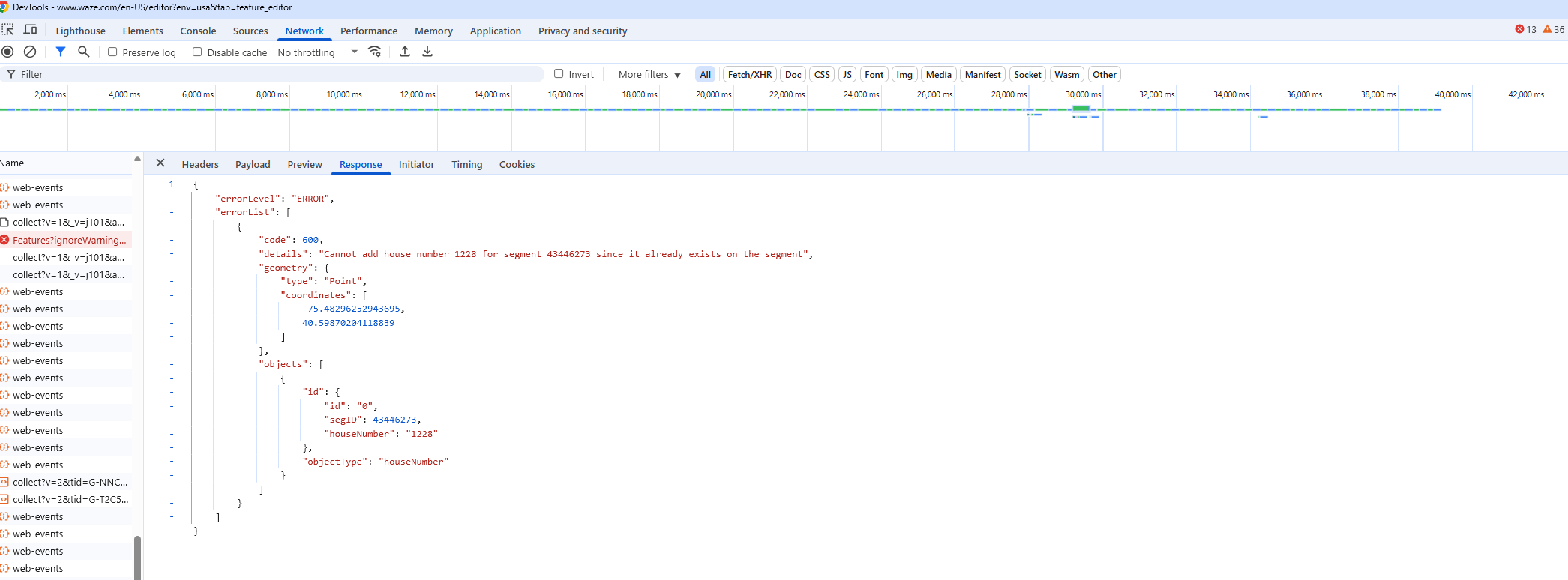
If you come across this issue again, a screenshot of the console error will be appreciated as well.
Take care and regards,
Olesya
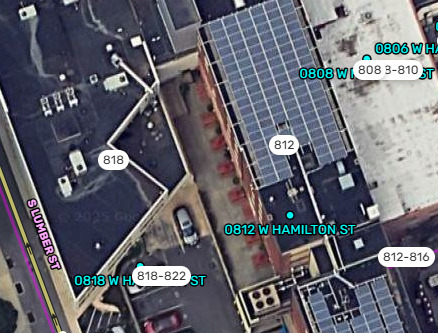
Pan Around the same PL I submitted. There are many hyphenated house numbers around the area
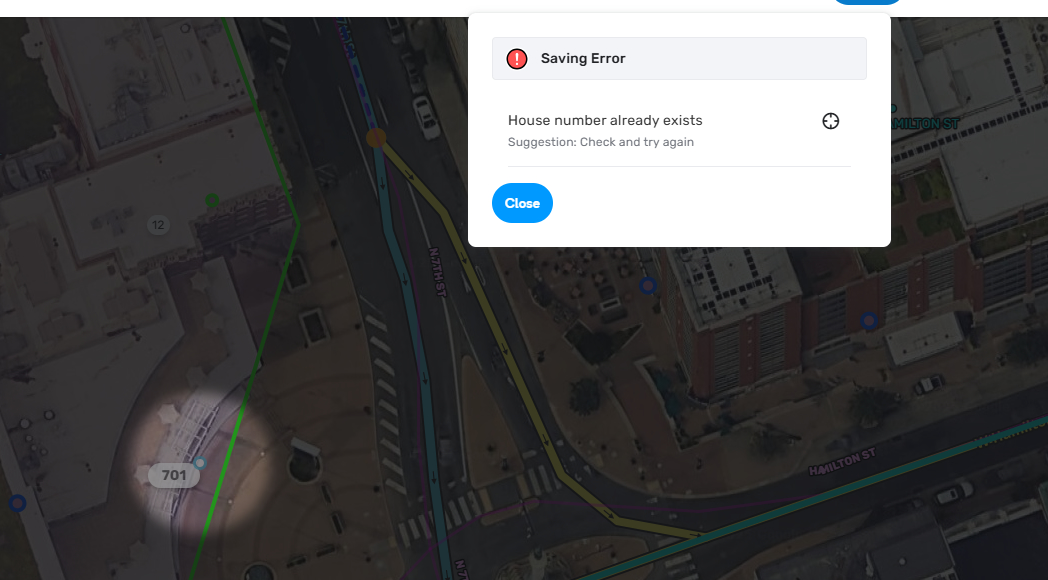
I just tried to do this to 701 HN:
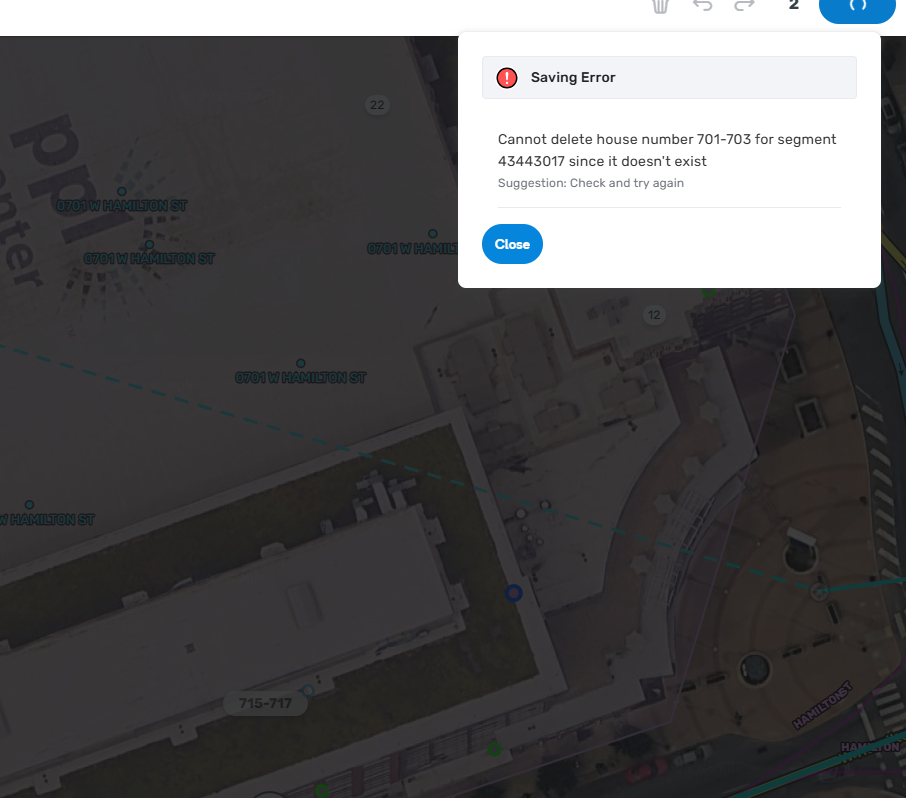
As it turned out it did exist but after I removed it and attempted to remove 701-703 I get this:
One more to replicate:
Deleted Hyphenated HNs. Added Non-Hyphenated HNs. Attempted to save. Got a Failed to Save error. Reloaded the WME and got this:
Hi @Karlsosha,
Thank you for the additional details. Does this happen to HNs added within the same tile build/older HNs from previous builds/both? Are all hyphenated HNs causing this error?
Just one more thing that will help - could you please take a screenshot of the console error?
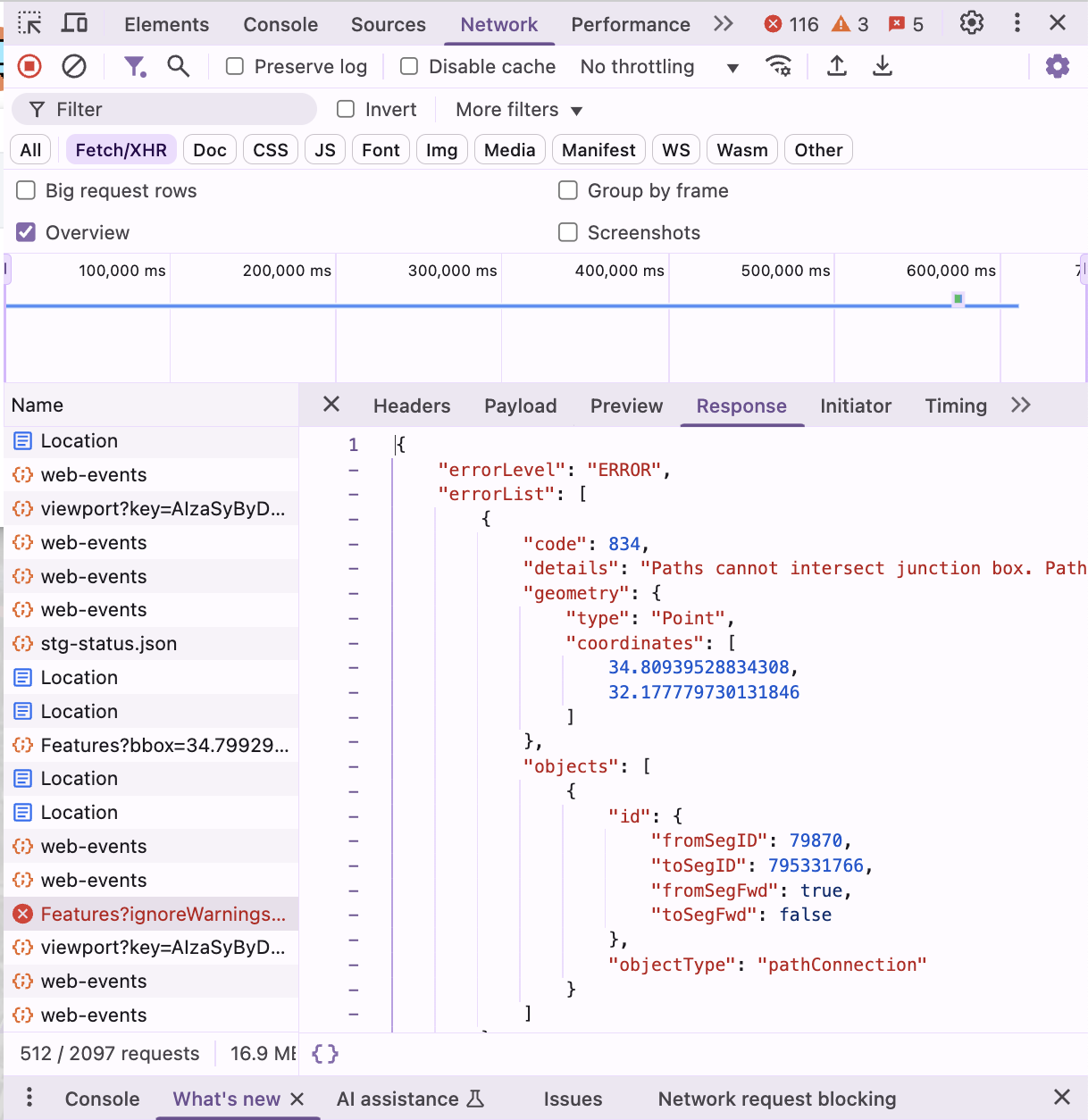
An example of the console error I’m after:
Best regards,
Olesya
Tried similar in Berwick, PA. Don’t get the errors, but changing HN from hyphenated to non-hyphenated duplicates.
Also, this doesn’t cross tile builds, sort of difficult to keep track over 24 hours of what and where you edited if you just happen upon a problem.
This is 1 type of error that happens after the 1st failure.
This is the other.
You can try to replicate the issue yourself in Allentown:
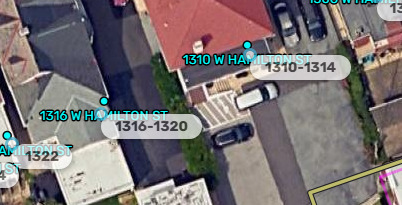
1316 W Hamilton St, Allentown, PA
Currently it looks like this:
To replicate you can take the following steps:
- Delete hyphenated address like 1316-1320
- Save
- Add HN 1316 in place of the above hyphenated
- Save
You will get the 2nd error I got.
If you reload the page at this point what will happen is that old HN and new HN will be there and the change will be pending.
Hi @Karlsosha,
Thank you for the additional information. I have opened an internal ticket to look into this issue. I will keep you updated on the progress.
Best,
Olesya