Screenshot: link
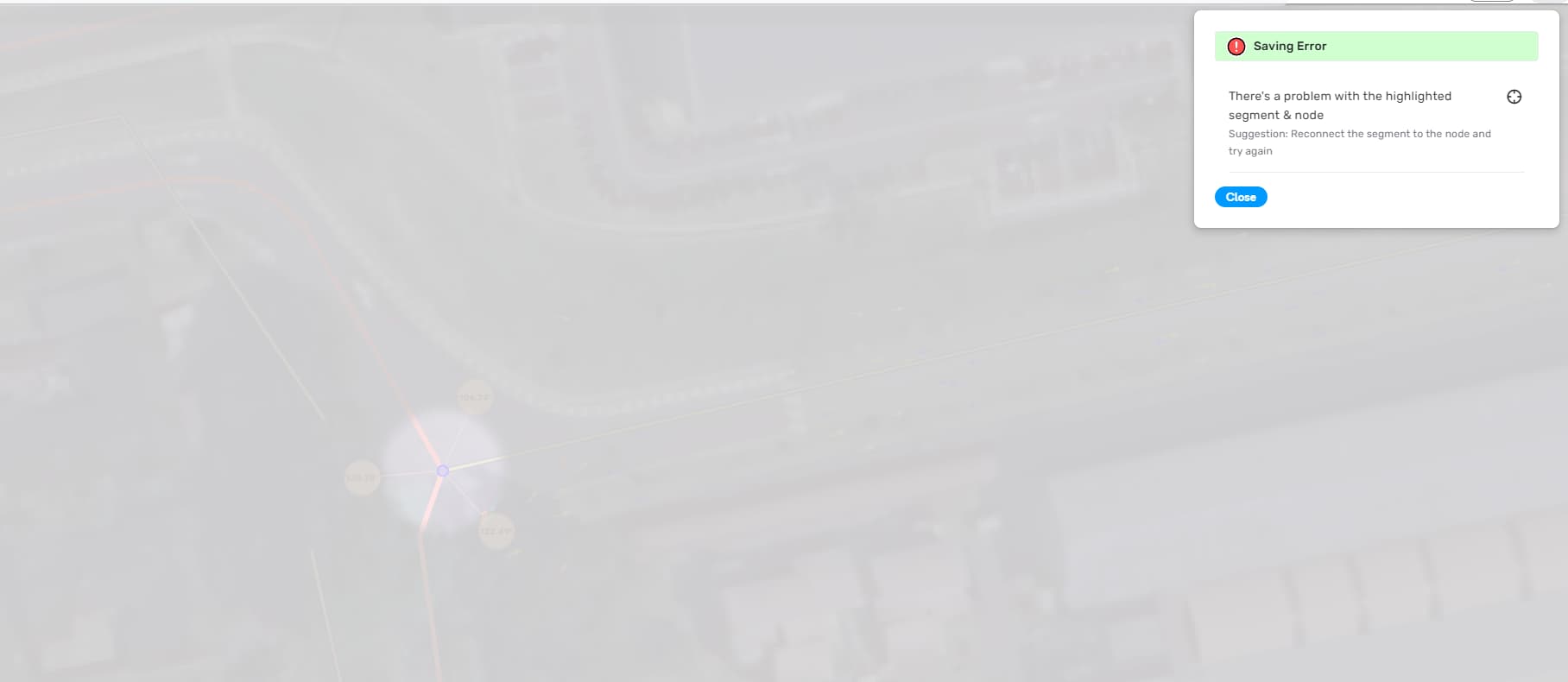
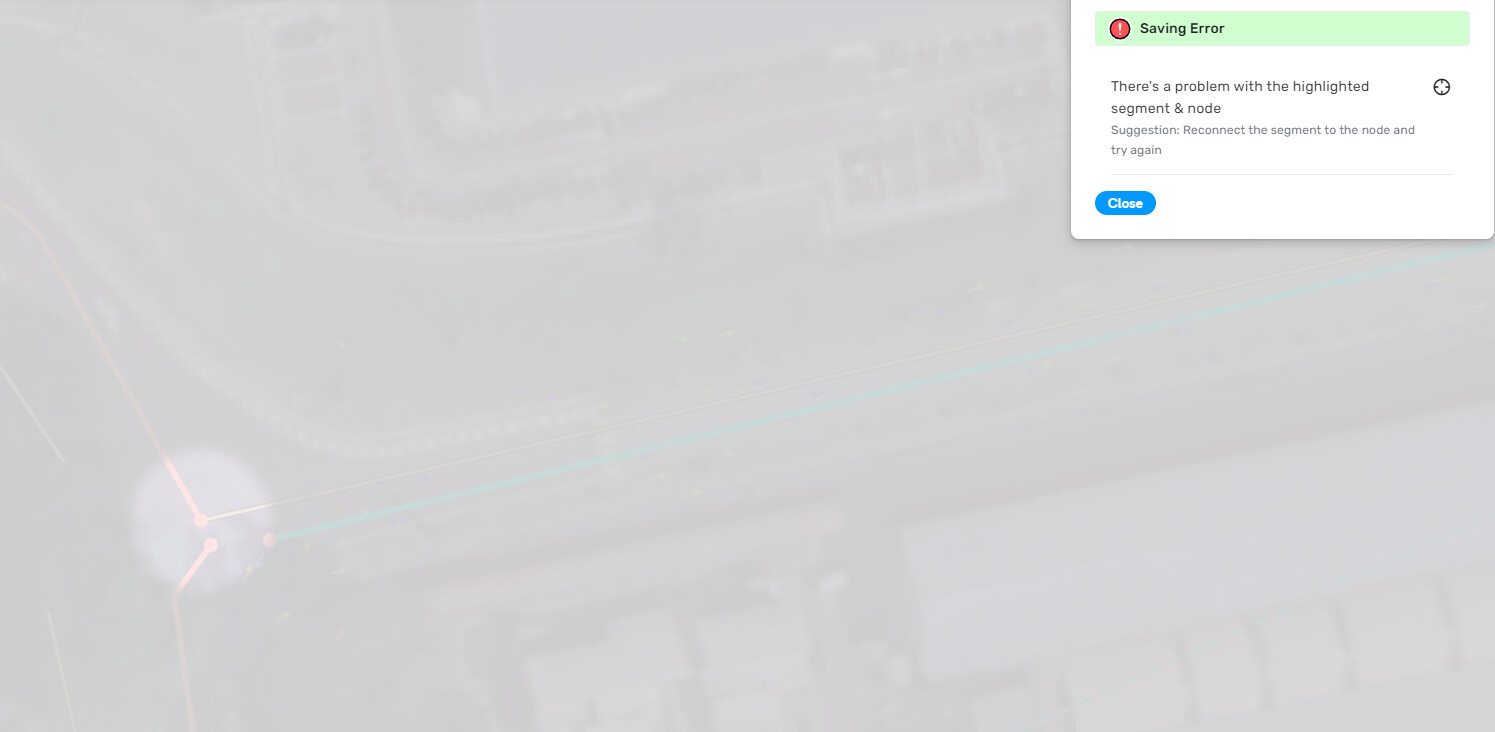
Too often do I encounter this error. In that instance, I just disconnected a segment from a node.
Tested with scripts off.
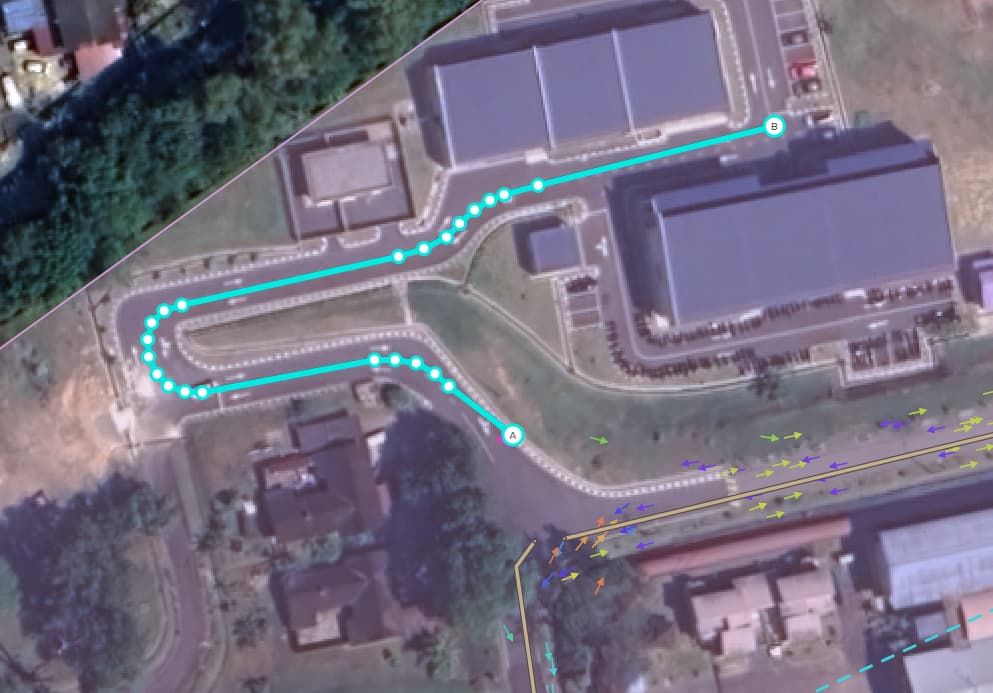
Edit: this is the segment I was trying to disconnect from the node on its point A.
Screenshot: link
Too often do I encounter this error. In that instance, I just disconnected a segment from a node.
Tested with scripts off.
Edit: this is the segment I was trying to disconnect from the node on its point A.
I disconnected some segments and I don’t get an error until I try to save, which is appropriate if there is a segment disconnected. And it happens every save if there is a segment disconnected.
If a two-way segment is detached from one end but still connected on the other end, it should not give an error upon save.
If I disconnect a segment in beta, I get the node error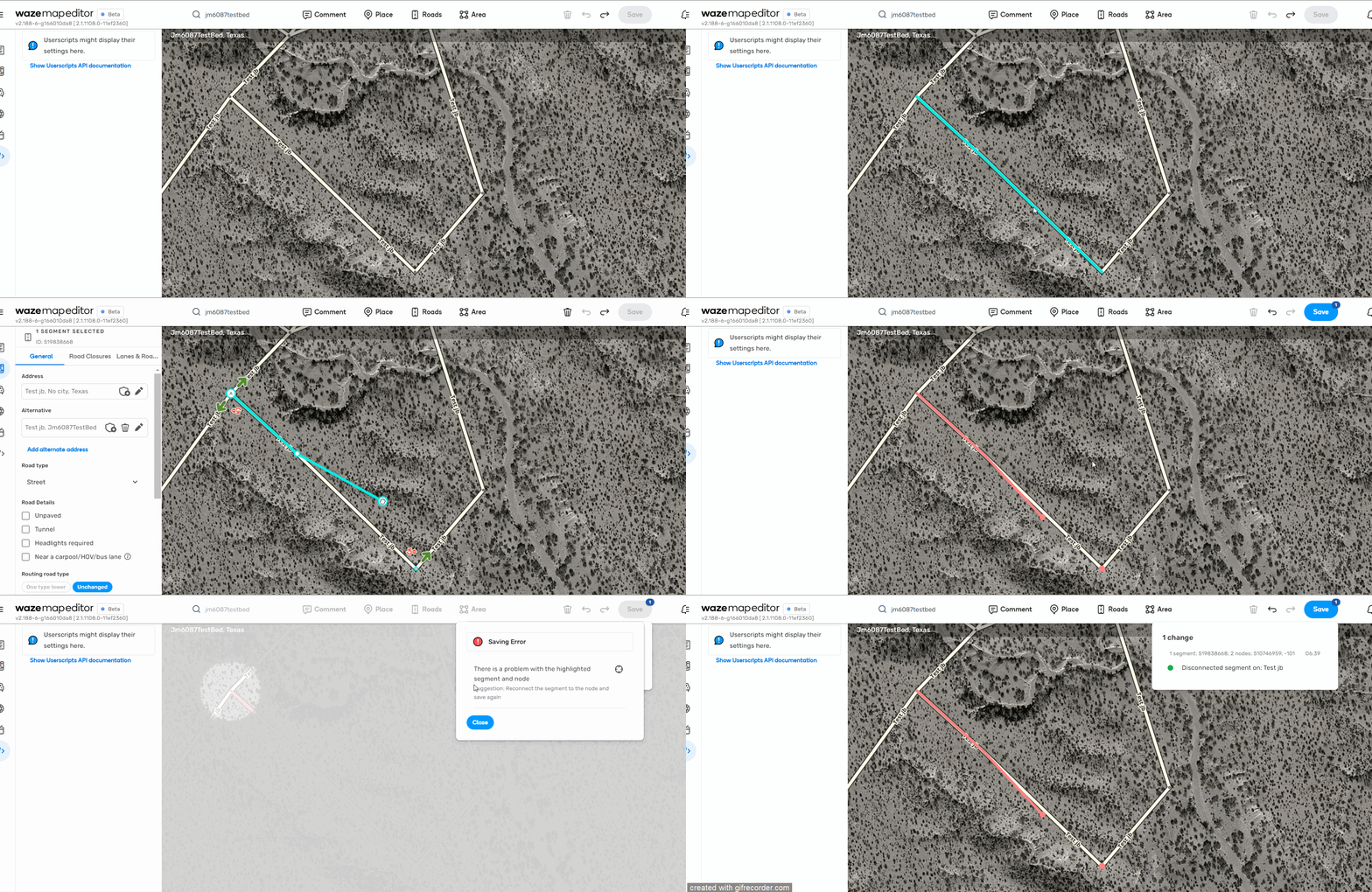
If I disconnect the same segment in production, it saves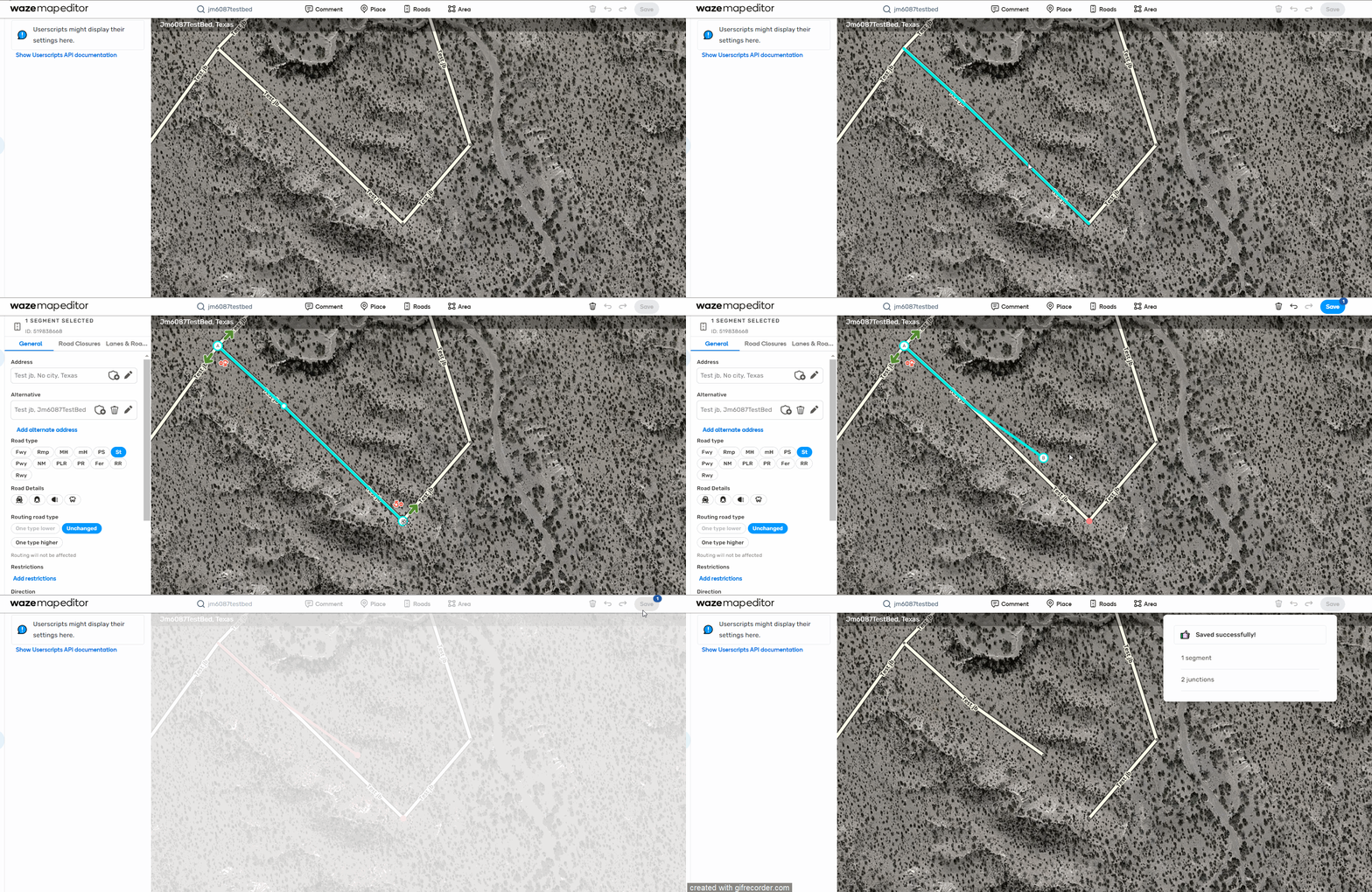
I wonder if it is related to this bug
https://www.waze.com/forum/viewtopic.php?t=394359
Hi,
An old issue, still waiting to be solved.
Current findings are from production version 2.206.
Scenario:
Clicking Save after step 3 is successfull.
Clicking Save after step 4 is too much.
Disconnecting the segment from the + junction, save, reconnecting, save: fixes it.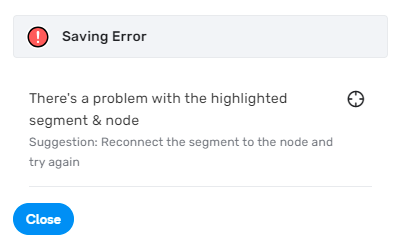
Video: https://youtu.be/VFZvBdks0hA
See also examples in Editor version 1.195 starting: https://www.waze.com/forum/viewtopic.php?t=398730&start=16
Best regards,
Dirk
I can reproduce this as well. Issue created for staff, thanks.
Reported fixed in Beta v2.214
Problem recurring in current WME version. Deleted a roundabout, joined 3 existing segments to form a T-junction and it appeared twice for me tonight, had to unjoin every segment, save, rejoin, save.
**Update just after posting the above
All segments disconnected and still having an issue saving. The segment highlighted is an existing segment that is now not connected to anything. Only made changes to the geometry. Tried to shorten the segment and brought it nearer to the original position just in case it’s an issue with moving the node too far to no avail.
But somehow moving this problematic node nearer to it’s original point (which is less than 10m away) allowed me to save.
Bump - this is still present and now in production WME 1 year later - often appearing when trying to split a 2 way road into 2, one way, segments
It takes multiple hard refreshes of the entire WME page and save attempts to get it to work
Hi @pasciakd,
Thank you for flagging this issue. Would you be able to provide a permalink/permalinks where you had previously experienced this error? Additionally, having a screen recording would be helpful.
Best,
Olesya
Permalink of issue in the video below:
https://waze.com/en-US/editor?env=usa&lat=40.80363&lon=-74.15746&zoomLevel=20&segments=541393029
Issue happens when splitting a road to match reality, even just single short segments cause the save error with pretty much every split made
This one area has 13 segments that need to be split, I bet I’ll get 13+ save errors trying to do it
Video of issue occurring, recorded without scripts
Timestamps of save error occurring: 1:45 and 3:40 (very consistently)
Also uploading a longer 17 minute video of the entire splitting of this road and there’s multiple save errors scattered thru:
Hi @pasciakd,
Thank you for providing these detailed videos and flagging the problem. We have reproduced it on our end and have forwarded all the details to the team.
As a workaround, please select the entire segment and drag it as a whole. Try to avoid making adjustments using only the nodes for now. I know this isn’t the ideal workflow, but it will help you avoid the error.
We will keep you posted on the progress.
Regards,
Nataliia
Hey everyone,
This issue has been fixed with the WME v2.340.
Could you please check if the problem is still appearing on your end?
Thank you in advance!
Nataliia
I have not seen the bug since 2.340 was released.
Thank you, @Trexer0, for the answer. I will mark this bug as fixed. Please feel free to add comments if you encounter the problem again in the future.
Regards,
Nataliia